
Participant
January 16, 2022
Question

Vector files in After Effects pixelated - Why?

  • January 16, 2022
  • 1 reply
  • 189 views

Hi everyone,


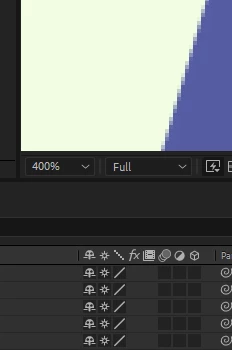
My illustrator files are pixelated and I don't know why. 


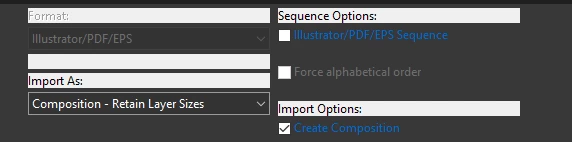
I imported as a composition and retained layers sizes.
I also clicked on continouse rasterising.
 

Any advice would be much appreciated.


Thank you

This topic has been closed for replies.

1 reply

Jose Panadero
Community Expert
Community Expert
January 16, 2022

You have your composition panel at 400%. You must set to 100% to display it correctly. This is normal in AE


Scaling and zooming are two completely different concepts. If you scale your layer and maintain your composition panel to 100% your vector files will be displayed perfect (while you have checked the continuous rasterize option for the layers).


There is a ton of posts regarding this "issue" in the forum.