


Vegas effect fades/disappears the more layers I pile up
I'm trying to follow this logo reveal tutorial that makes use of the Vegas effect.
With every duplicated layer, the lines from previous layers will just fade and fade, and by the time I get to the 5th layer the first layer is barely visible. The effect in the top layer is still fine-ish, but since the bottom layers got faded out, the effect is ruined.
If I delete the top layers (not just hide, but deleted altogether), the lines will come back. If I put the deleted layers back, the lines fade out again.
Is it the RAM? Some other setting? I mean, even if I try to render it out, it still looks wrong so it's not just a preview issue.
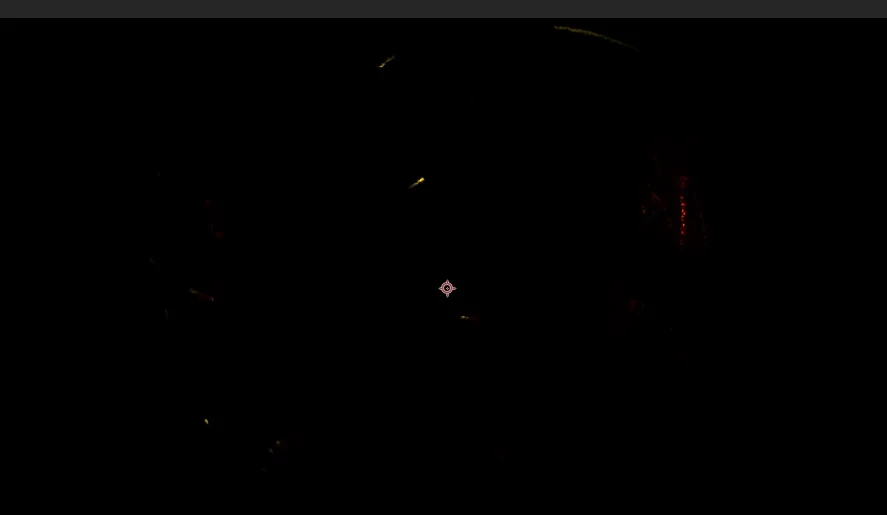
This is what my project looks like at 2 layers (layer 1 is already fading/barely seen):

This is at 5 layers on the same timestamp as the above:
This is my settings:
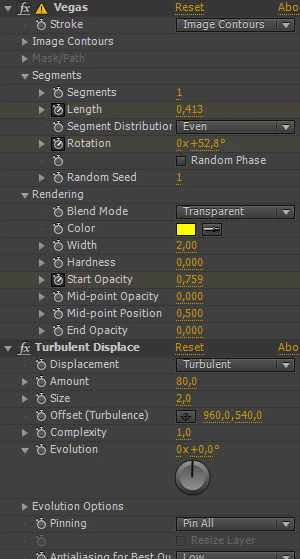
All I did is duplicate the layer multiple times and shift them in the timeline. With the glow applied, I would think it should've made the effect brighter, the more layers I add, but here the glowing lines just disappear. Did I mess up a setting somewhere?
My After Effects is CS6.

 AdChoices