
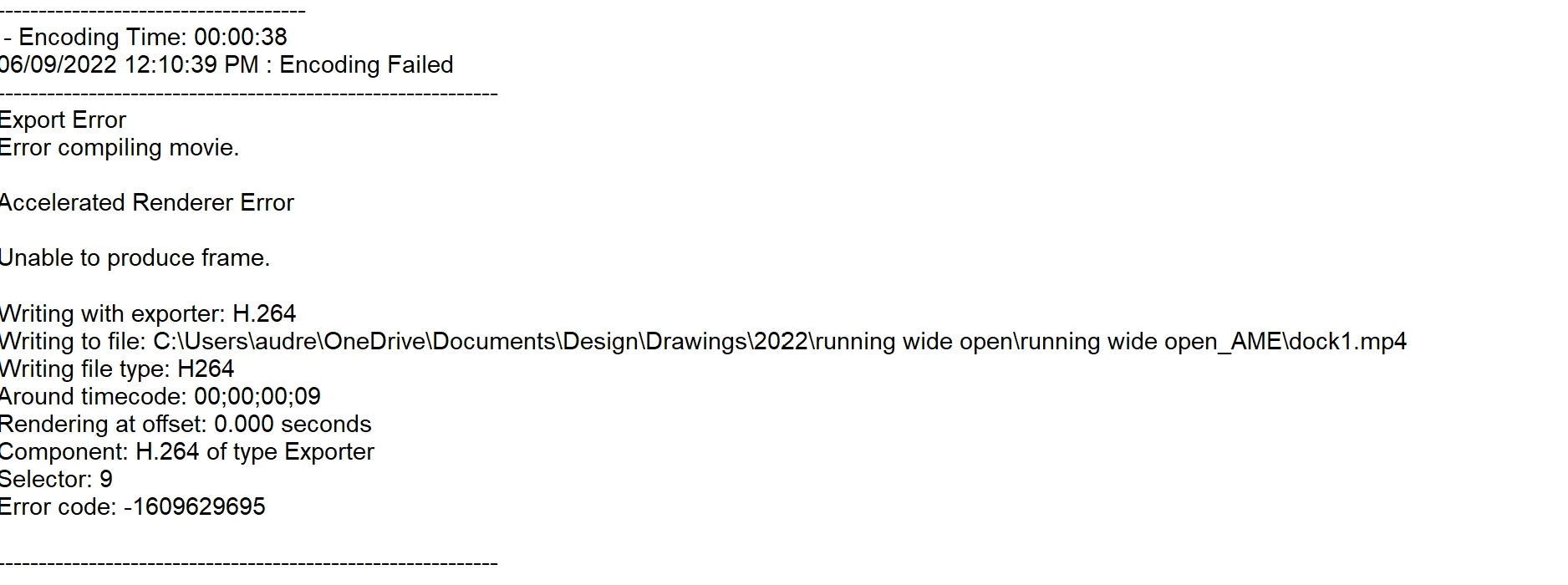
Video files with alpha channel causing failure with exporting
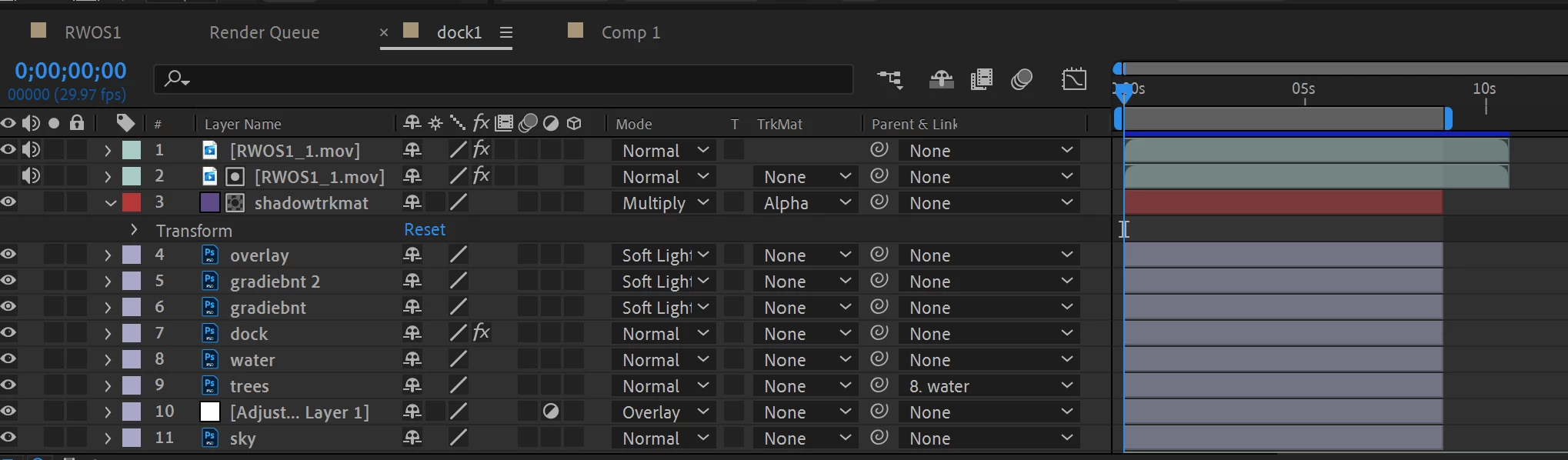
I have an after effects project with some photoshop layers as the background and an MOV file on top with a clear background that I exported from animate. There is also an MOV file with a solid as a trkmat below it for a shadow. I have done this setup many times with no issues, but in this particular project, it fails every time when I am exporting from media encoder. I tried using a PNG sequence instead of an MOV, same issue. I exported another project with the same setup (photoshop files and MOV files) and it exported with no problems. I even put the same MOV file I'm using in my project into a premiere pro project and that exported fine as well. I am so frustrated and I can't seem to find the problem. I've exported the file from animate multiple times, made new compositions, changed every possible setting, tried exporting to different file types, and nothing works, but only for this particular project. I know it's not the photoshop files causing the problem because when I exported those seperately, it worked fine. It seems to be an issue with this one file, but as I tried different file types (PNG sequence) I don't understand why there is a problem.
 AdChoices