


Video loop bug at full because of easy ease
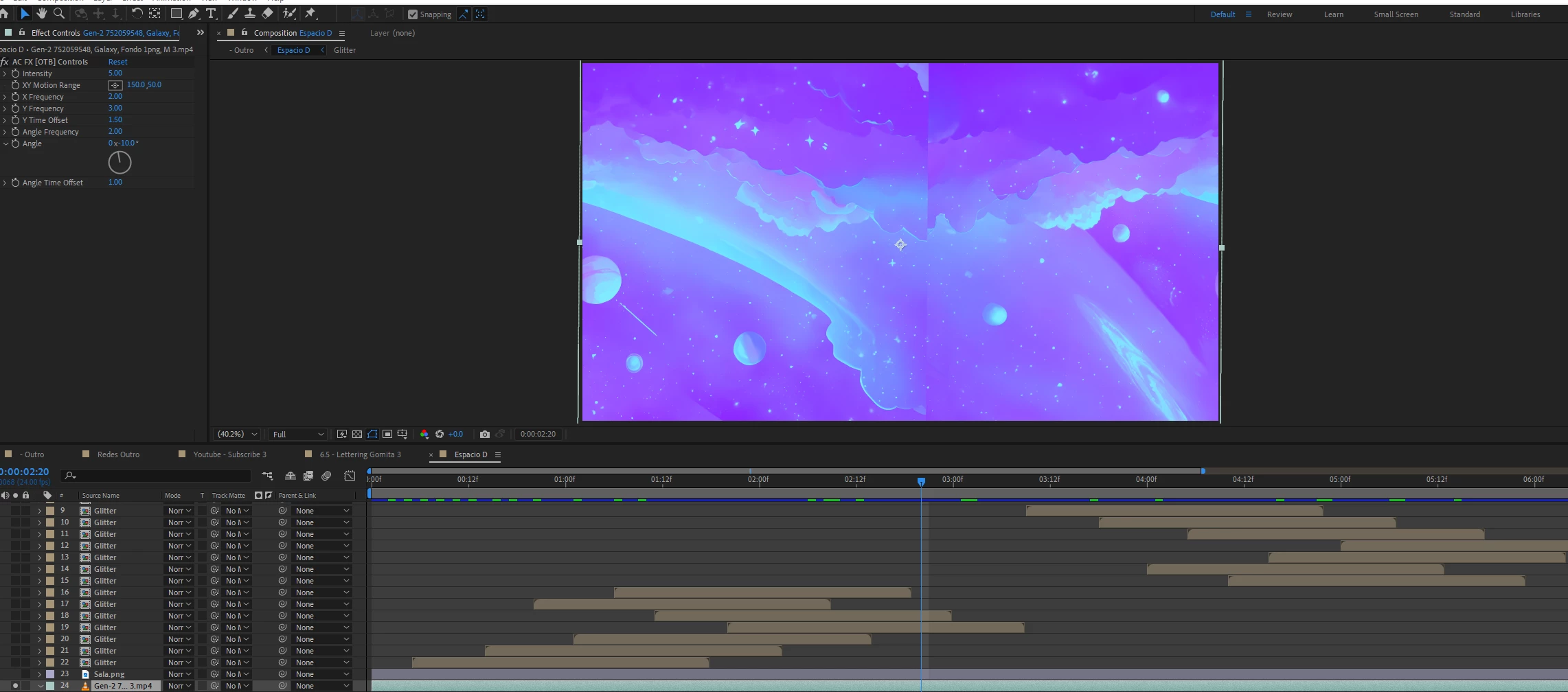
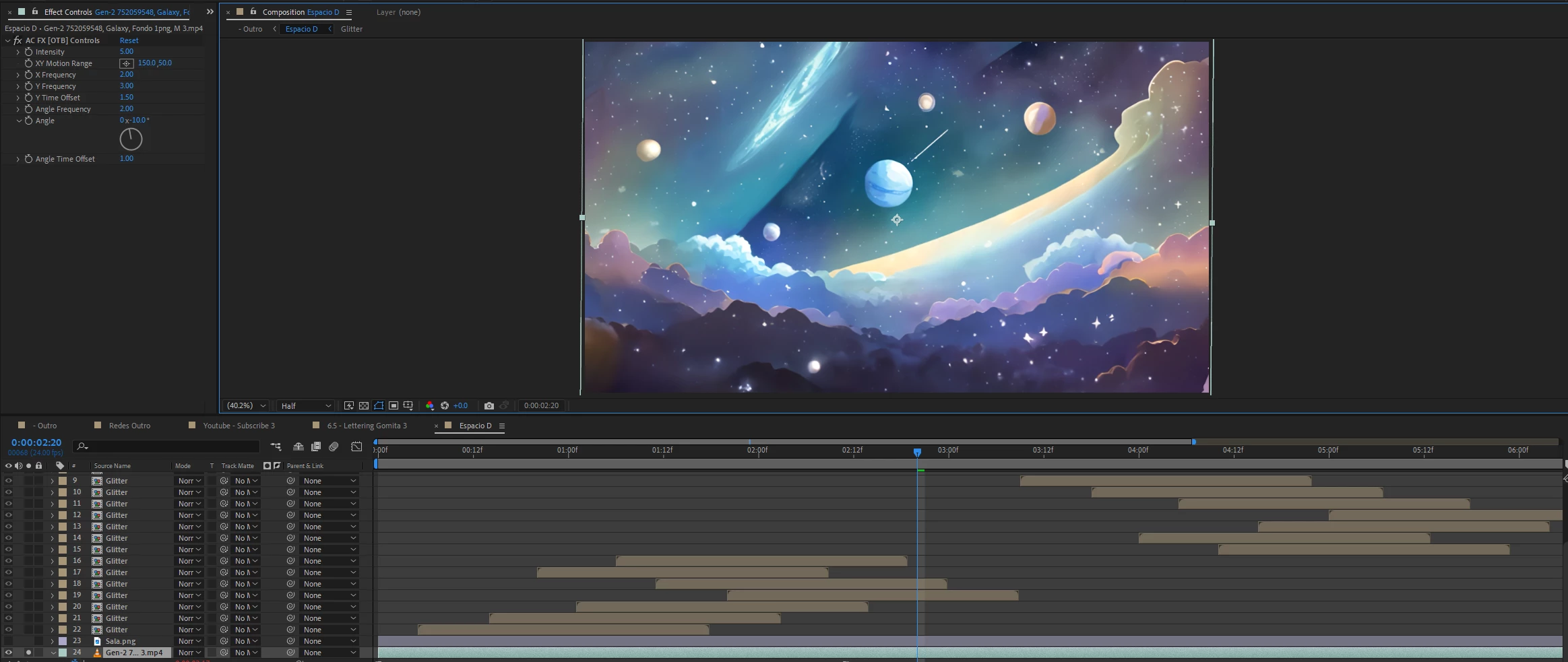
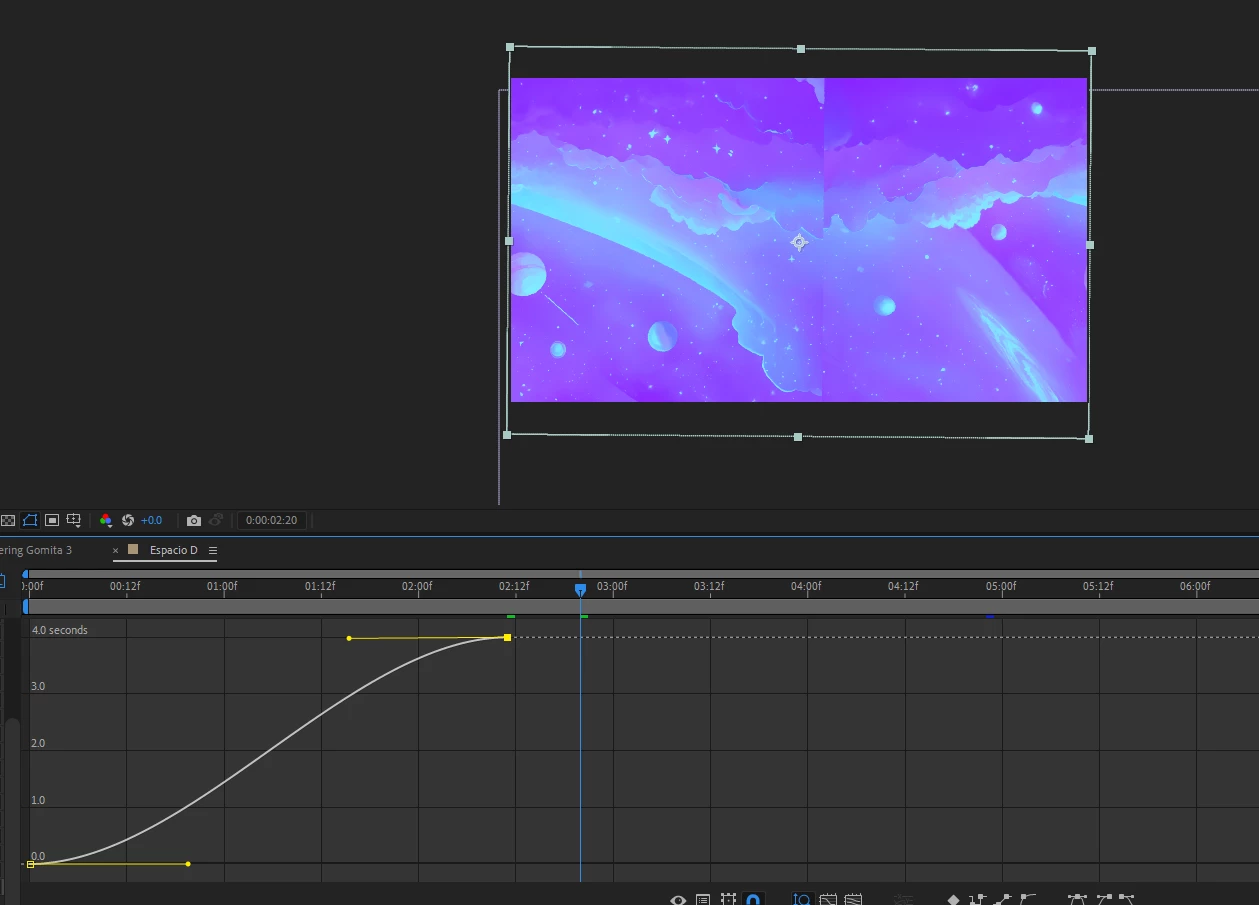
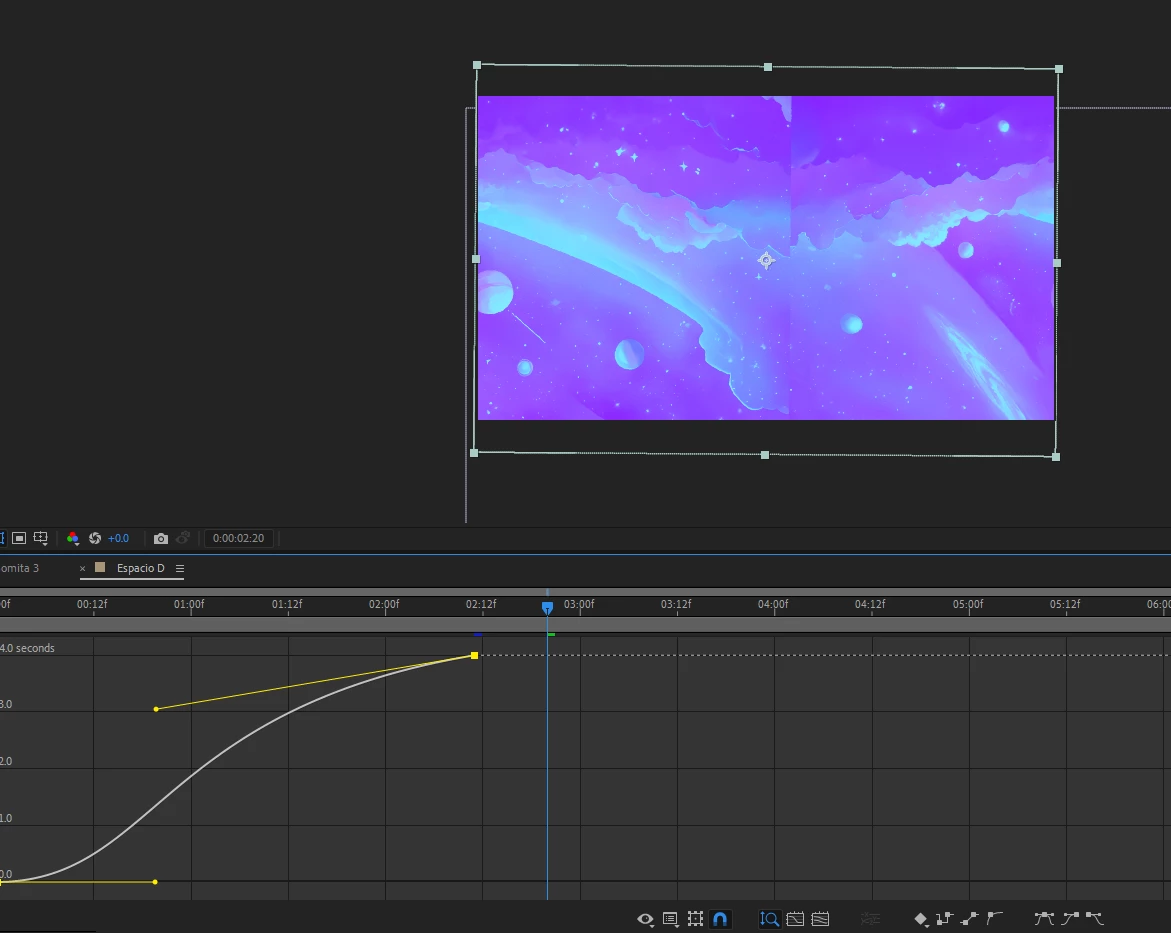
Hello, I have a video looped with time remaping, for some reason when seeing it at "Full" the image flips and changes the color, when seeing it at "Half" or lower this doesnt show, the original video is not like that.
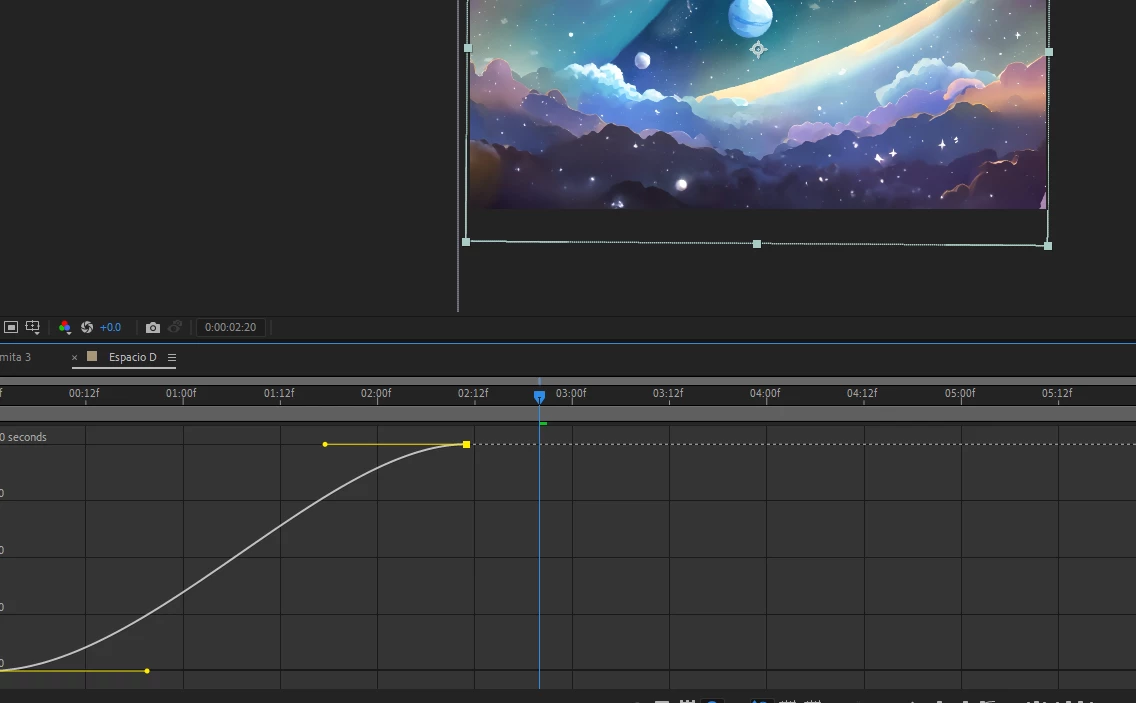
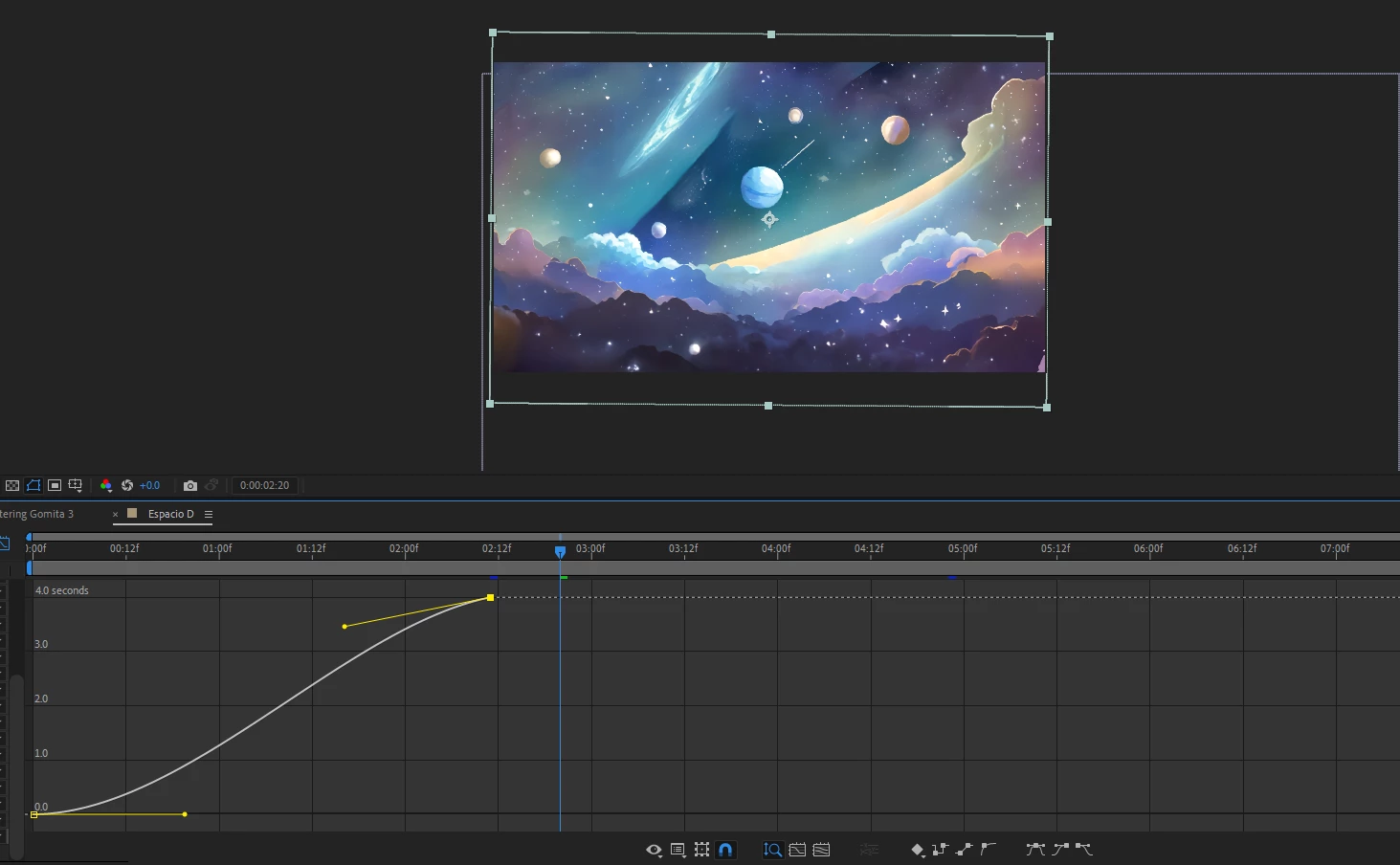
I realized the time remap keyframe with Easy Ease causes this, I changed the curvature in graph editor and it was solved
At full:
Half or lower (Displayed as should be)
Solved with graph editor at Full:
There are certain zones where the problem happens
Version 24.1.O (Build 78)
Processor AMD Ryzen 9 5900HS with Radeon Graphics 3.30 GHz
Installed RAM 16.0 GB (15.4 GB usable)
Device ID B207FB64-C1B6-472B-B88F-6BC6166FE5F9
Product ID 00325-82259-78333-AAOEM
System type 64-bit operating system, x64-based processor
Pen and touch Pen and touch support with 10 touch points
Edition Windows 11 Home
Version 22H2
Installed on 10/14/2023
OS build 22621.3007
Experience Windows Feature Experience Pack 1000.22681.1000.0
 AdChoices