
Inspiring
December 3, 2021
Answered

Video turns black after exporting
  • December 3, 2021
  • 2 replies
  • 10976 views

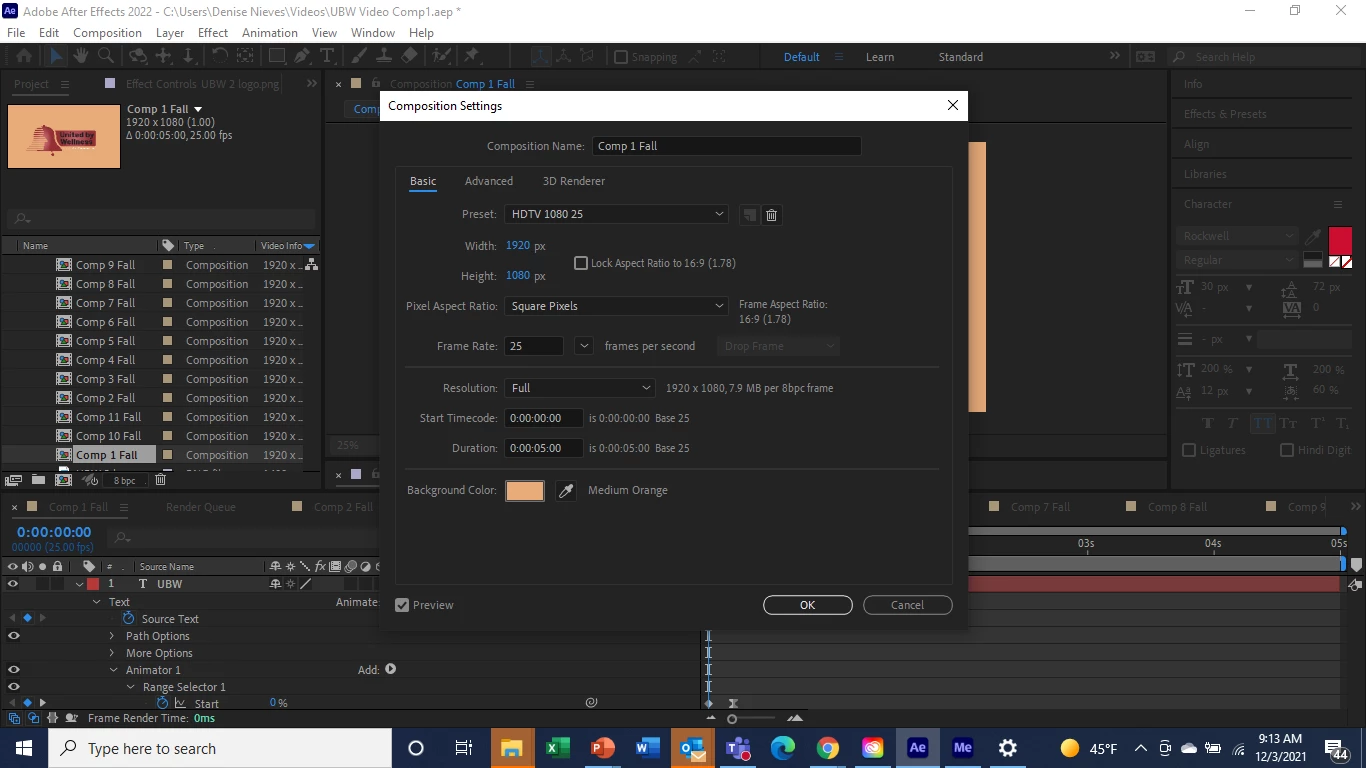
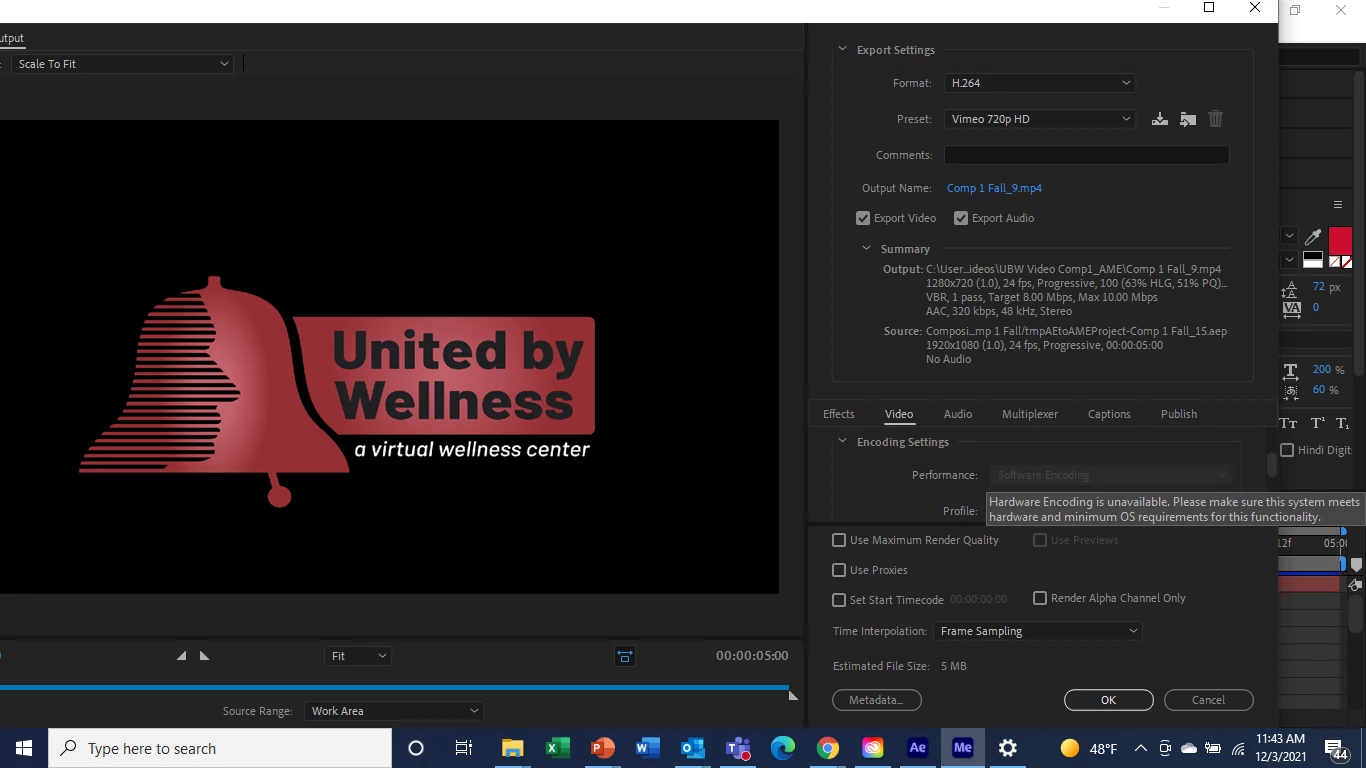
Hi, I am trying to export to Adobe Media Encoder however my video turns black. Everything else shows up except for the orang/brown color in the background. It has a format preset of H.264 and a preset to vimeo 720p HD. When I export in the render queue it's fine. However, uploading to vimeo takes forever this way. The vimeo preset allows me to upload much much faster. Except that my color background is black. Please help! 
    Correct answer Warren Heaton

    Hi, this is the message I get. Aything else I can try? 


    Two things to try at this point:

    1. Create a Solid that's the same size as the Comp and set to the same color value as the Comp Background Color.  Place it behind all the other layers in the Layer Stack.  With this, you'll be hiding the default transparency of the Comp which for some reason is not being ignored.
    2. Render using the Lossless Output Module or the High Quality Output Module.  Assumming the Comp Background does not go transparent (that is, the expected color is in the background), add the resulting movie file to Media Encoder to use the Vimeo preset.


    2 replies

    Peru Bob
    Community Expert
    Community Expert
    December 3, 2021

    I've moved this from the Using the Community forum (which is the forum for issues using the forums) to the After Effects forum.

    Peru Bob
    Community Expert
    Community Expert
    December 3, 2021

     A fix has been implemented in After Effects 22.0.1

    If still having issues while sending AE compositions to Media Encoder,  update.

    If the update doesn’t work, disable Multi-Frame Rendering under Preferences > Memory and Performance. On a Mac, use the toolbar at the top to go to After Effects > Preferences > Memory & Performance. On a PC, it’s under Edit >Preferences > Memory & Performance.

    Denise21Author
    Inspiring
    December 3, 2021

    Hi, the software was already updated and I tried the 2nd suggestion. It still shows up black. 

    Warren Heaton
    Community Expert
    Warren HeatonCommunity ExpertCorrect answer
    Community Expert
    December 3, 2021

    Hi, this is the message I get. Aything else I can try? 


    Two things to try at this point:

    1. Create a Solid that's the same size as the Comp and set to the same color value as the Comp Background Color.  Place it behind all the other layers in the Layer Stack.  With this, you'll be hiding the default transparency of the Comp which for some reason is not being ignored.
    2. Render using the Lossless Output Module or the High Quality Output Module.  Assumming the Comp Background does not go transparent (that is, the expected color is in the background), add the resulting movie file to Media Encoder to use the Vimeo preset.