
Viewport and Preview 'Freeze' on one frame when all layers are turned on.
I have an issue that I've never had in After Effects before, even with more complex files.
I have around 70 adjustment layers that are set to Luma and are being clipped by alpha masks in the layer above. When I have the main image on alone, it will move through the footage and display the image and build the green progress/ RAM preview bar.
When I turn on the adjustment layers, even though they are yet to have any effects applied to them, it freezes the viewport and won't play through the footage or even if I turn off the layers again, it is stuck on the image that it was last on. The only want to get out of this it to restart AE.
I can't build up all of the adjustments in post that I need to in order to see the whole picture before I export.
When I come to export, it won't export either. It is as if it is too heavy to export but with 70 layers I don't see this as that heavy.
I have tried this on CC 2017 and CC 2018 both on my iMac and PC. The PC has 128GB of RAM, a 24 GB graphics card and the disk cache is set to 600GB. Both have the same issue. I didn't seem to have this in CC 2015 but haven't tried it as I don't have it installed any longer.
If anyone has experienced this it would be great to hear any possible fixes.
----
This image shows just one adjustment layer on and the green bar is previewing all frames. (Only 36 frames long).
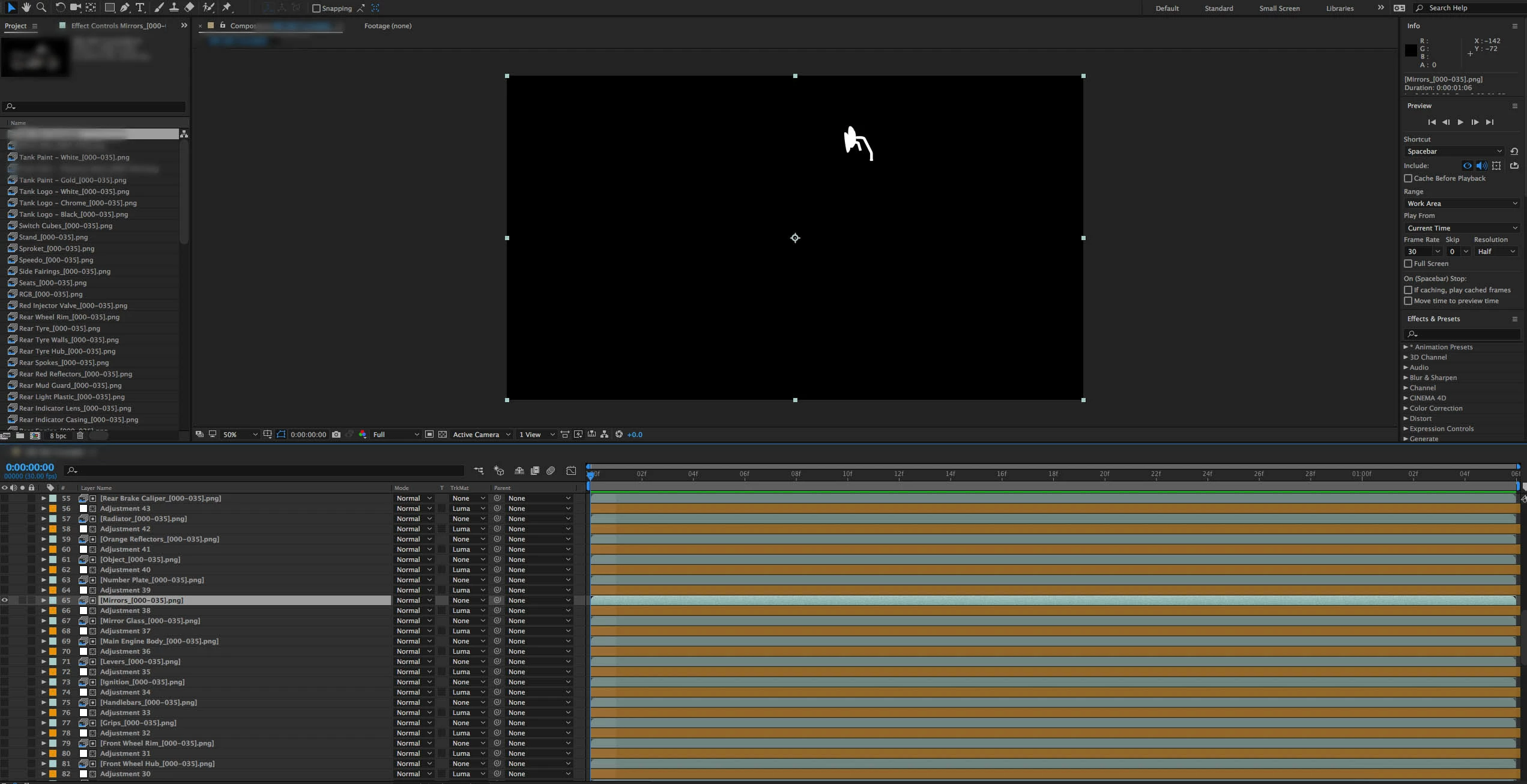
This image shows all layers turned on, despite the adjustment layers being empty. The green bar doesn't load at the start or preview through any of the composition even where it is still green. It is just frozen on this frame.
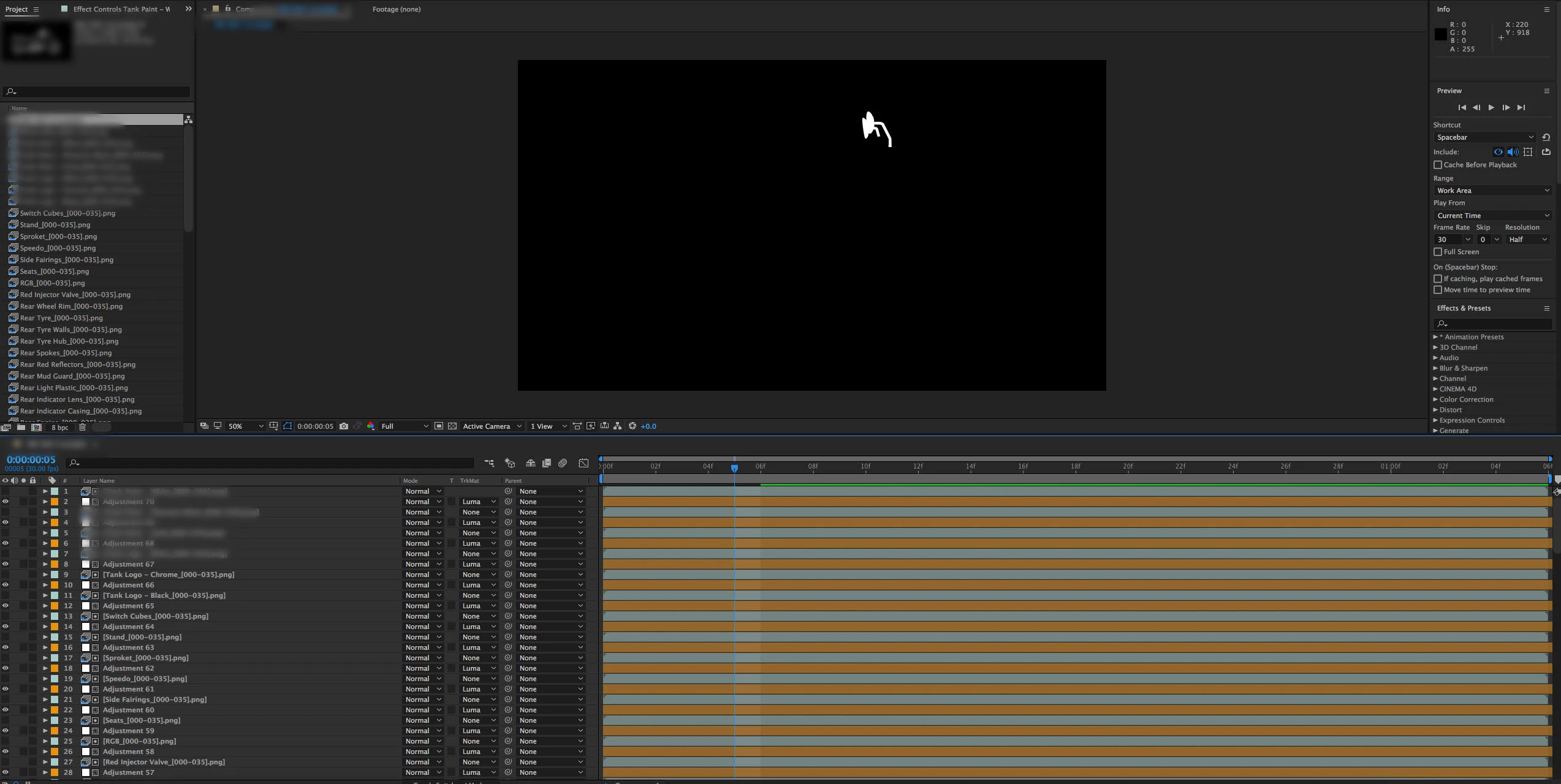
Many thanks in advance for any help. James
 AdChoices