Participant
March 30, 2021
Question

VR Environment Trapcode Problem

  • March 30, 2021
  • 1 reply
  • 582 views

Hi there,


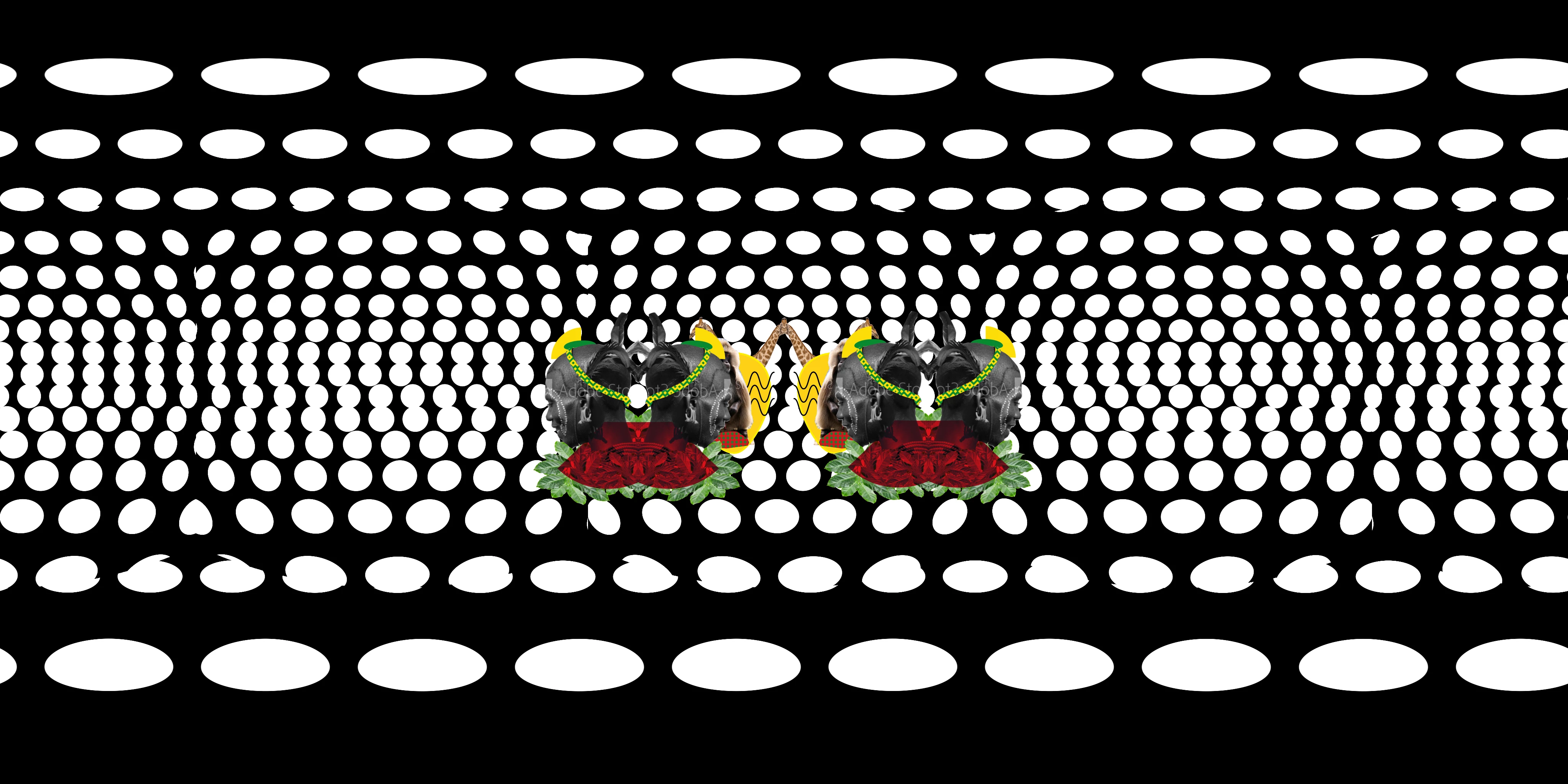
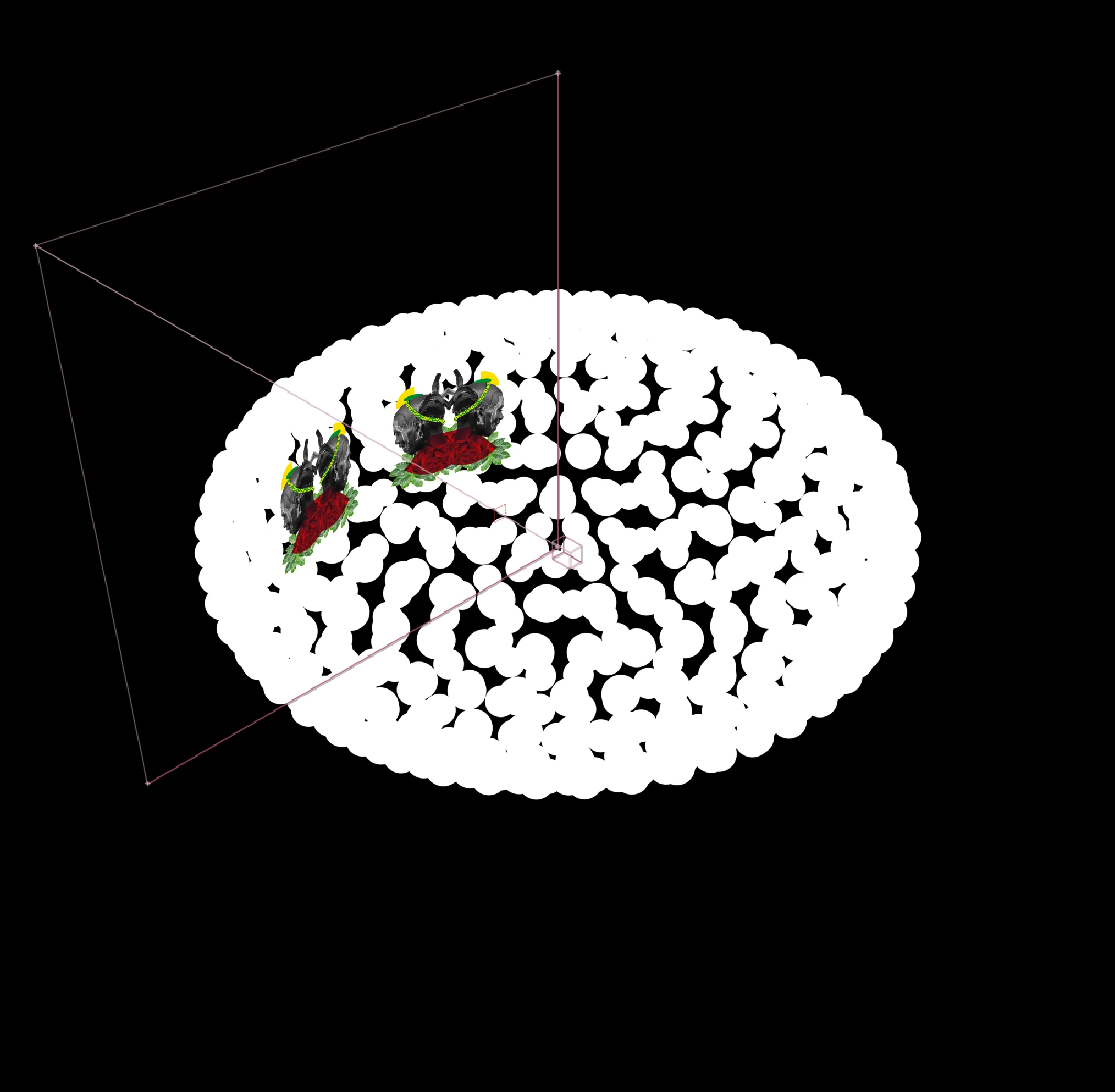
I set up a VR environment in AE through the "Create VR environment" option. In that 3D-comp I use external 2D-footage, shape layers and Particular and Form. The output comp produces me an equirectangular version of my setup (usage off 3D-plugins is enabled). All elements are displayed fine except for the Form and Particular designs. It seems that right at the edges where one camera (there are 6, front, back, left, right, top, bottom) connects with another a shift occurs (see screenshot attached, cut off circles). I don't work with subcomps. Any idea where I do something wrong?


Thanks a lot for your help.

Bastian
 

This topic has been closed for replies.

1 reply

Mylenium
Legend
March 30, 2021

The plug-ins themselves don't have any specific provision for VR based stuff and what you see are likely simply minute differences due to variations in the underlying camera calculations. Other than elaborate tweaking or doing stuff like duplicating comps and cameras to slightly offset positions I don't know of any simple fixes.


Mylenium

MOTOMOTOAuthor
Participant
April 8, 2021

Hey Mylenium,


thanks for your reply. I was afraid that's the answer. I'll give it a go.

If anyone out there has a different solution I'm open to hear about.


Thanks

Bastian

angie_taylor
Legend
April 8, 2021

If you are using 3D plugins like Form, Particular etc, you need to select "I am Using 3D Plugins" checkbox.


Also. Have you tried checking the option to Use Edge Blending - inside the Create VR Environment dialog box options?