Known Participant
November 30, 2019
Answered

Wave Warp Gaps on Edges

  • November 30, 2019
  • 2 replies
  • 8619 views

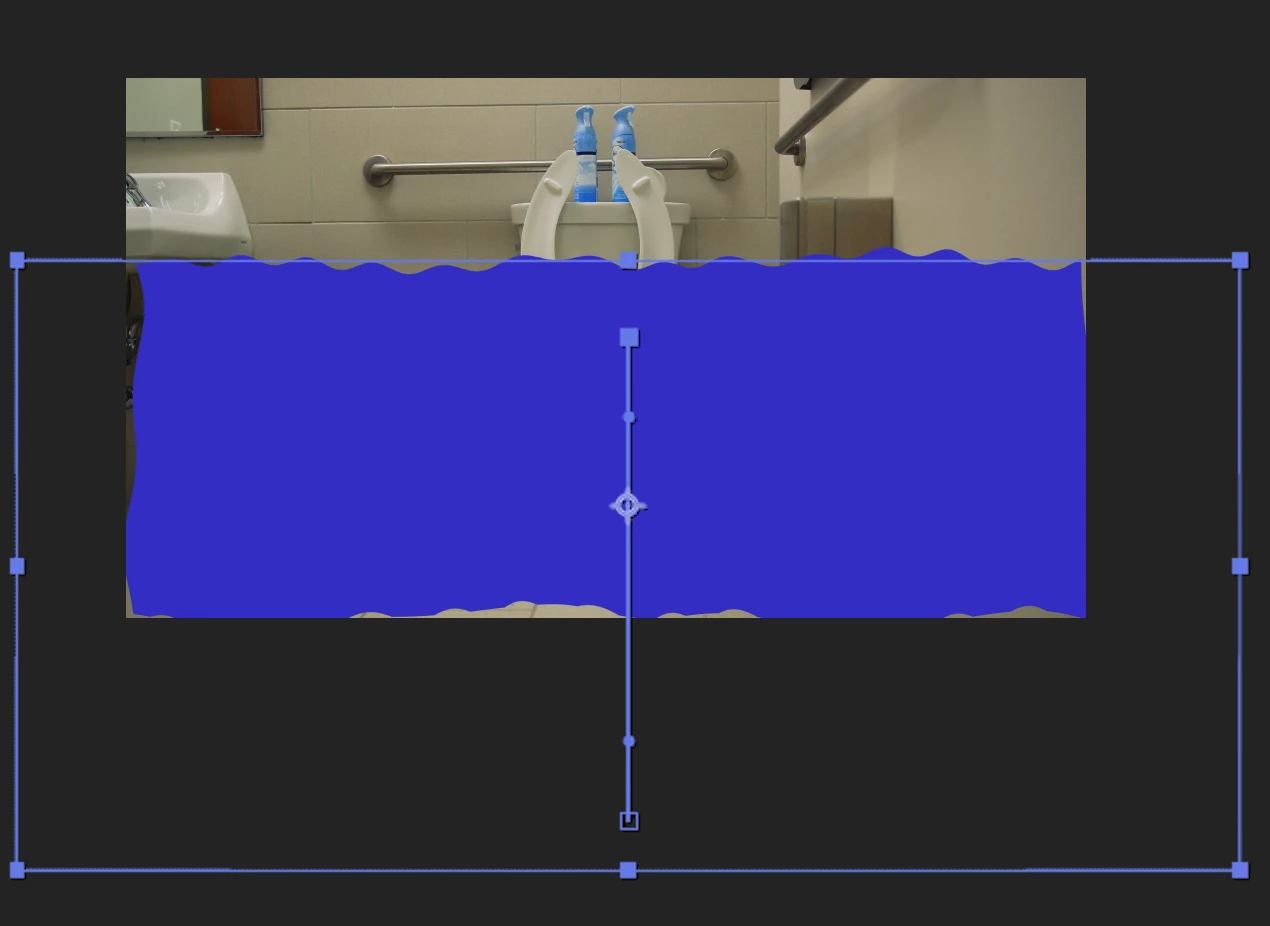
I am applying Wave Warp and Turbulent Displace to a shape layer that is larger than the comp, but there are still gaps showing up around the edges. Is there an easy fix that I am missing? Thanks!

 

Correct answer SOLPERSON

For anyone else who has this problem, I solved it by changing the pinning options in the effect panel for the wave effect. I changed it from "None" to "All Edges".

2 replies

SOLPERSONCorrect answer
Participant
July 14, 2022

For anyone else who has this problem, I solved it by changing the pinning options in the effect panel for the wave effect. I changed it from "None" to "All Edges".

Participant
March 10, 2023

Thank you! 🙂


Mylenium
Legend
November 30, 2019

Nothing wrong. You misunderstand how shape layers work. The object inside the shape layer may extend beyond its bounds, but the shape layer itself, i.e. the container that dynamically rasterizes the content can ever only be comp size, which is the only thing conventional raster-based effects see. You can't avoid pre-composing or using larger solids, not shape layers.


Mylenium

Inspiring
April 2, 2021

Hey Mylenium, 

thanks for this info. I'm also having this problem, however, it's on a pre-comp. The wave warp effect is on a pre-comped layer, then that whole comp is again pre-comped and I have made that pre-comp into a 3D layer so that I can push into it with a camera. I am having the same edge problems even though the Wave Warp effect is one pre-comp in. Doe sthat make sense?


Community Expert
April 2, 2021

Try to disable "Continuously Rasterize" (actually "Collapse Transformations" in this case) on your precomposed layer: