
Question
Weird graphics bugs in After Effects, ruins my entire composition and animation
Second time I encounter this really annoying graphic bugs in After Effects, the first time a white stroke appeared over my composition that could be seen when I moved the comp, I didn´t create any layer that contained any white stroke or line.
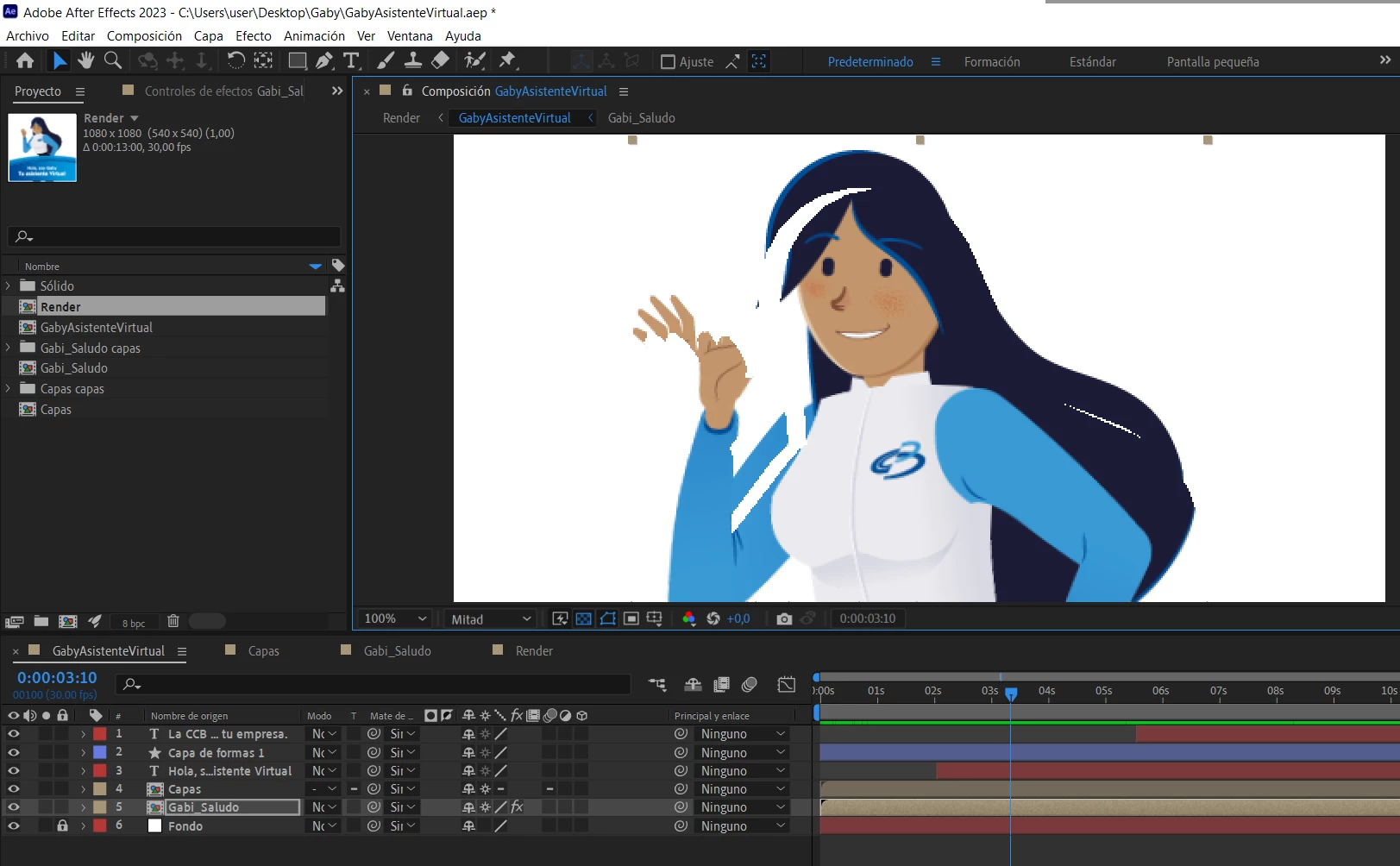
The second time, with the same vector graphics, happened when I animated with the puppet tool, the composition suddenly moved on its own like this:
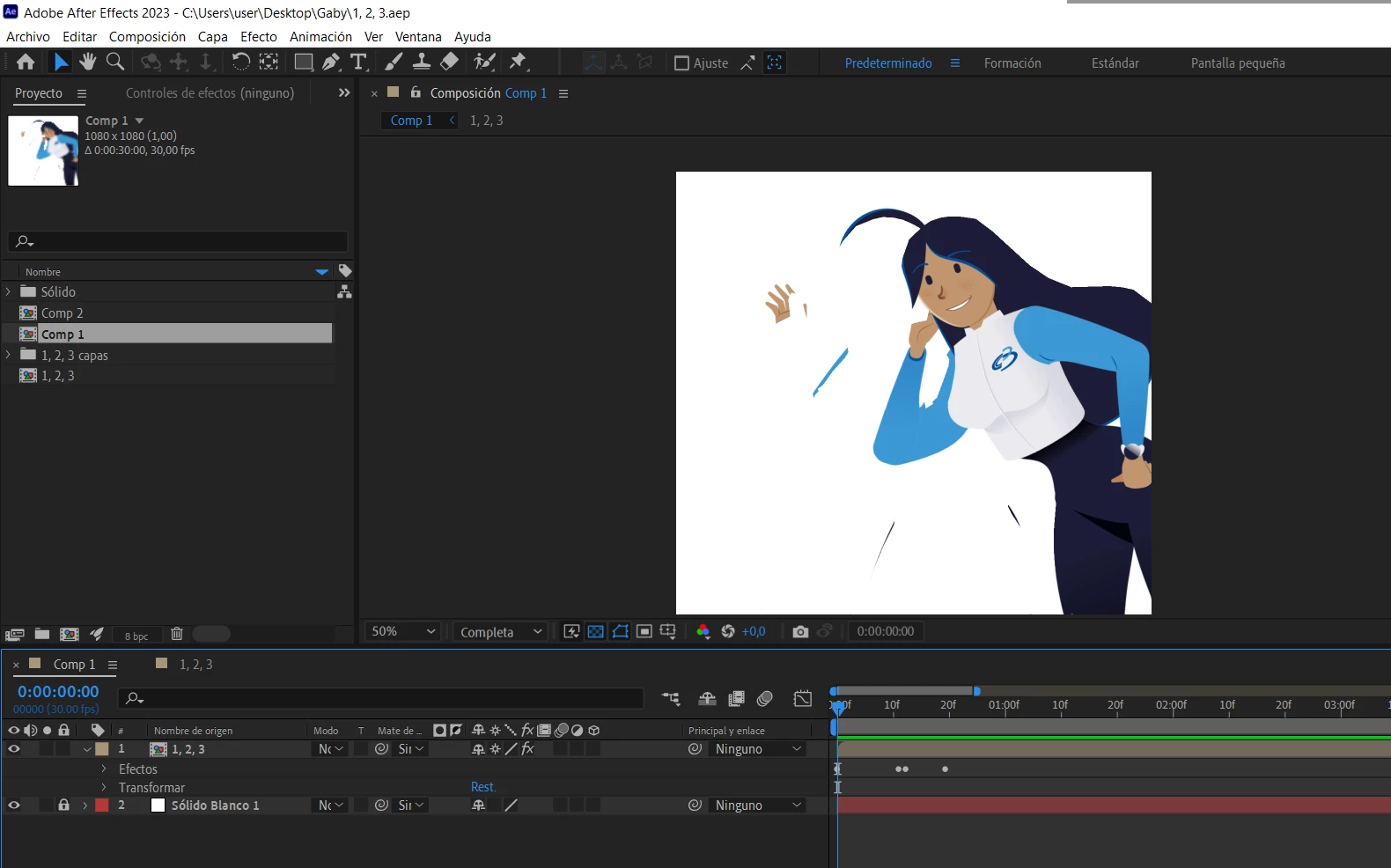
When I moved the comp it looked like this, looks like the white shape is similar to the composition:
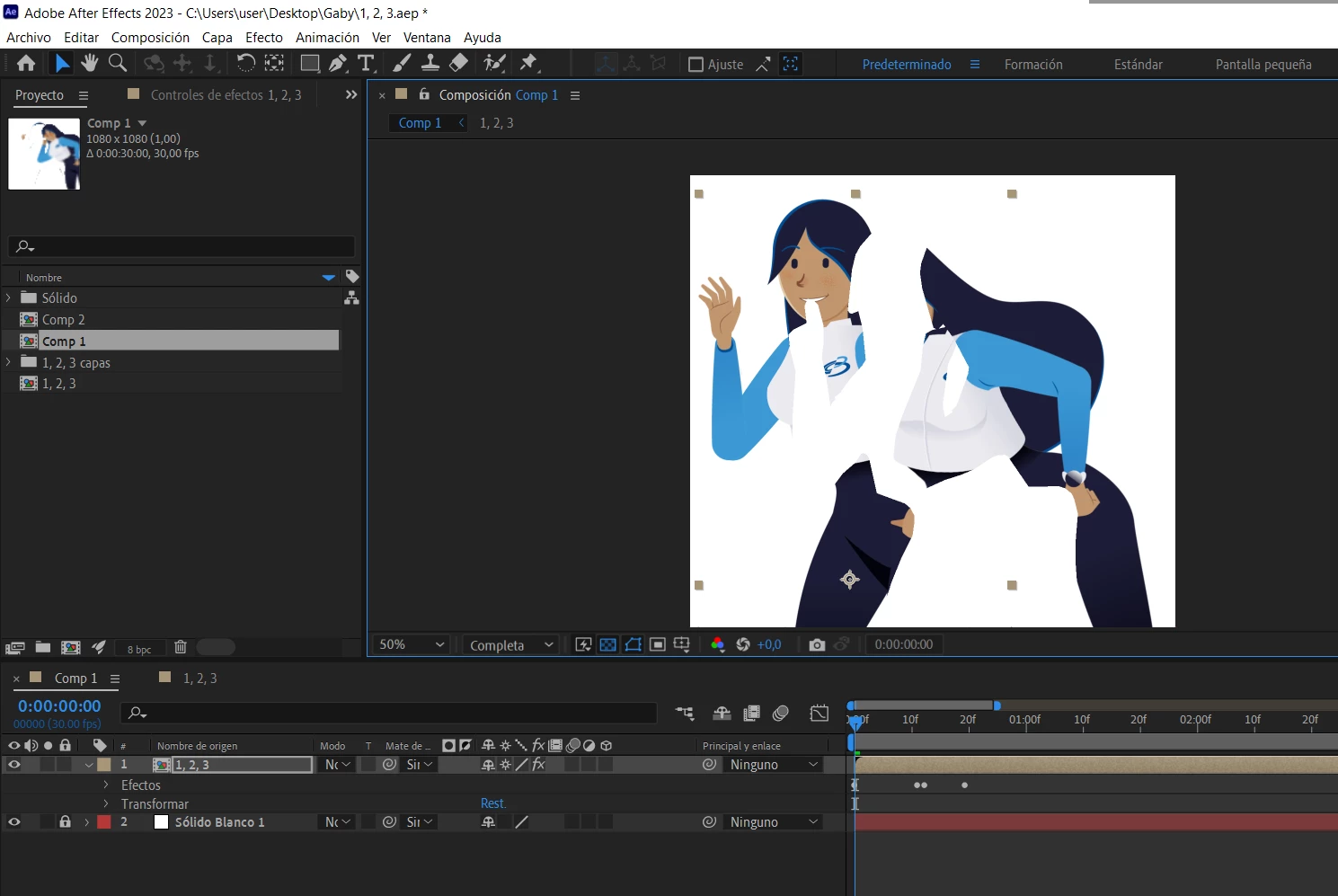
Why is this happening? The first and second times happened in different files. I tried purging all memory but it didn´t work. Note: The graphics were imported from an Illustrator file.
 AdChoices