
Weird lag when applying Timewarp
Hello,
I have a weird problem. I have created a rendered animation in blender, now I wanted to apply some call outs to the animation in after effects afterwards. For the purposes of good illustration I applied timewarp to the part of the animation to slow animation down.
This is how animation naturally looks at some random frame - this is ok.
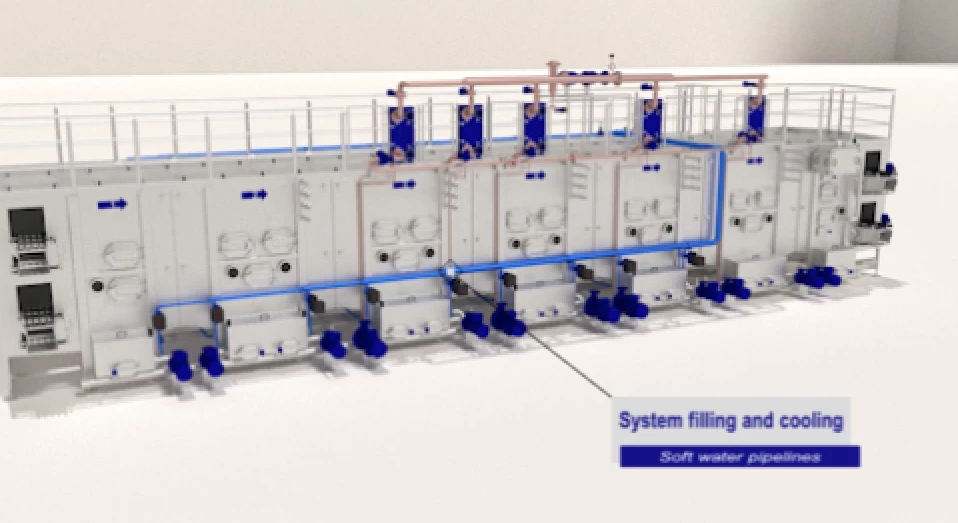
But scrolling up along the timeline, I saw 3 frames, that are weird. These 3 frames are in section, where I slowed down animation using timewarp to 45% of speed.
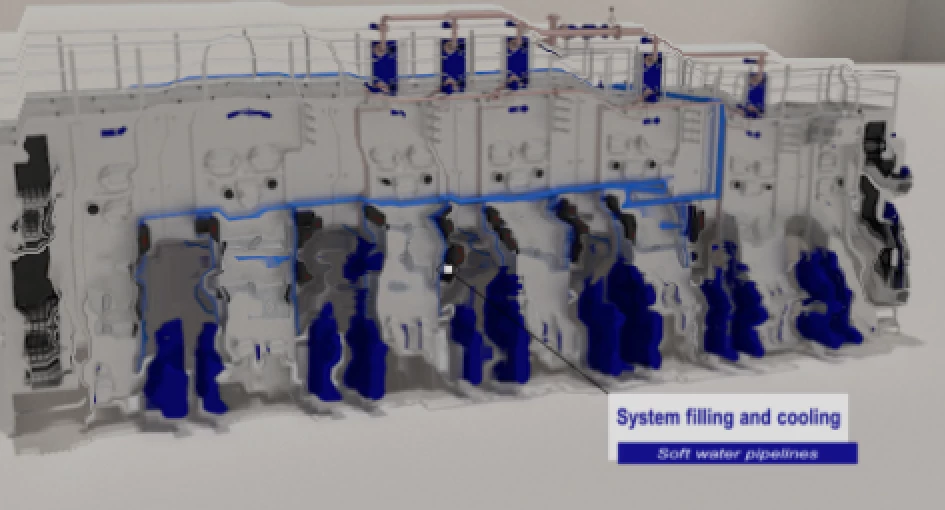

At first I though, that this is only in preview, I tried rendering, and it also happens in render. I don't have anything on timeline near those frames.
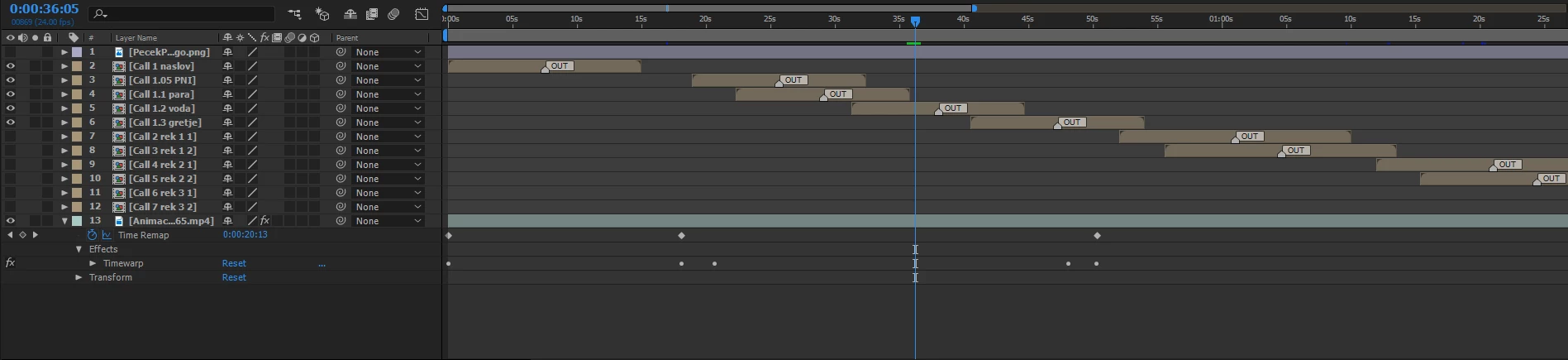
Any ideas, what could be the problem? I checked the original animation imported from blender, and there are no such oscillations happening.
Let me just mention that the animation was saved in blender in format H.265 (.mp4), which I also used to import onto After Effects.
Regards, Tomo
 AdChoices