2 replies

oprie_ma
oprie_maAuthor
Inspiring
February 11, 2026

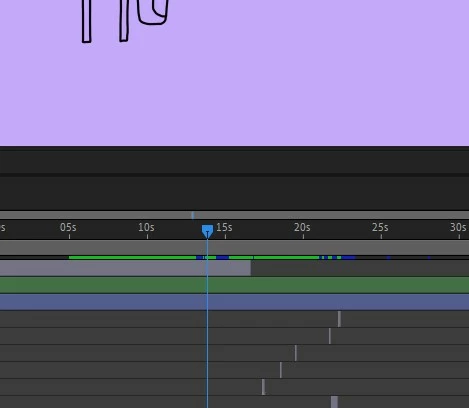
I'm still having the motion blur problem. The keyframe is set, the movement stops, and the motion blur stops. Next frame: motion blur is back. Next frame and the one after that: motion blur is gone. Then it's back again. This has been going on for months. I'm working around it by cutting the element after the blur and then turning off motion blur, or rendering on an older system, but it's annoying. I've reinstalled everything: After Effects, Nvidia drivers, plugins... but the problem persists.

I really don't know what else to do. And of course, Adobe doesn't have time for these kinds of problems.

I'm working with Windows 11, the latest version of After Effects, an AMD Ryzen 9 9900X 12-core processor, and a GeForce RTX 5070.


nishu_kush
Community Manager
Community Manager
February 11, 2026

Sorry to hear about the issue. Is it happening on a specific project? Does the same project work fine on a different machine? If yes, can you try running After Effects in Safe Mode with third-party plug-ins disabled?

Let us know.


Thanks,

Community Manager
September 26, 2025

Hi oprie_ma,

Welcome to the community! If that motion is kind of a glitch, have you tried purging cache (Edit > Purge > All Memory & Disk Cache) to see if it's helping?


Thanks,

Sumeet

oprie_ma
oprie_maAuthor
Inspiring
September 28, 2025

Thank you. I will try it next time. my computer was in standby for 12 hours and after restarting, the blur issue was gone.. 🤷‍♂
