
Participant
September 12, 2021
Answered

Weird pixelated distortion glitch in After Effects timeline, but not in the source file (mp4)

  • September 12, 2021
  • 1 reply
  • 5299 views

Hi Community,


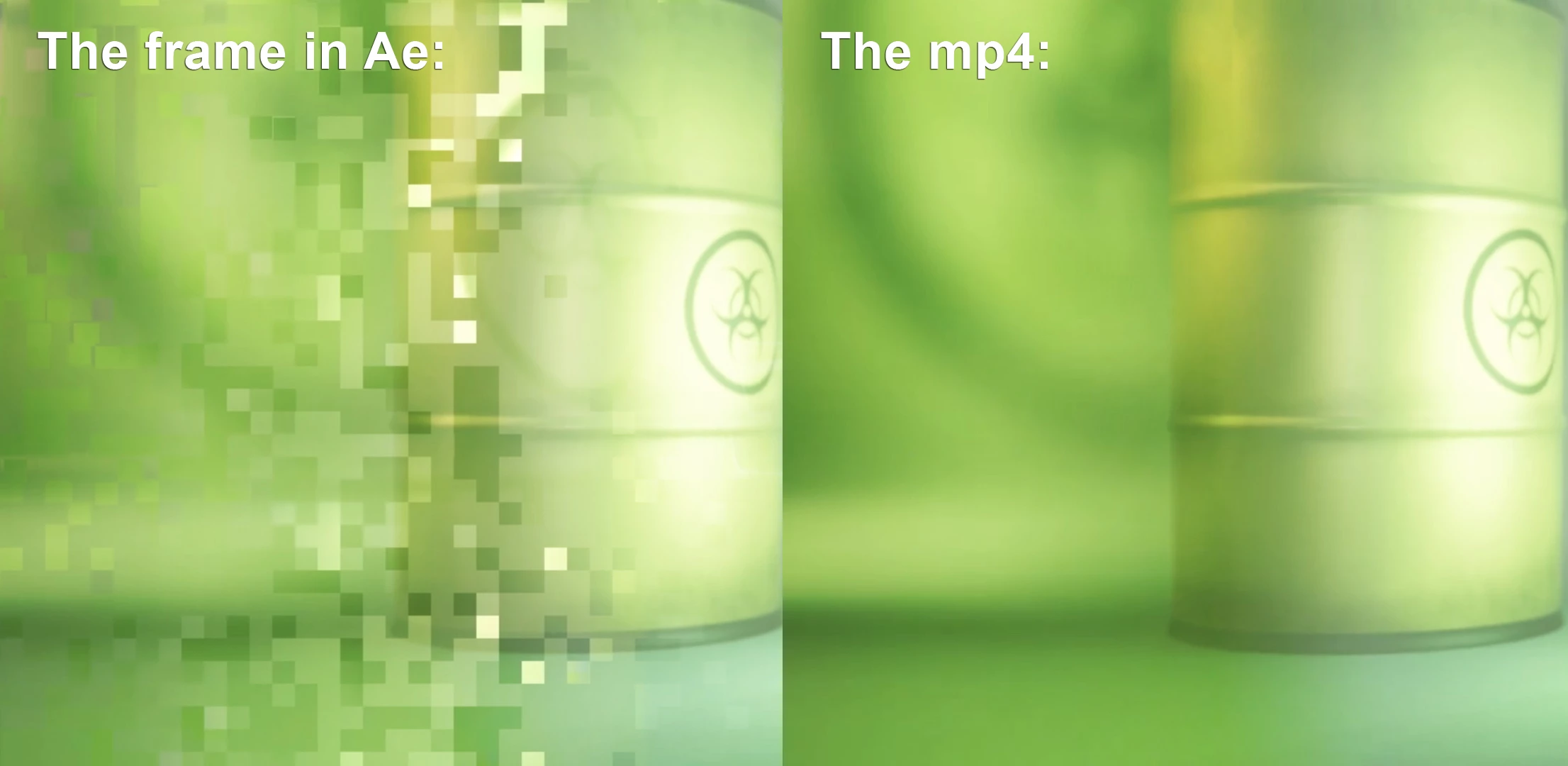
I want to render a project I've been working on, but lately, After Effects creates all kinds of weird glitches. This glitch even gets rendered, which is a problem of course. In After Effects the frame gets very pixelated. At first, I thought the problem was in the mp4 render. But the mp4 looks fine and smooth. I already imported the mp4's again, re-linked them, reloaded, etc, but After Effects keeps destroying some of the frames. (see example below)


If I delete the cache (by going to edit > purge > All Memory & Disk Cache) the issue is resolved for like 2 seconds. When I scroll in the timeline, the pixel distortion appears again.


Has anyone experienced this issue before?
 

This topic has been closed for replies.
Correct answer Jose Panadero

Probably is related to the hardware acceleration using your graphics card. I suggest you a couple of solutions:


A.- Transcode the video into another format like Quicktime ProRes

B.- Go to After Effects Preferences > Import and deactivate hardware acceleration for decoding video. Then delete the cache, restart AE and try again

1 reply

Jose Panadero
Community Expert
Jose PanaderoCommunity ExpertCorrect answer
Community Expert
September 12, 2021

Probably is related to the hardware acceleration using your graphics card. I suggest you a couple of solutions:


A.- Transcode the video into another format like Quicktime ProRes

B.- Go to After Effects Preferences > Import and deactivate hardware acceleration for decoding video. Then delete the cache, restart AE and try again

Participant
September 12, 2021

Hi Jose Panadero,


Thanks so much for your quick response and for providing the solution! Suggestion B is what instantly solved my problem.


It's much appreciated.


Best,


Jimat