Participant
May 24, 2017
Answered

Were is the Colour Workspace in CC 2017?

  • May 24, 2017
  • 1 reply
  • 1036 views

Hi guys,

I am trying colour correct my footage and I am not able to bring the colour workspace up so I can access the wave forms and colour wheels. I am using After Effects CC 2017. Any one know how I can access that menu? It seems like it is not under the pull down menu or in the window->workspace in the new version.

This topic has been closed for replies.
Correct answer Szalam

Hi again!

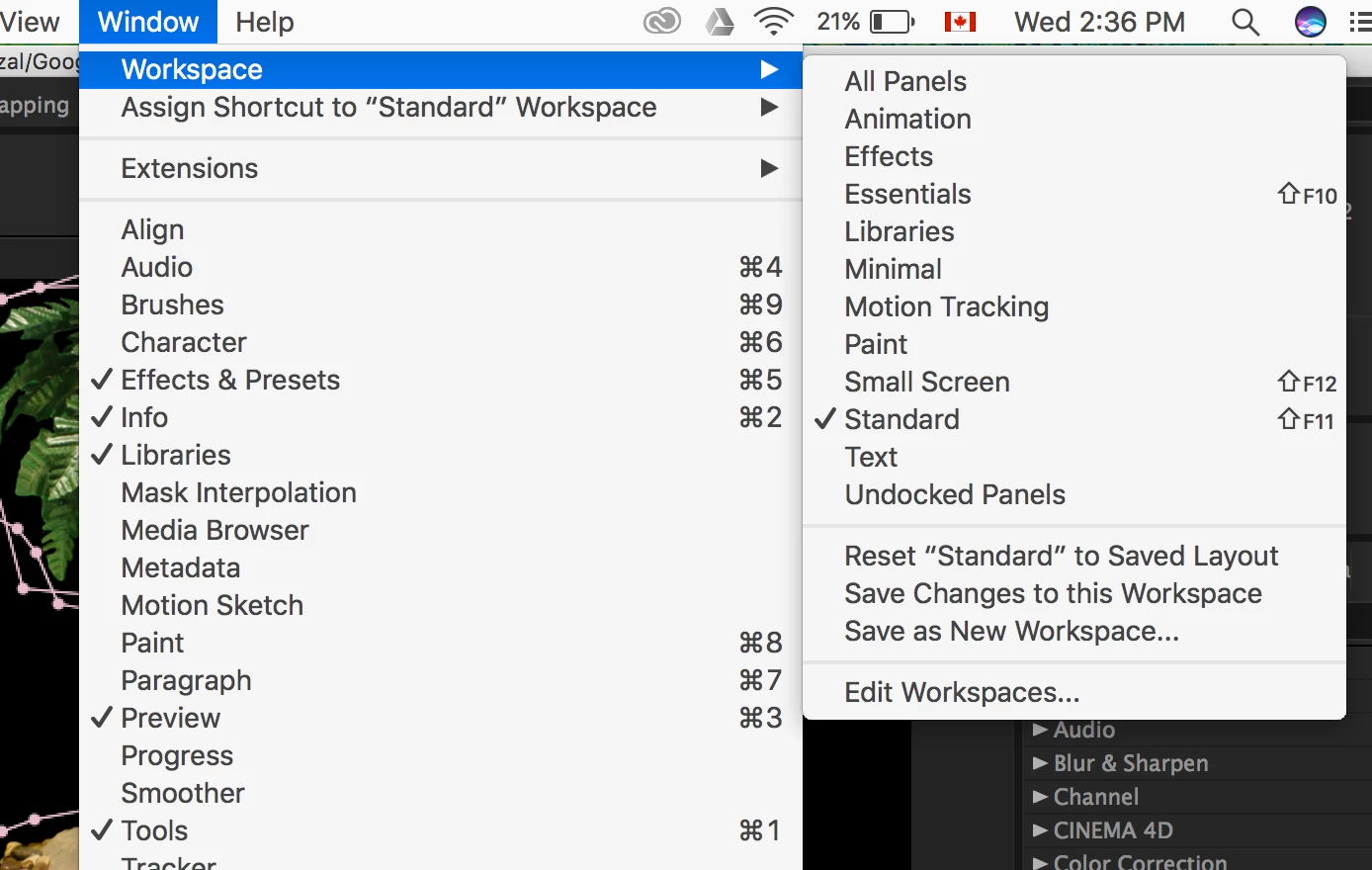
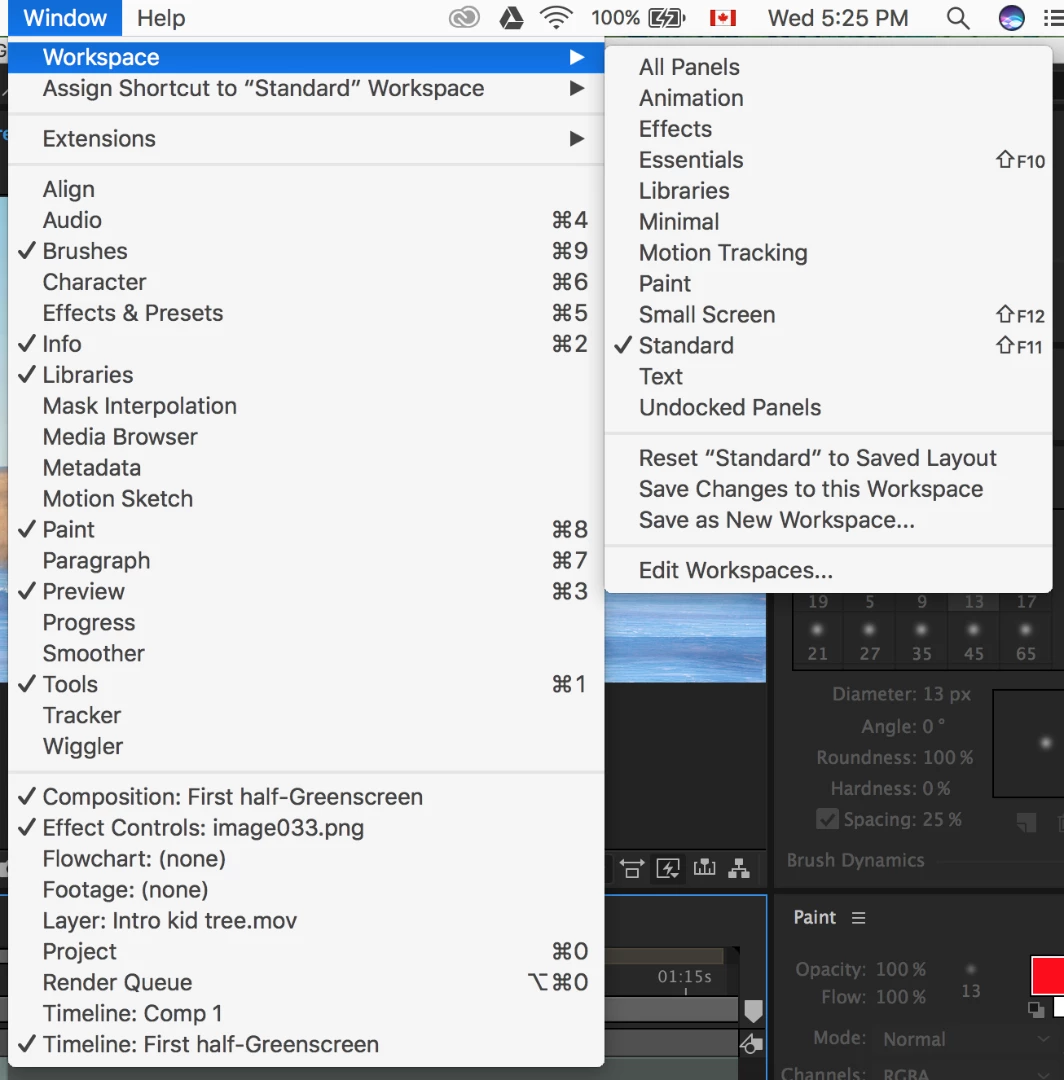
I don't have the option of Lumetri Scopes on my window panel:

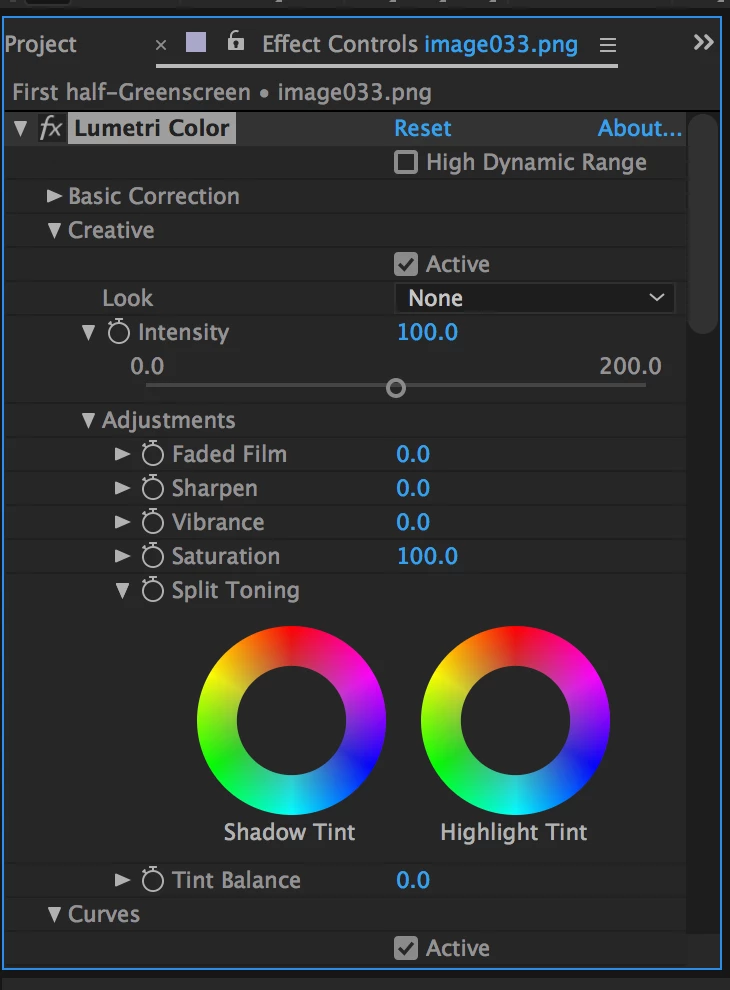
I also tried applying the effect Lumetri Colour in the colour effects drop down, but still not giving me the option of choosing the wave forms:

Any idea what could be missing in my setup?

Thanks


What, exact, version number of AE are you using?

Scopes came in a recent update to CC 2017. Check your After Effects>About After Effects menu option to see the full, exact, version number.

1 reply

Dave_LaRonde
Inspiring
May 24, 2017

It's not a special window -- it's an effect which you apply to a layer.  Go Effect > Color to see the full panoply of effects that are concerned with color.

Participant
May 24, 2017

Hi, Thanks for your reply. I know about different colour correction effects. What I am looking for is this:

This way I will have more control on what I do and don't have to trust my faulty eyes on the fixes.

Do you know how I can access these Lumetri Scopes?

In the tutorial I am referring to, the tutor goes to this panel:

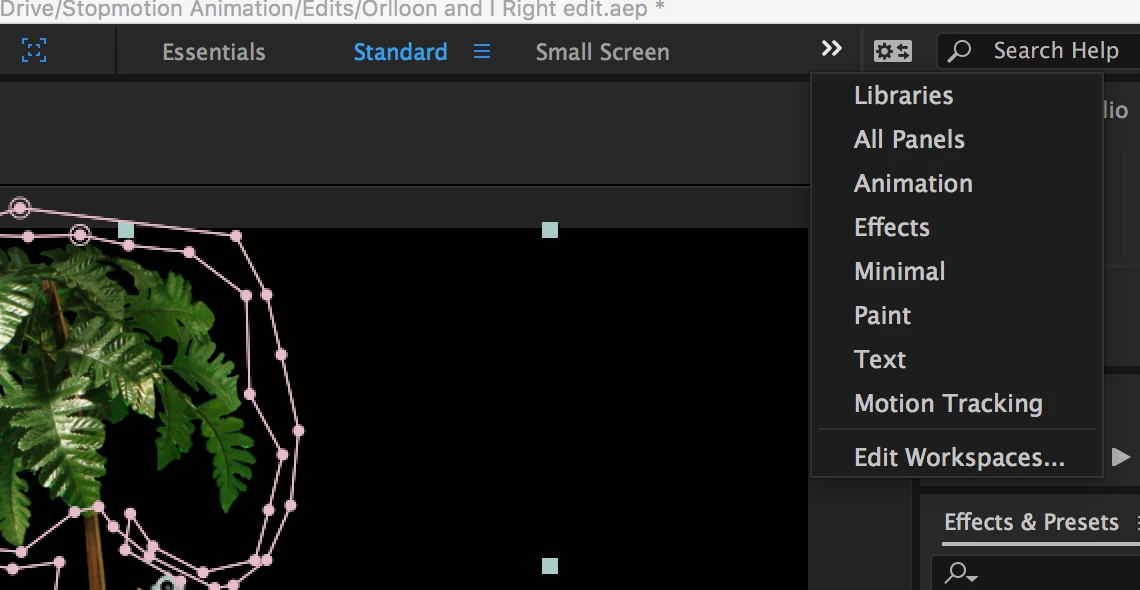
Which in my case, I don't have the color option in my workspace settings.

Here is a link to the tutorial:

Fix unusable footage |

Dave_LaRonde
Inspiring
May 24, 2017

Well, it tells you what it is right on that pane -- Lumetri Scopes.  Go look for it.  Apply it.