
Participant
May 11, 2022
Question

What panel is this on After Effects???

  • May 11, 2022
  • 2 replies
  • 353 views

hello Everyone! 


May be a bit of reach and apologize in advance considering I am new to using After effects.....

I was watching a tutorial on youtube and came across a feature I couldnt seem to find....

He mentions, "extract" with a click of a button. 

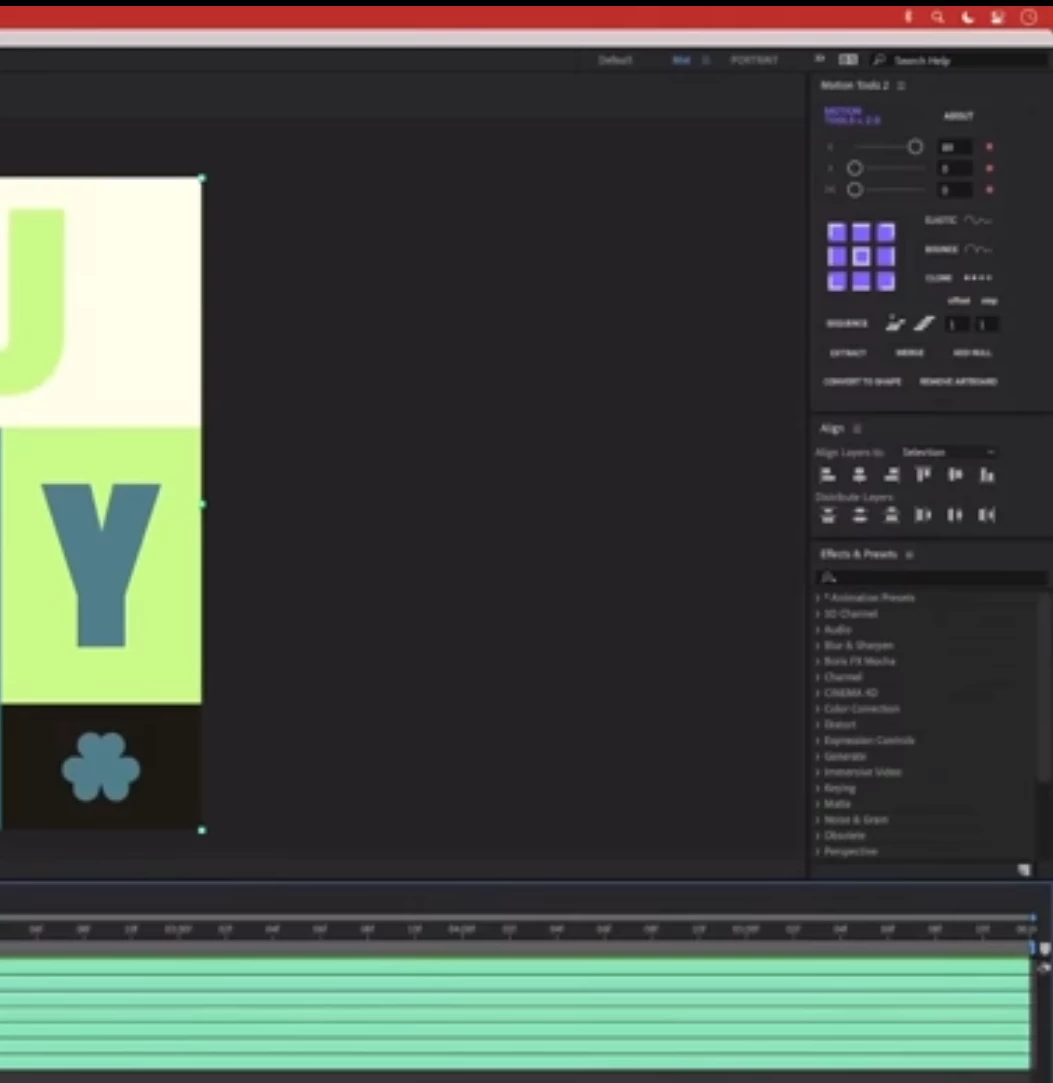
I've attached a screenshot and the panel I am searching for is featured on the upper right hand corner...Ive attempted to zoom in and took a screenshot but cant make out the writing listed. 

what panel is this on after affects? 


(to be clear, I am searching for the panel featured on the upper right has six purple squares and below that was a "Extract" feature" 


thanks 


This topic has been closed for replies.

2 replies

Community Expert
May 12, 2022

Unfortunately, most of the tutorials you find by searching the web were produced by well-meaning enthusiasts. The explanations often leave essential information, and their workflows are often inefficient. Please include a link to the tutorial when you have problems with a tutorial. 


Jose Panadero pointed out that the tool you are working for is from a third party, and you have to pay for it. It would not surprise me if that detail were never mentioned in the tutorial.


Participant
May 12, 2022

Hello Rick, 


Yea, unfortunatley nothing was really mentioned about the tool other than a few highlighted features discussed (I would have never thought it was from a third party site). 


Glad Jose was able to direct to the right source  🙂 

Jose Panadero
Community Expert
Community Expert
May 11, 2022

It is the Motion Tools script by Motion Design School. You can buy it at https://motiondesign.school/products/motion-tools/

Participant
May 12, 2022

Jose! 


Thank you so much. 


I couldnt seem to figure it out but appreciate the response 🙂