Doncaedit
Participating Frequently
August 26, 2026
Question

When I add the camera in After Effects, my 3D object disappears. What should I do?

  • August 26, 2026
  • 3 replies
  • 12 views

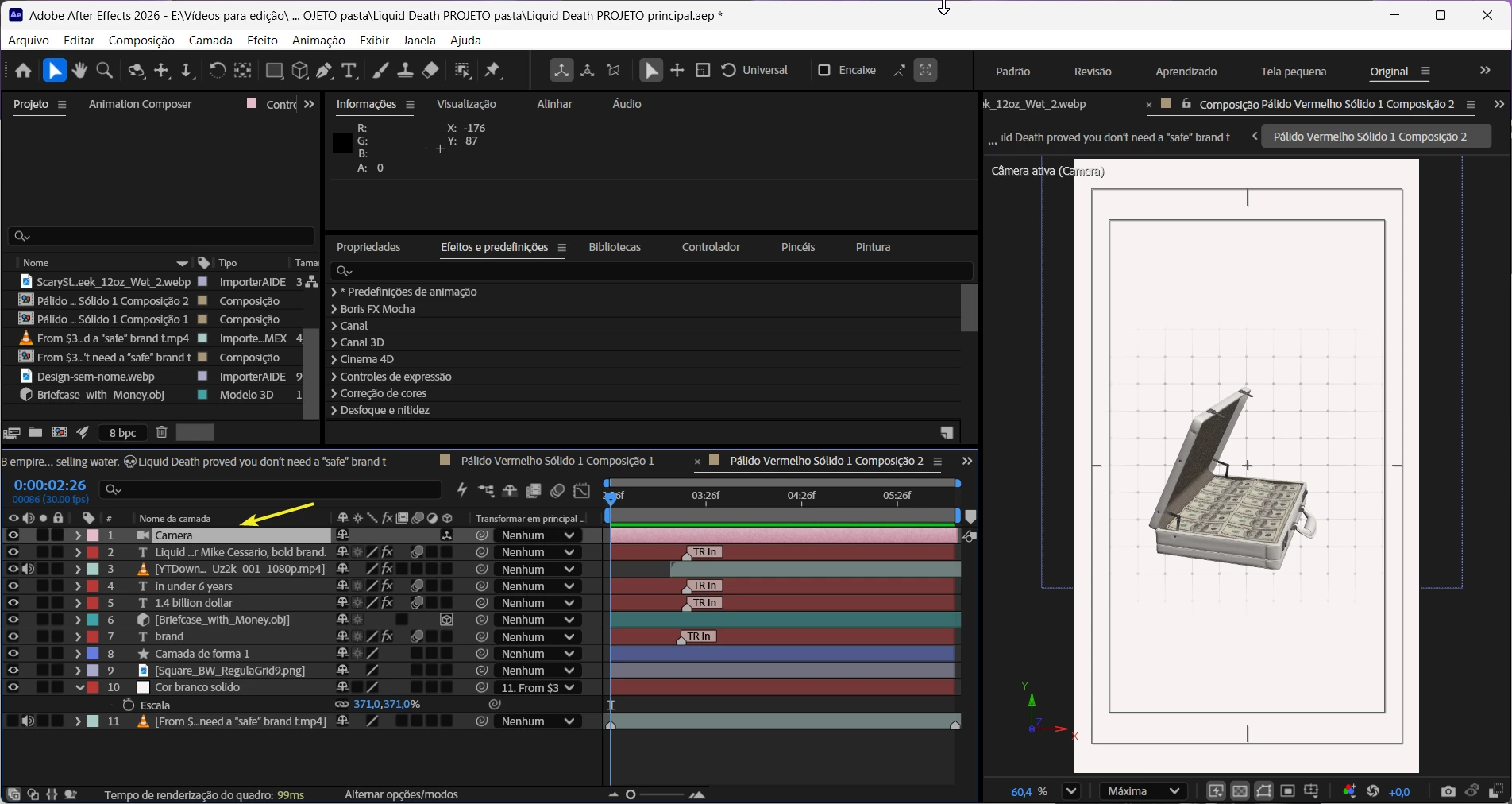
The name of the 3D object is Briefcase with Money.obj.


I want to create an effect where the camera moves upwards and the effects move downwards.

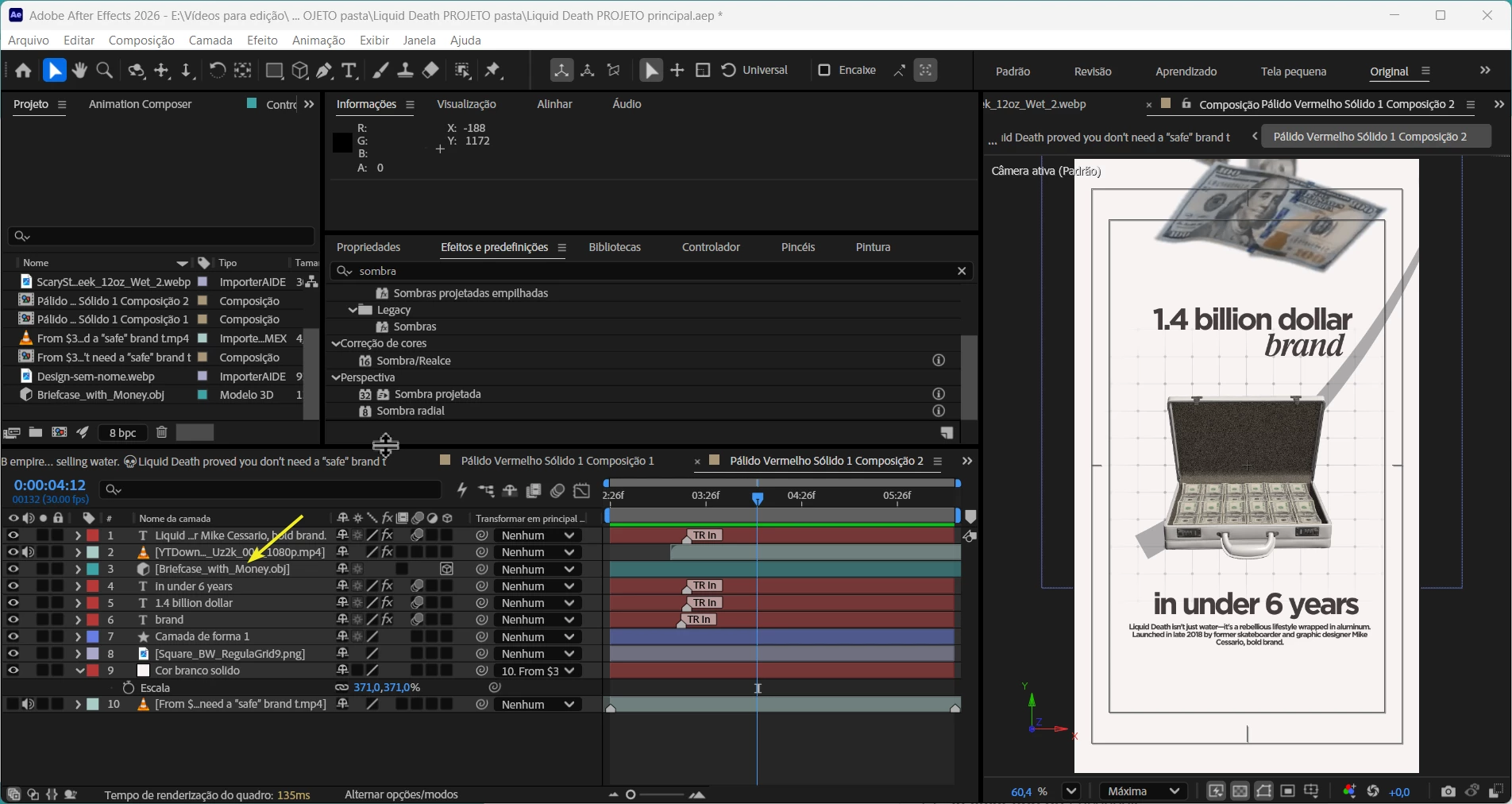
However, when I add the camera, the 3D object disappears.
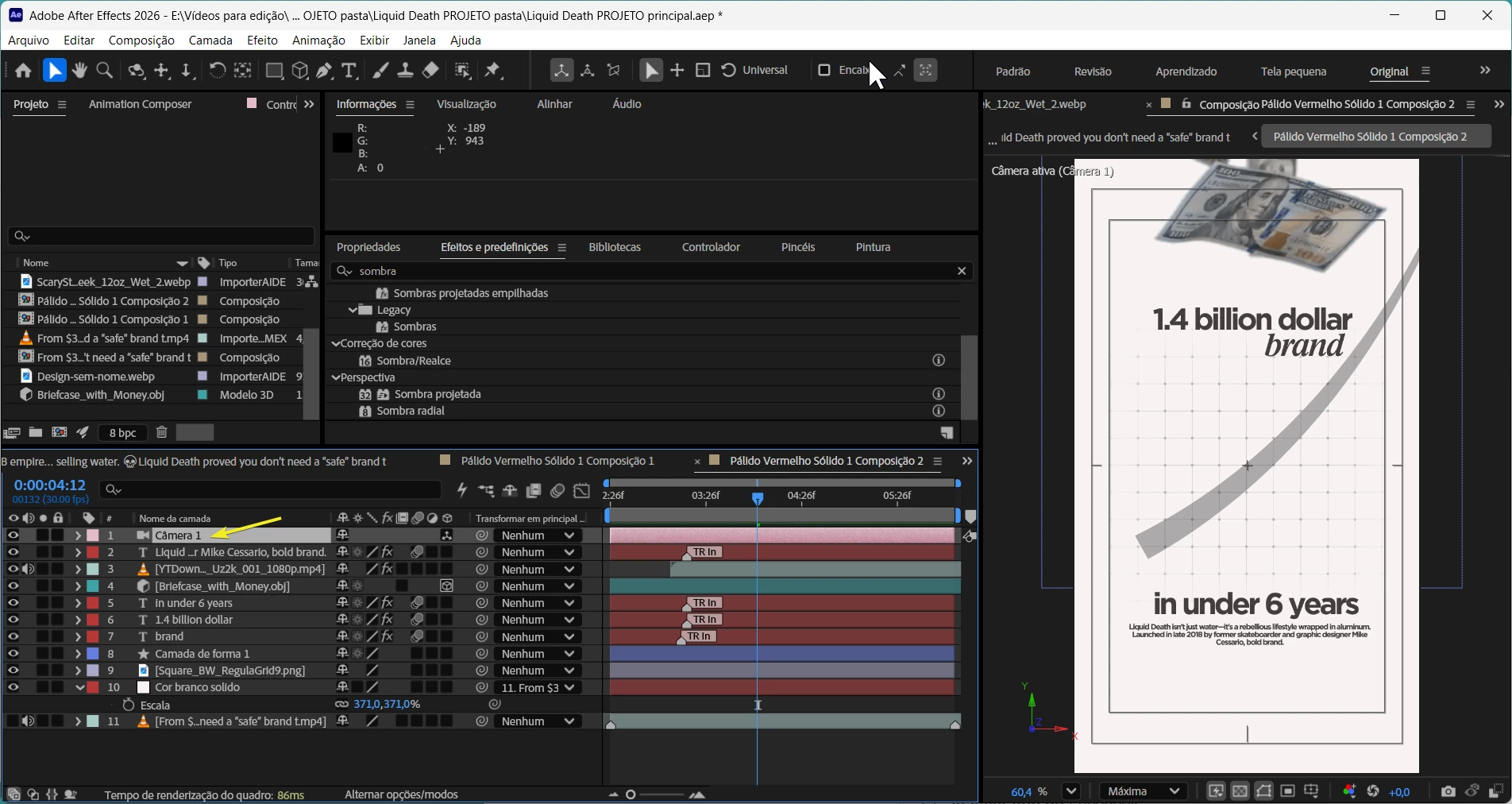


What can be done to resolve this? Thank you very much for your attention.
    3 replies

    Nishu Kushwaha
    Community Manager
    Community Manager
    August 26, 2026

    Glad you got the object to show up! For your issue with zooming in, how are you trying to do that - are you changing the Z position of the camera from Timeline panel, using the Dolly tool, or adjusting the Zoom property of the camera? Do you mind sharing a screen recording that shows the problem? It'll help understand the issue better.

    Observation from the screenshots: The camera zoom will affect only the Briefcase since it is the only 3D object in the comp.

    Looking forward to your response.


    Thanks,

    Nishu

    Doncaedit
    DoncaeditAuthor
    Participating Frequently
    August 26, 2026

    Well, I think I managed to do it, but when I try to move the camera to zoom in, nothing happens. I tried connecting the camera to the null object with a rope to turn it into a camera so I could make some video movements, but I can't seem to do it. Does anyone know of a solution for this? How can I use the camera to make a simple movement?

    Doncaedit
    DoncaeditAuthor
    Participating Frequently
    August 26, 2026

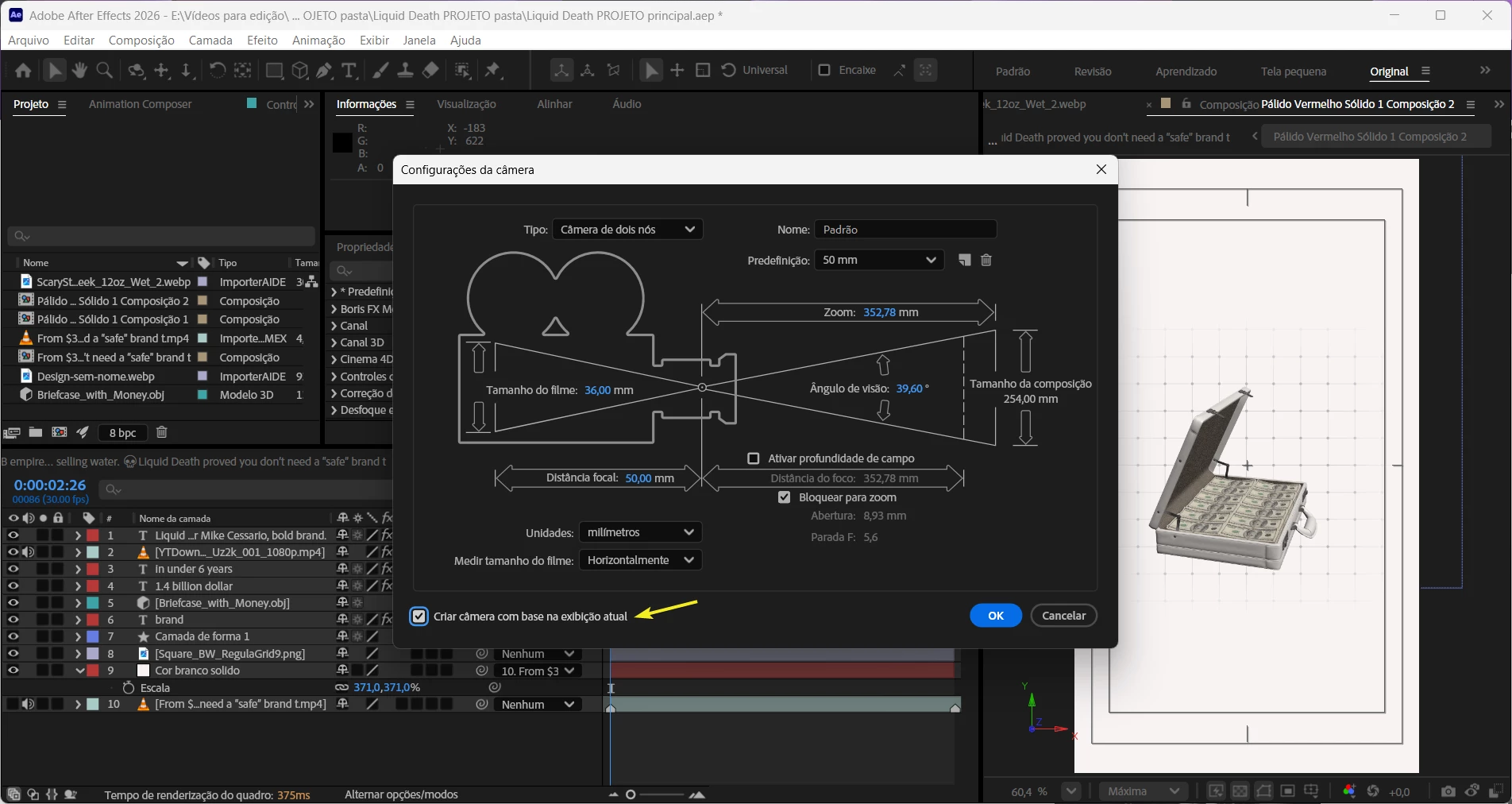
    Hi, I managed to solve my problem by trying it myself; I just needed to enable the option: Create camera based on current display.