Participant
December 3, 2022
Answered

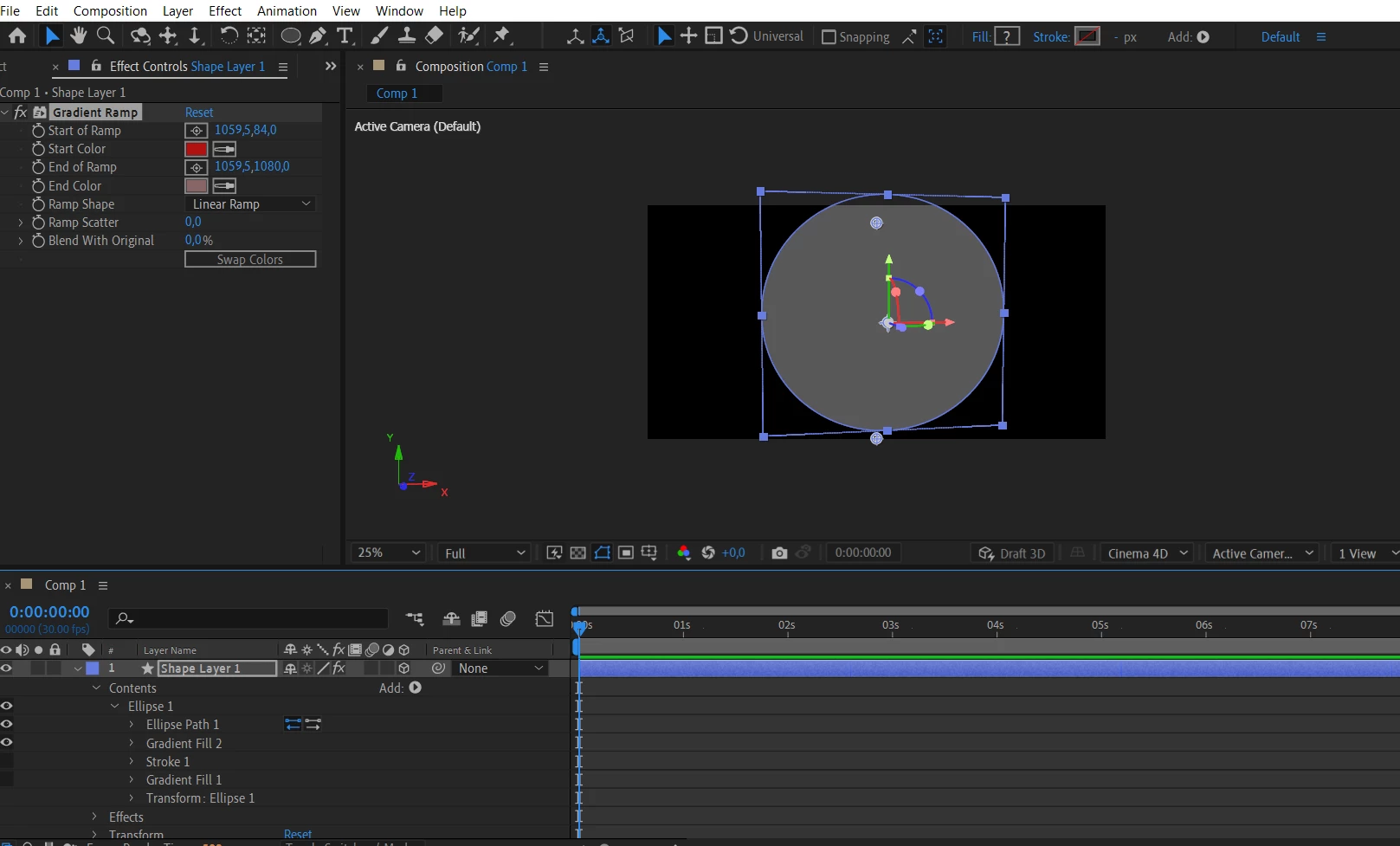
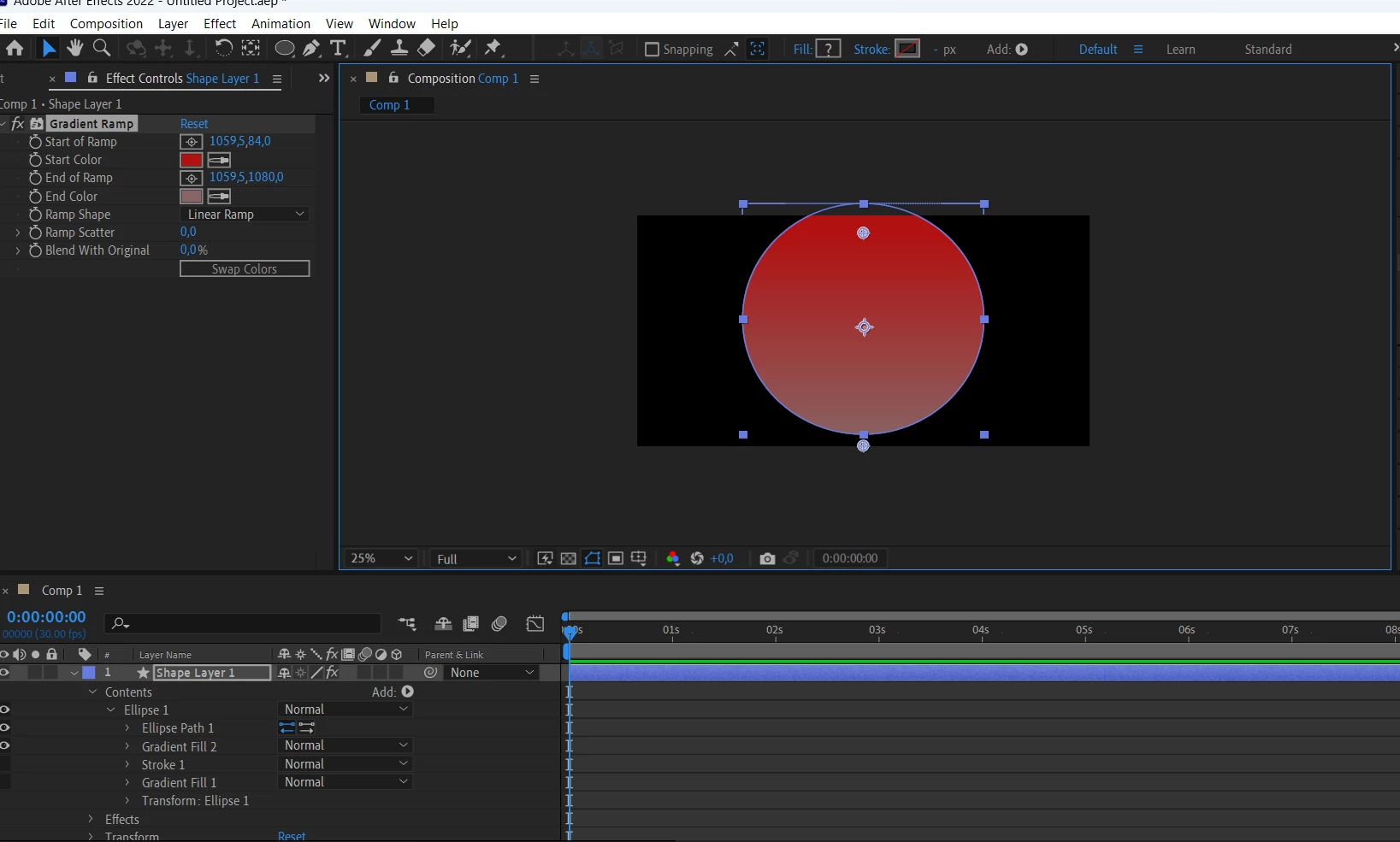
When i make 3d shape from 2d, the gradients disappears

  • December 3, 2022
  • 3 replies
  • 1402 views

Hello. COuld anybody help me with this problem: when I make the outer shape 3d, the gradients disappears and becomes grey.  Cant figure out why.
This topic has been closed for replies.
Correct answer ShiveringCactus

Do you need to extrude the shape?  If not, the Classic 3D renderer will show the gradient ramp.  If you do need to precompose and don't want to have to build in C4D Lite, you might be able to get away with using the layer as a track matte for a 2D solid with gradient on it.

3 replies

Participant
March 15, 2024

turn it off DRAFT 3D

ShiveringCactus
Community Expert
ShiveringCactusCommunity ExpertCorrect answer
Community Expert
December 4, 2022

Do you need to extrude the shape?  If not, the Classic 3D renderer will show the gradient ramp.  If you do need to precompose and don't want to have to build in C4D Lite, you might be able to get away with using the layer as a track matte for a 2D solid with gradient on it.

Mylenium
Legend
December 3, 2022

This is to be expected. A gradient would have to be a texture, which requires a completely different workflow like creating an extrusion object in Cinema 4D Lite and importing it via Cineware. The native extrusions in AE only handle plain materials. You may want to read the help files on the subject.


Mylenium 

Participant
December 4, 2022

thank you!