
When using the Puppet Warp tool, can you keyframe the mesh expansion value?
Hi there! How's everyone? I have an illustrated character whose beard is animated with the Puppet Warp tool. The transition to the next scene is a big zoom in, and there's a problem: the 'expansion' value I had set for the mesh disortion doesn't scale along with the character. I see this artifact that breaks the image, which happens when the mesh is too small for the object, but I can't add keyframes to expand this 'expansion' value of the mesh. I thought I could parent this value to an adjustment layer with a slider control and expand it from there, but it doesn't let me either. All I could do was fade out the opacity of the effect before the illustration zooms in, but that's just a workaround, not a proper solution.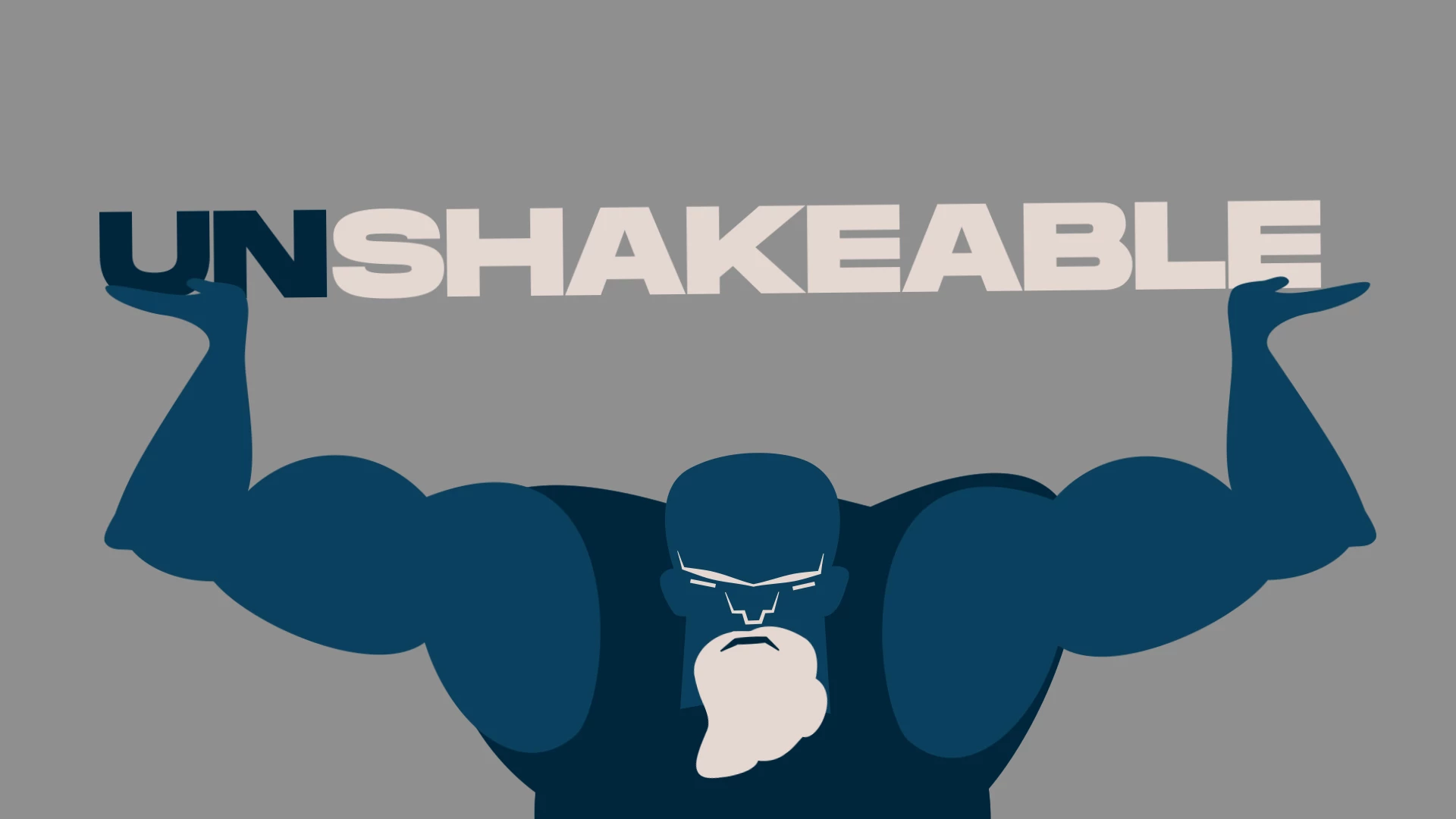
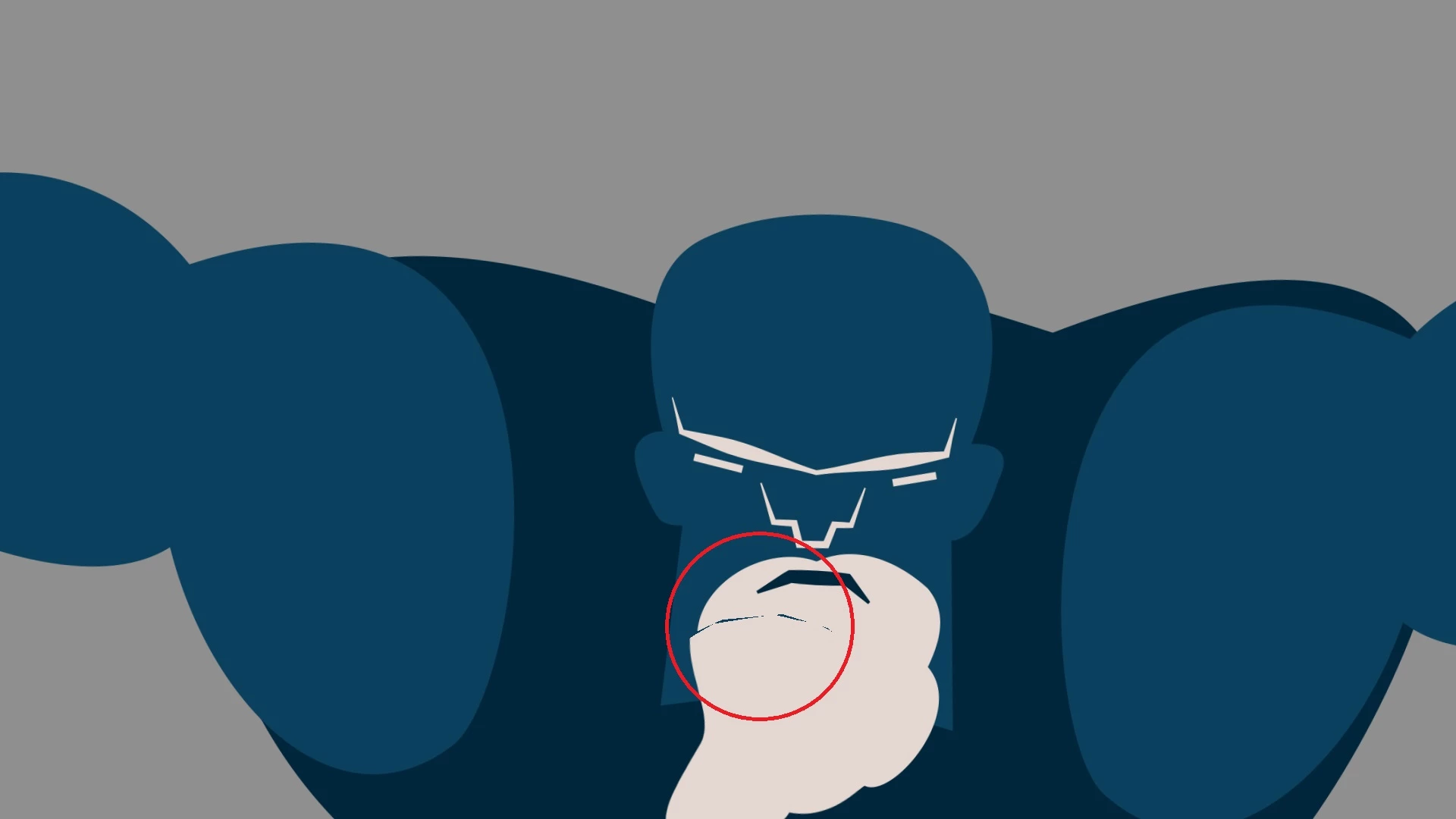
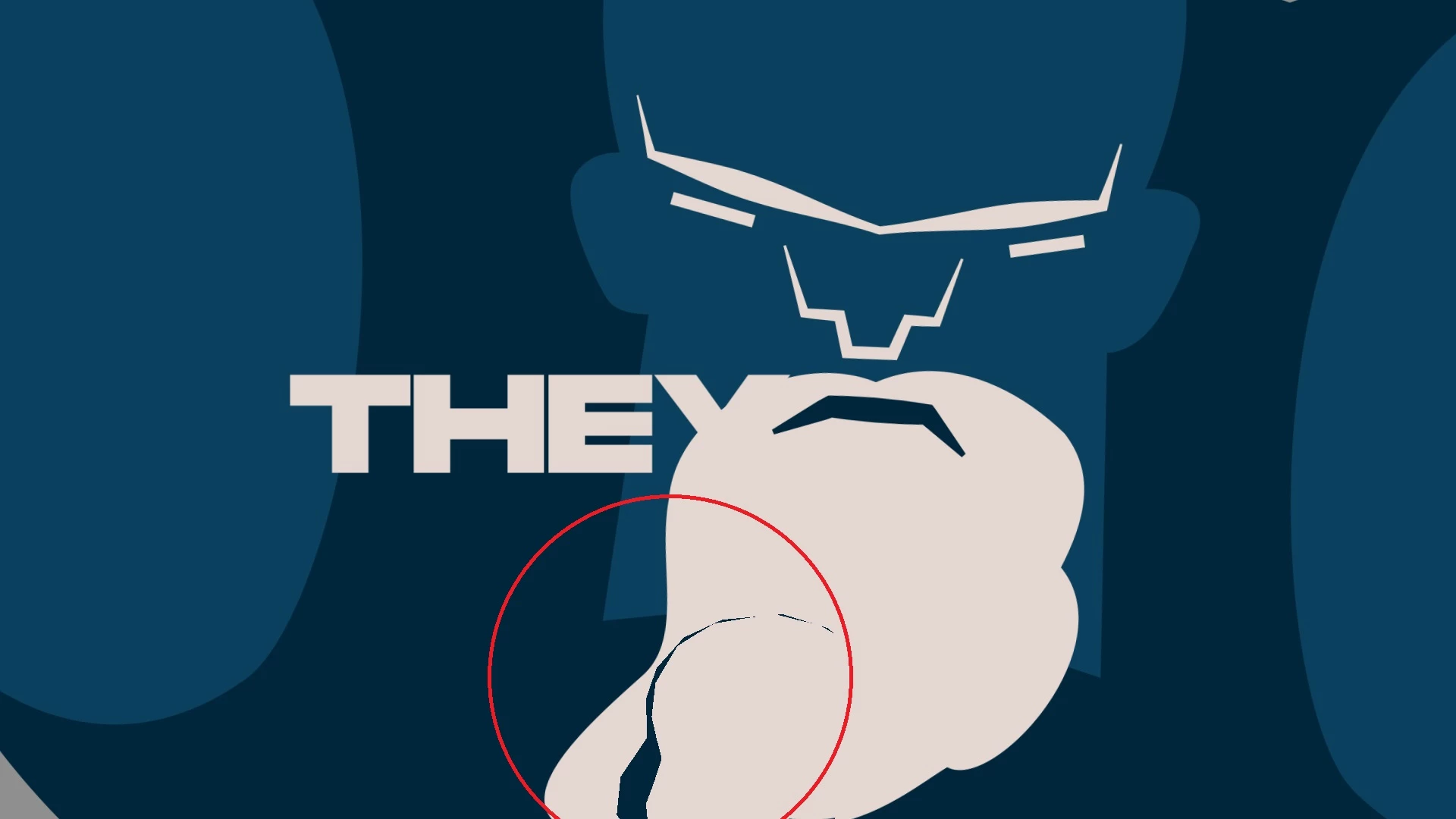
I hope I'm making myself clear. Thanks in advance to anyone who knows how to solve this!
Cheers,
Luigi
 AdChoices