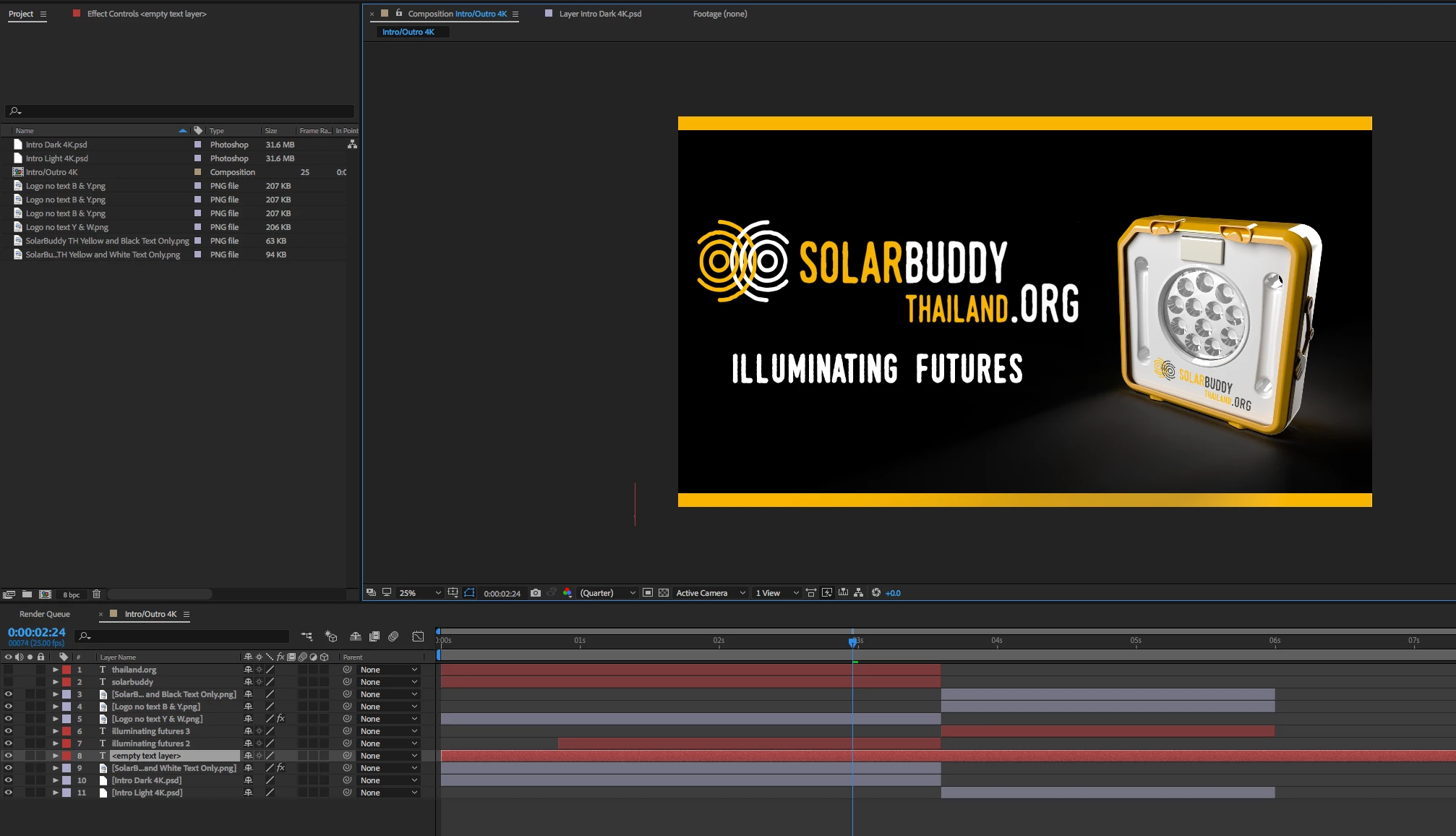
Participating Frequently
November 28, 2017
Answered

White Boxes Around Objects After Exporting From After Effects

  • November 28, 2017
  • 2 replies
  • 7350 views

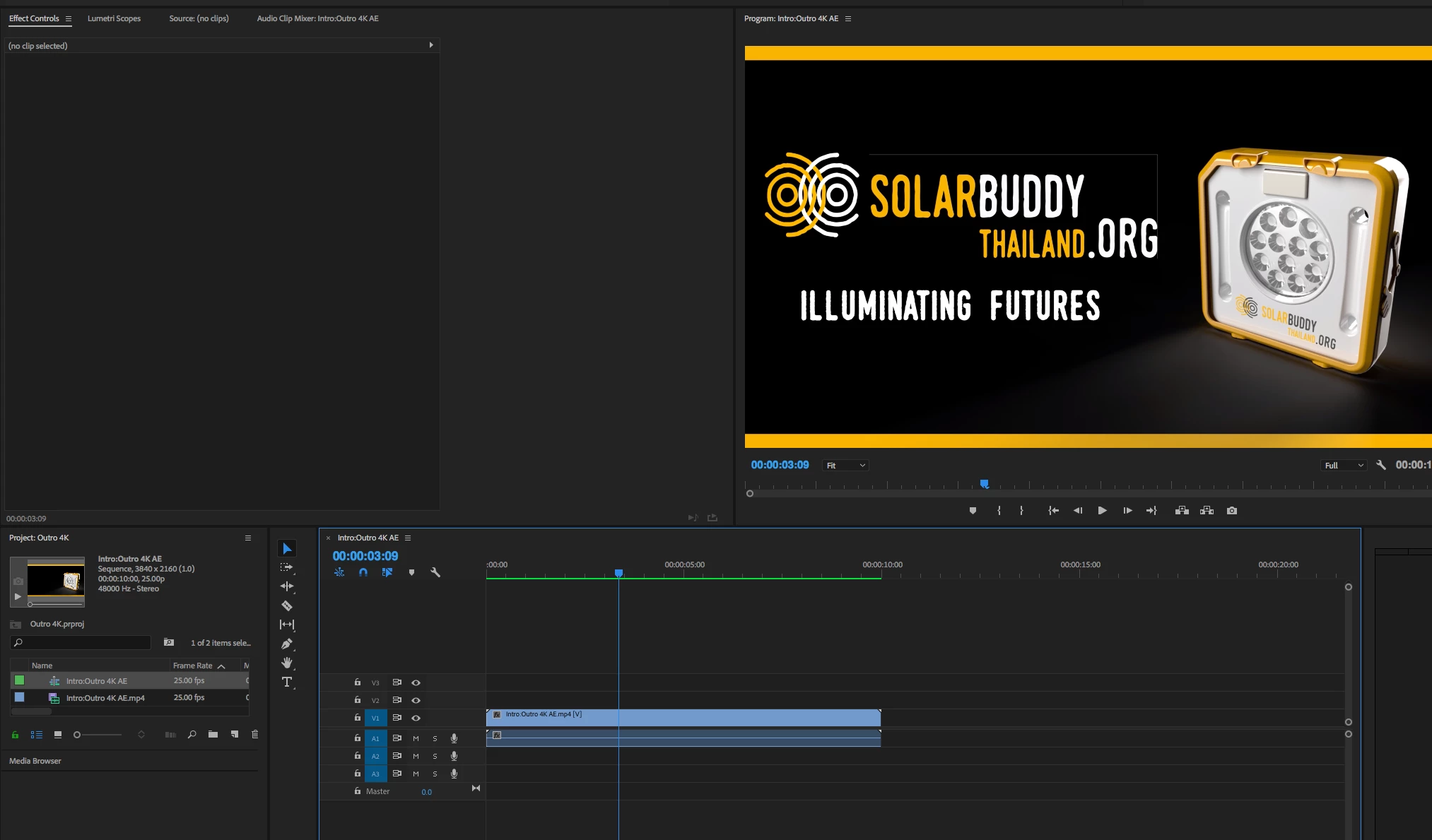
I have created a short video intro in AE and all looks fine until I export and go to edit in Premier Pro. I'm getting a white box outline around one of my images even though it's a PNG.

    This topic has been closed for replies.
    Correct answer Roei Tzoref

    Thanks. Found it. So I've tried rendering with both settings (straight and premultiplied with RGB+Alpha, Animation, etc.) and I'm still getting the same results. I usually do everything in Premiere Pro so I haven't had much need for watching AE tutorials. I'll go and check some out.


    try this. in premiere, change the quality (in the program monitor wrench icon) to "high quality playback" and see if you still see it.

    I am guessing this pixels exist on the edges of your artwork and you need to delete them in photoshop or mask them. in Ae you probably don't see them but in premiere you do since it defaults to reduce edge quality on preview. 

    2 replies

    Participant
    July 6, 2022

    i know this is a 5 year old post but this single handedly saved me so much time and effort and frustrations. 

    dj.summitt
    Inspiring
    November 28, 2017

    On the screen I'm currently on I don't see it but try bringing it into Premiere with a straight alpha channel.

    Participating Frequently
    November 28, 2017

    I looked for that but I don't see the option. Where would I find it?

    Roei Tzoref
    Legend
    November 28, 2017

    how are you bringing the Ae project to Premiere? Did you render it? what were the output module settings? Check that in channels you are rendering RGB+Alpha. QT Animation format and several others will give you that.