
Participant
December 28, 2019
Question

Why AE changes my screen brightness?(Solved)

  • December 28, 2019
  • 3 replies
  • 2434 views

(I don't know why but it seems that there are independent screen brightness settings for explorer and AE, and I can actually change them...)

I work with a notebook with a external monitor.

Resently, I find that when AE is open, it changes the brightness of my laptop screen.

When I click on a AE window, the brightness increases a little, and when I click on desktop, brightness reduces.

This only happens on the laptop screen, the external monitor is not affected.

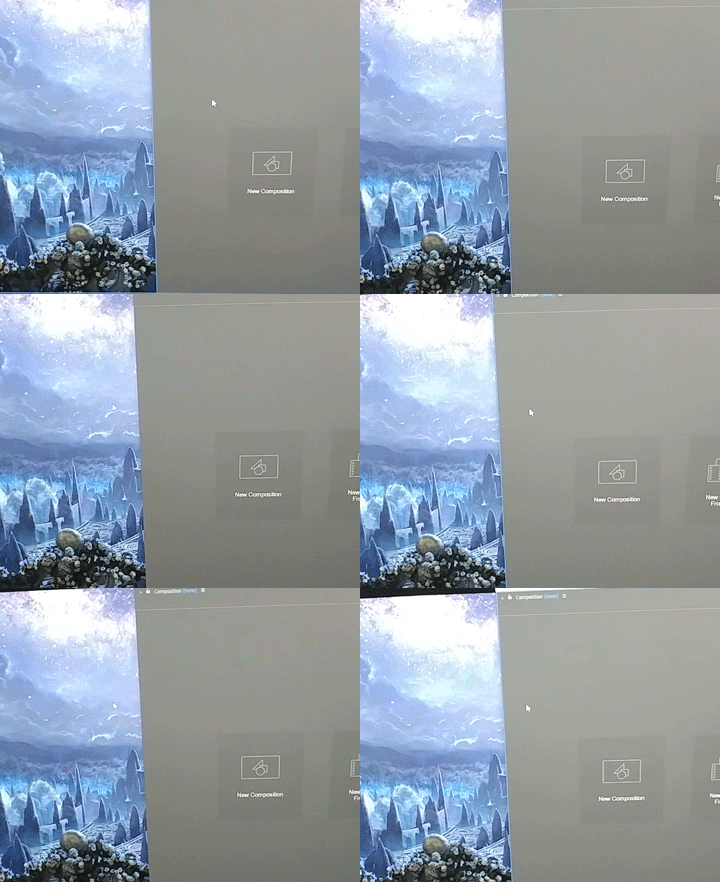
Here's a video I recorded, you can see brightness changes a bit when I move my mouse and click on AE or desktop.


This topic has been closed for replies.

3 replies

Participating Frequently
February 8, 2023
Participant
May 18, 2020

How did you fix it

Inspiring
August 1, 2020

For my laptop, just manualy adjust screen brightness when in AE to match brightness of windows.

Participating Frequently
February 8, 2023

this is the correct answer. Brightness "Sticks" to the adobe software. See my full post and solution here:
https://www.reddit.com/r/LenovoLegion/comments/10xai1j/lenovo_legion_screen_brightnessbacklight_changing/

Participant
January 9, 2020

我也遇到了同样的问题,请问你是怎么解决的呢?I also encountered the same problem. How did you solve it?

Clint.Wagoner
Participant
February 6, 2020

I guess Adobe has no answer for this one huh? I have been wondering whats up with that for sometime now. Any help at all would be appreciated, Adobe.