First, there are no inches in video or web graphics, so PPI or DPI is meaningless. It's all about the pixel dimensions. Make sure your artwork does not have to be scaled up to fit in your design.
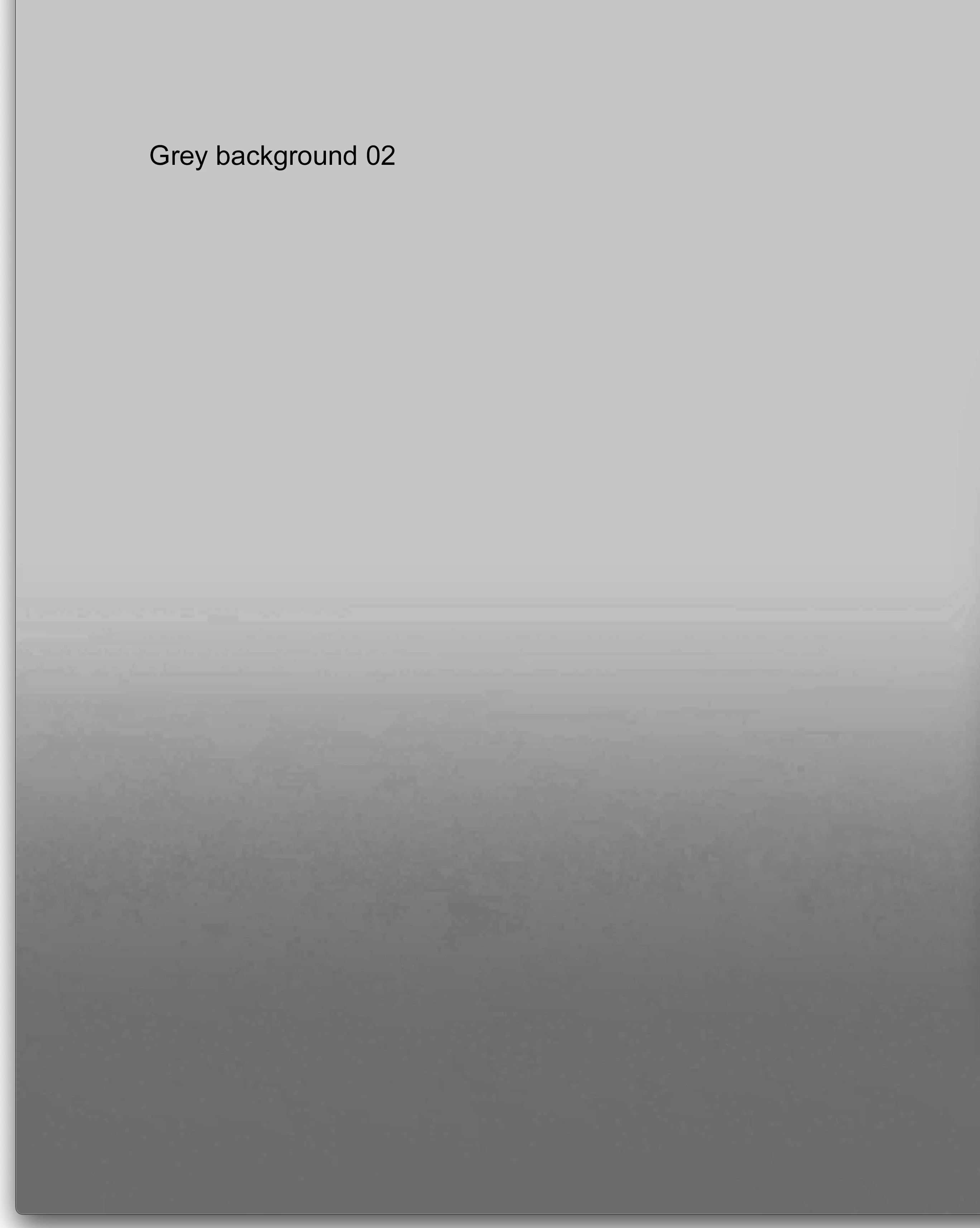
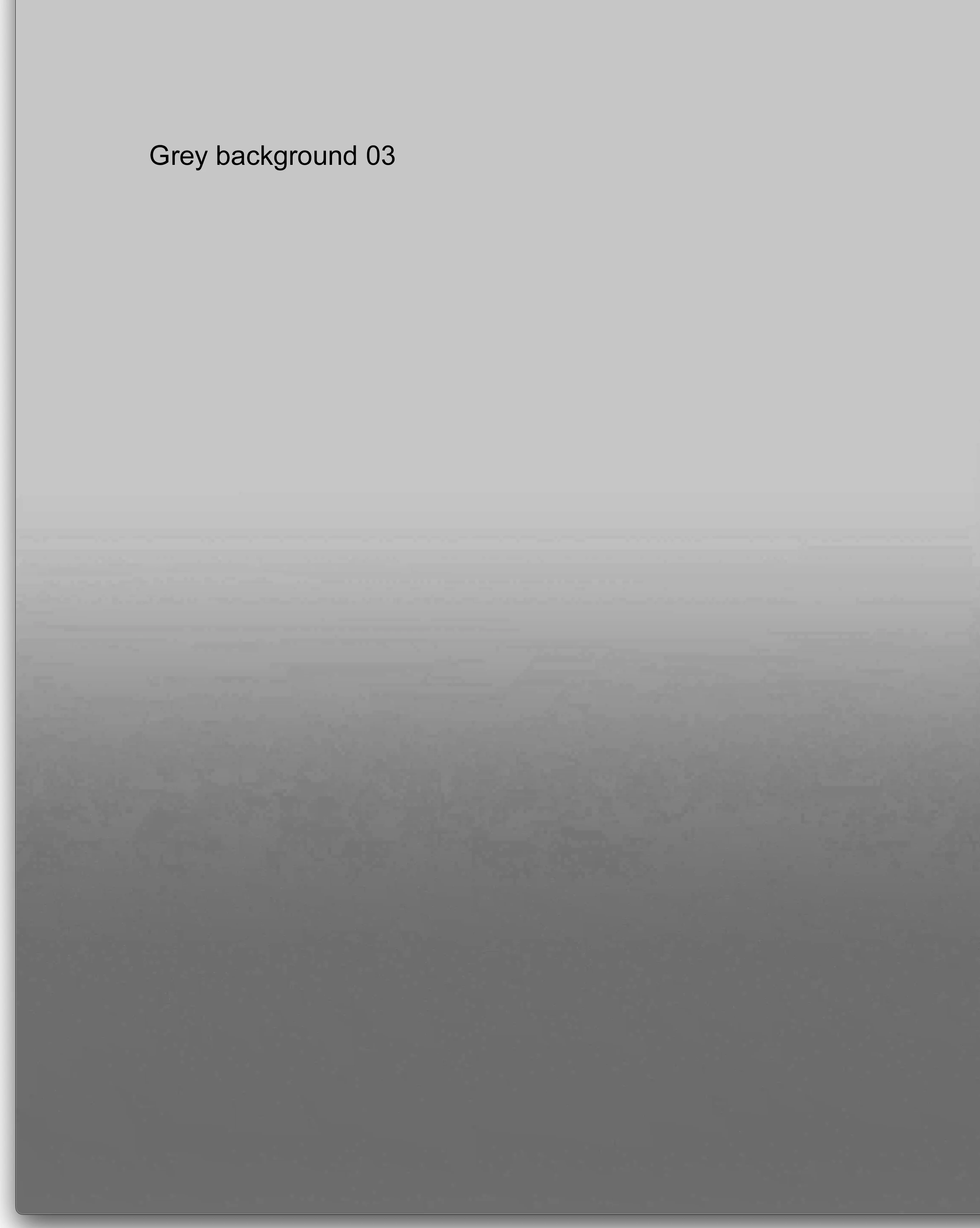
You can get banding on subtle gradients when you work with 8-bit files or in 8-bit comps because there are only 256 possible different color values for red, green, blue, and alpha. If your brightest color value is 200, the darkest is 150, and there are 1000 pixels between the lightest and darkest colors, dividing 1000 by 50 tells me there will be a change in value every 20 pixels. Depending on the combination of red, green, and blue values, the banding may be more or less pronounced. You'll get the most prominent banding if the RGB values match throughout the gradient.
The easiest way to hide those bands is to add a little noise or grain to the image after the gradient is applied.
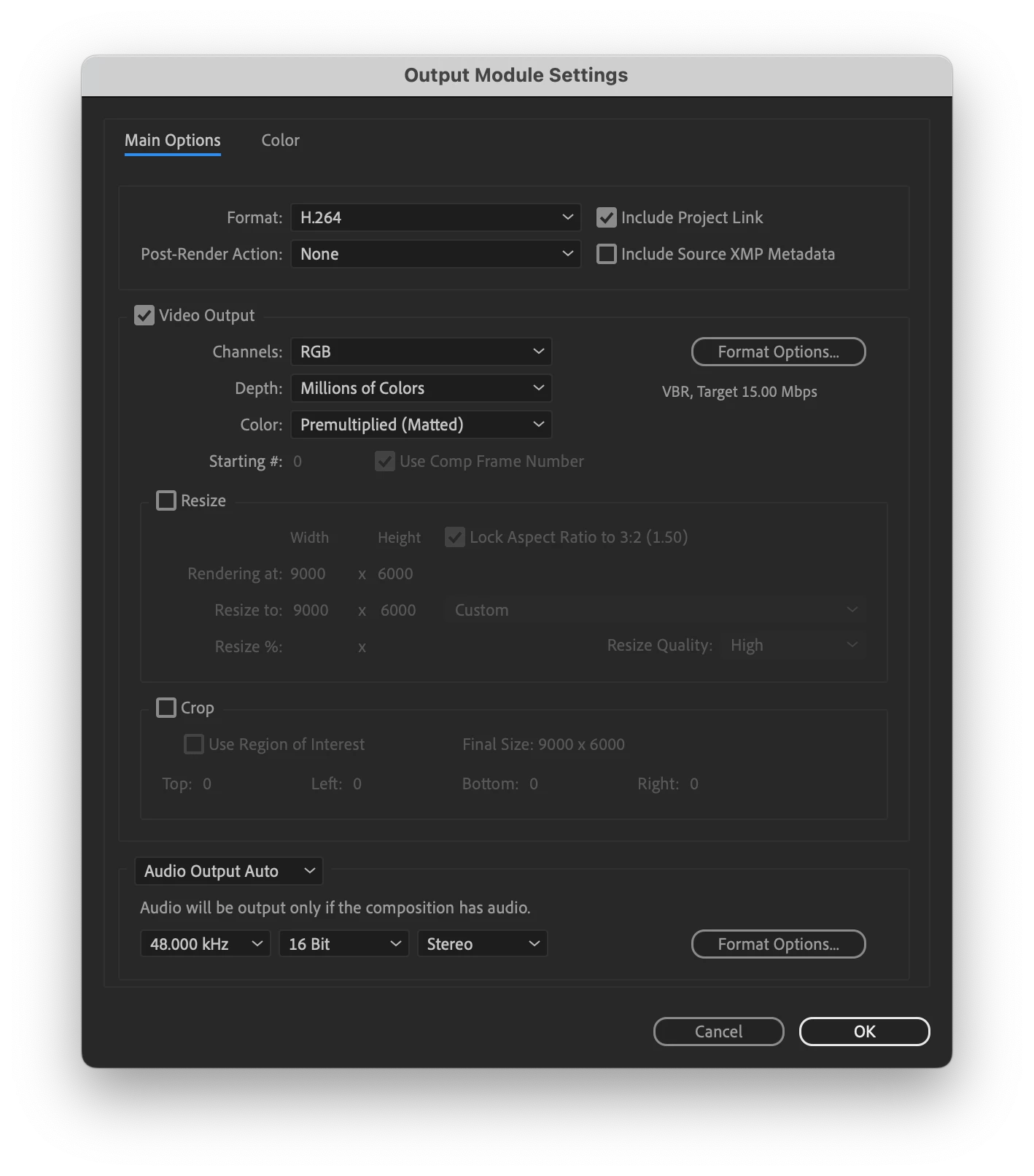
The problem is compounded when you render to H.264 (the standard for sharing video) because H.264 always compresses color values in blocks of 4 pixels and limits the luminance changes.
I almost always work in 16 or 32-bit comps, and I almost always add some subtle noise or grain to my comps as a final step. If I am going for reality in my composites or I'm using artwork or photos in the project, a little grain makes the whole project look a little better.





 AdChoices