
ninose11
Inspiring
July 30, 2025
Question

why can't I center a moving target in Geolayers 3

  • July 30, 2025
  • 1 reply
  • 169 views

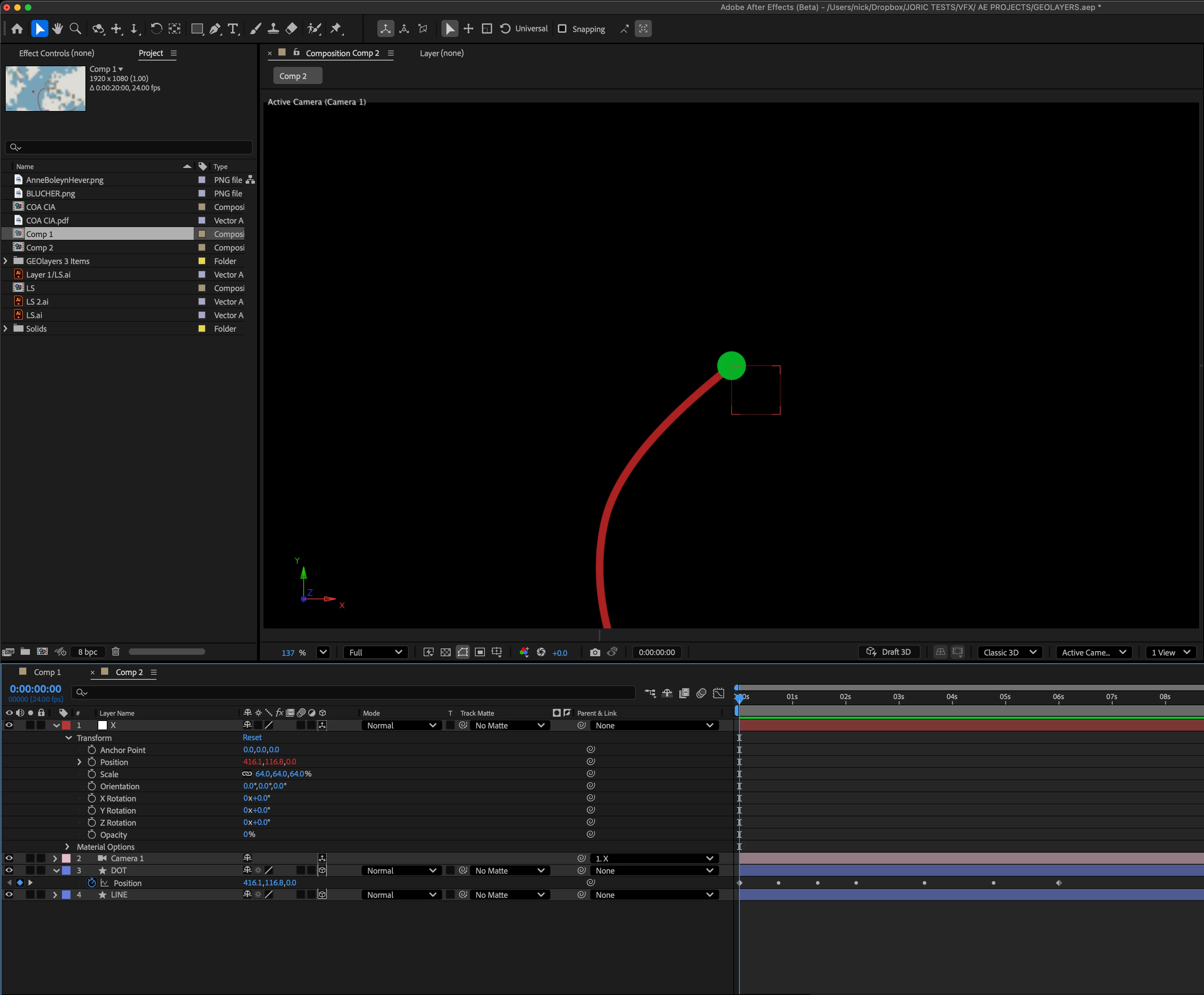
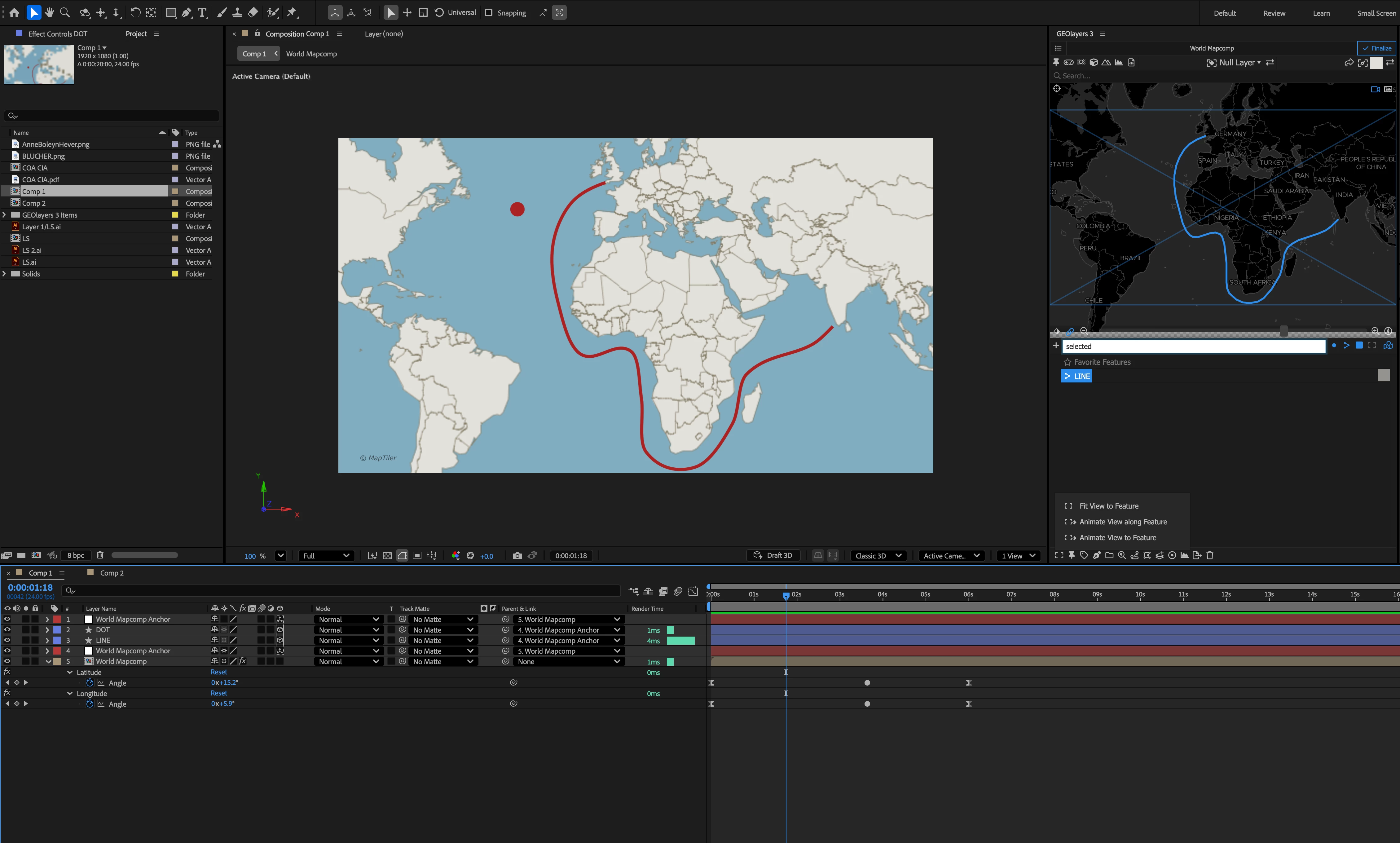
In After Effects, perfectly framing a moving target is easy. With a null parented camera, you simply parent the null's position to the moving target's position and the target will always be perfectly centered in your frame. Why is it that Geolayers 3 doesn't allow me to do this? It will frame a moving object along a path using "Animate View Along Feature", but I can't seem to frame the moving target perfectly in the center of my frame with Geolayers 3. What am I doing wrong or possibly missing?
 

1 reply

Kevin J. Monahan Jr.
Community Manager
Community Manager
July 30, 2025

Hey there,

Thanks for the message. As I understand it, GeoLayers has its own camera system, are you familiar with it?


Check out the “Follow Feature” option that can keep the camera centered on a moving object. I think you can animate in GeoLayers and then export the keyframe data. See this tutorial for specifics. https://adobe.ly/3IMR14x


Search for tutorials on YouTube under "Boone Loves Video." This guy knows GeoLayers very well. Seek those out for the nitty gritty details.


Hopefully, an export might come along and assist shortly.


Thanks,
Kevin 


Kevin Monahan - Sr. Community and Engagement Strategist – Adobe Pro Video and Audio
ninose11
ninose11Author
Inspiring
July 31, 2025

Thanks so much for your speedy reply Kevin. Yes somewhat. I just started learning Geolayers 3, but I've seen a lot of Boone's videos. They're indeed very helpful.  The Follow Feature is what I was using in Geolayers 3. But it seems to require a lot of manual adjustments since it appears to orient the camera to the path the target is following rather than to the target itself.