
Why does it seem my shape layers take the whole space of the composition?
I'm trying to import a file from illustrator into AE, but when I create the shapes from vector layer after turning that illustrator file into a layered composition, something strange happens when I try to work on the composition. No matter where I click on the composition, either trying to click on another layer or just empty composition space, it'll only select the top most layer. I cant select any of the layers beneath it without locking the layer, and it does this with multiple layers in the composition as well, not just the top most layer. Any ideas as to why it's doing this and how can I just move the selected shape, and not both the selected shape and the outline of the entire composition? I already checked in illustrator that there is nothing else hidden inside the layer other than the shape itself. Sorry in advance if this is a common thing in AE, I just barely started learning the program. 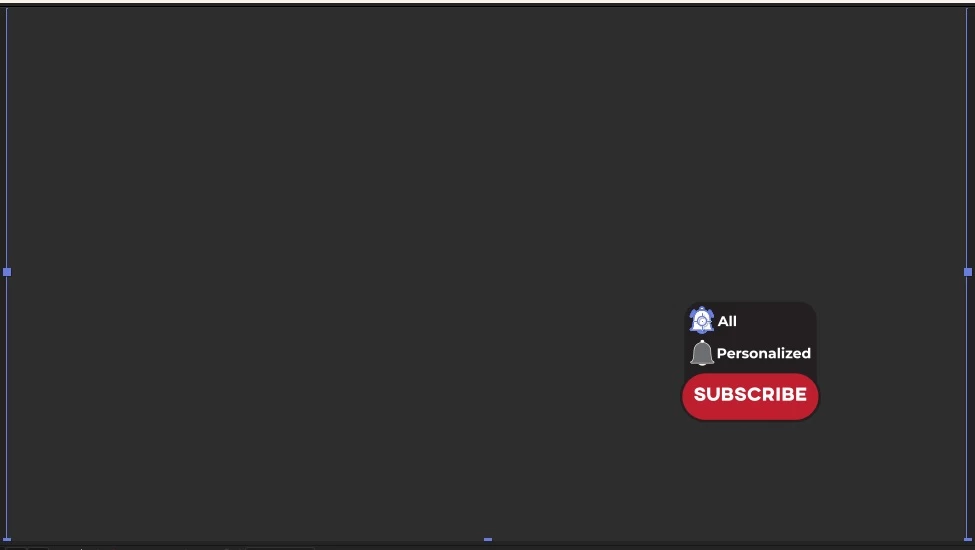
 AdChoices