Participant
September 16, 2026
Question

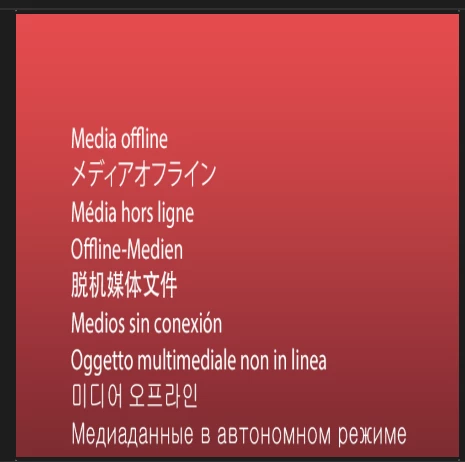
Why does my After effects lose media constantly?

  • September 16, 2026
  • 8 replies
  • 60 views

Okay so i recently bought after effects newest version to fix this problem but it still isnt fixed!
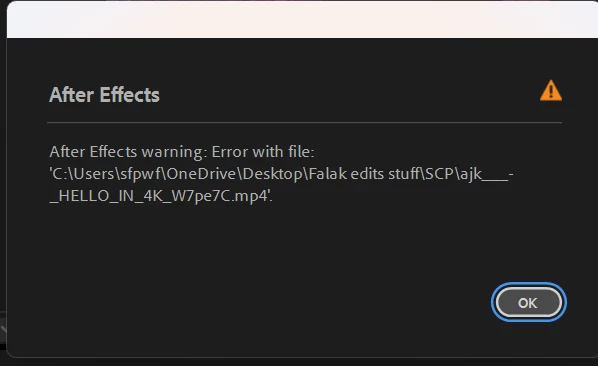
So everytime i play my project back a few times i get these errors below and honestly its getting tiring having to reload footage/readd footage/replace footage, is this a bug with everyone or just me?
All my clips are in one file, i cleared my disk cache and everything. these clips are not premier related so i dont know what other fixes may help end this issue because it is honestly very  inconvienient.
 

8 replies

Participant
September 17, 2026

SAME ISSUE, i changed file names and everything

Nishu Kushwaha
Community Manager
Community Manager
September 24, 2026

That’s strange! Is it happening with a specific project? Can you test it on a new project with the same media? Also, you can try importing your existing project into a new blank project. It’ll help if the issue is project-specific.

Let me know how it goes.


Thanks,

Nishu

ShiveringCactus
Community Expert
Community Expert
September 16, 2026

Where is your media stored?  I’ve seen this happen with network drives in the past

Participant
September 16, 2026

Network drives? Do you mean onedrive because maybe that is the issue.. My files are in a folder on my laptop but i think im using the onedrive folder to import files… 

ShiveringCactus
Community Expert
Community Expert
September 16, 2026

Yeah.  That would be my guess.  OneDrive should keep files local and sync to the cloud, but maybe it’s not keeping them local or in some way messing with AE’s file tracking.