Elele
Participating Frequently
May 3, 2014
Answered

Why does my path change position when I paste it (to a mask, or position, ...)?

  • May 3, 2014
  • 11 replies
  • 68175 views

Hello,

Why does my path change position when I paste it (to a mask, or position, ...)?

I'm using AE CS6 and AI CS6.

I opened a AI document in AE and converted it to shapes and resized and repositioned it.

Then I tried to copy/paste the path from the shape to a lens flare center (to animate the lens flare). And that worked but, but it has moved off quite a bit and out of frame.

Thanks,

Elele.
This topic has been closed for replies.
Correct answer timurq95919976

The same issue.

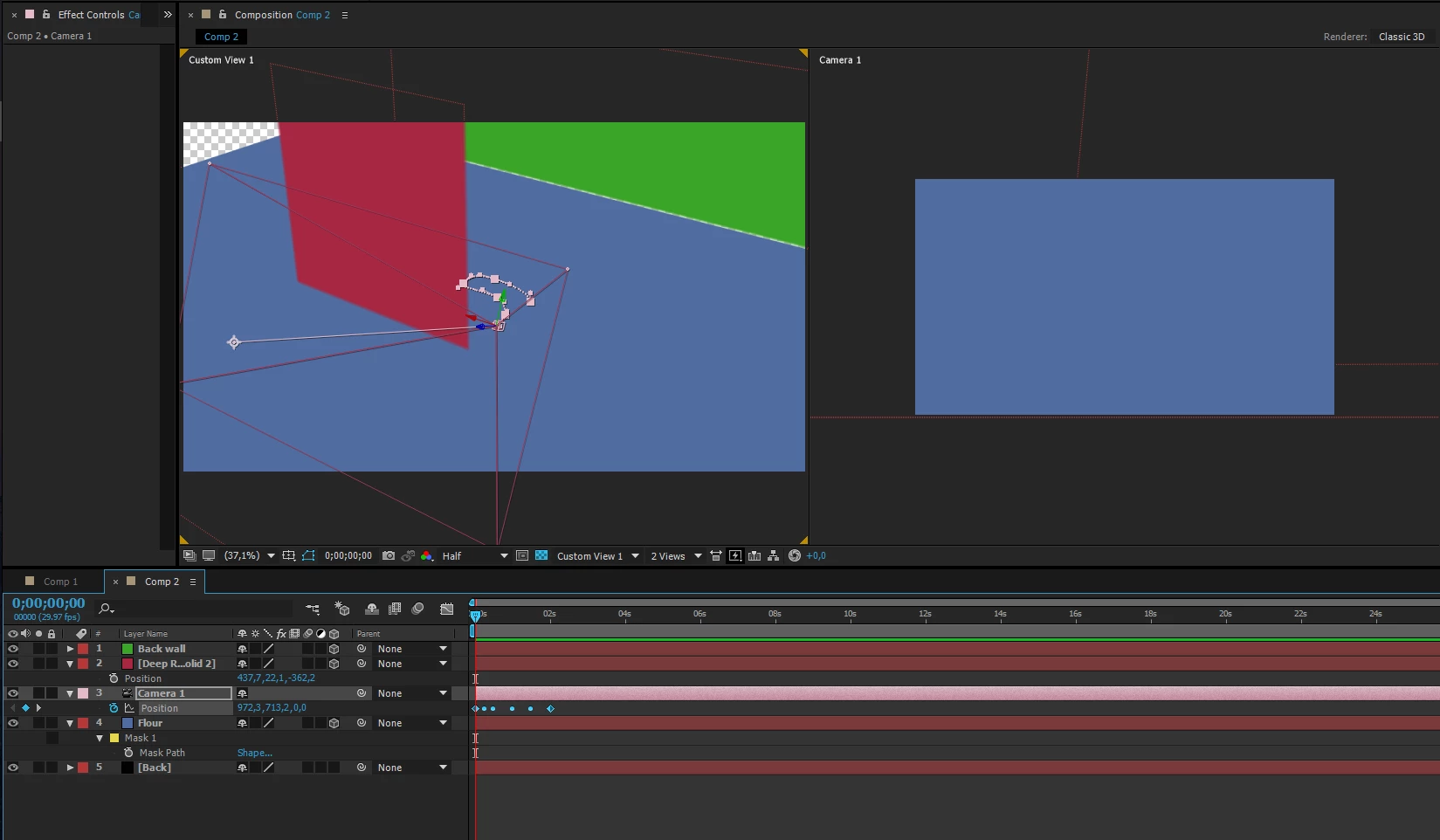
AE CC2015, I'm trying to follow your video, and make this

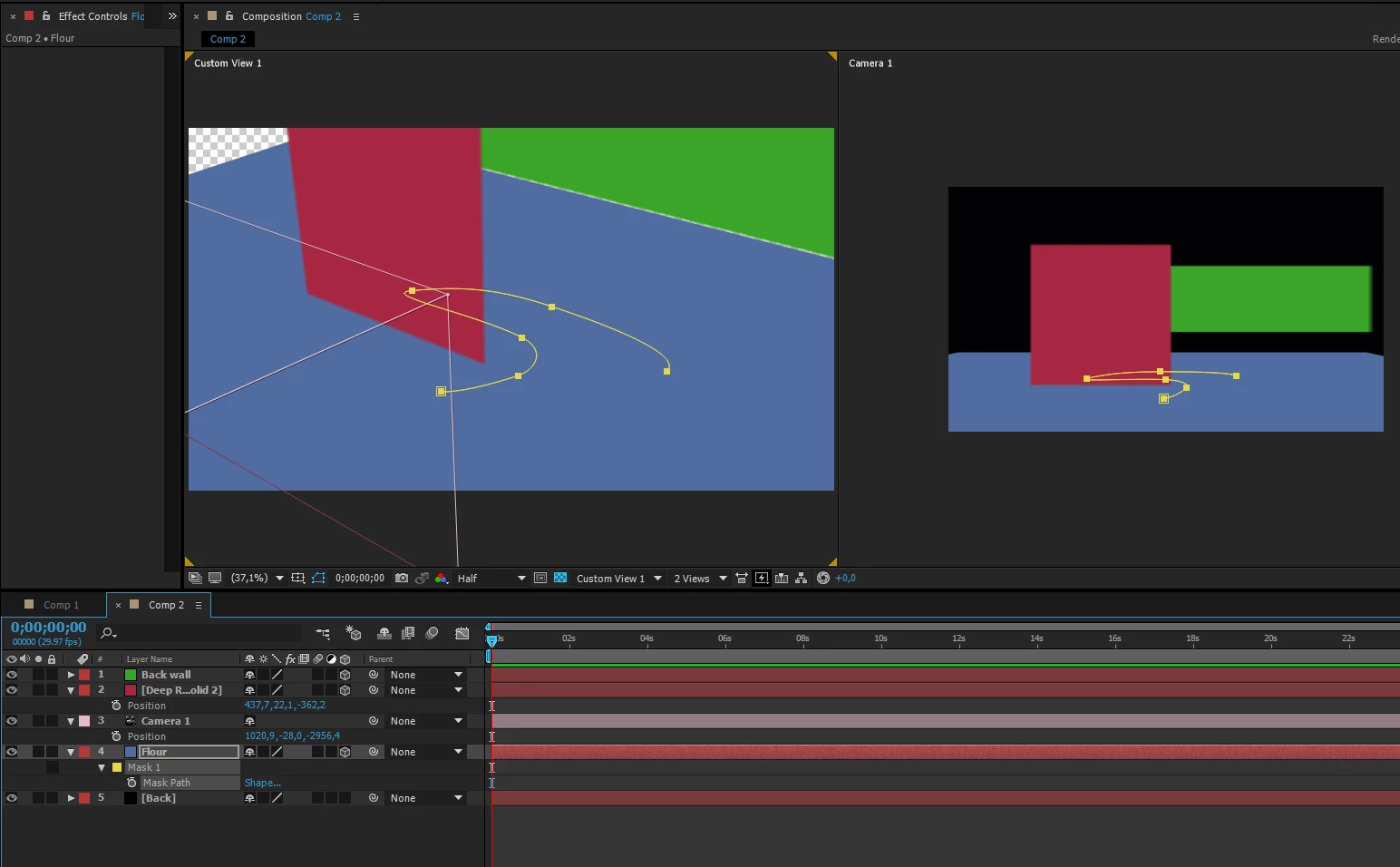
Then I simply copy Mask path and paste it to Camera1 Position, and I get this, no matter if I create a key frame(s) or not

Thank you in advance!


Solved! The video by Rick Gerard is here -> Mask or shape path to motion path - YouTube

11 replies

Elele
EleleAuthor
Participating Frequently
May 3, 2014

PS: Also I'm completely new to AE and also pretty much to AI, so it's prolly something obvious

Mylenium
Legend
May 3, 2014

Effect paths are relative to the layer and shape layers use a differnt coordinate system than conventonal layers. Furthermore positioning and scaling may introduce additional coordinate changes not relative to the layer, but the comp. There you pretty much have your answer, you need to work out a consistent logic and work to scale from the start.

mylenium

Elele
EleleAuthor
Participating Frequently
May 3, 2014

So no moving or scaling paths in AE and then it should work?

The moving and scaling can only be done in other programs like AI?