

Why does the Turbulent Displace effect pixelate vector graphics in 3D comps?
The Turbulent Displace is one of my favorite effects. But my problem with that effect is how it behaves on shape layers in 3D comps withh null-parented cameras. I'm told I should pre-comp the shape layer that has the Turbulent Displace effect applied. But if I do that, what happens in the null-parented camera 3D comp scene is that the precomped shape layer now loses resolution and becomes quite pixelated as I dolly into the shape. The only way to avoid this is to turn on the rasterization button " * " for that layer. But this then changes the layer's shape:
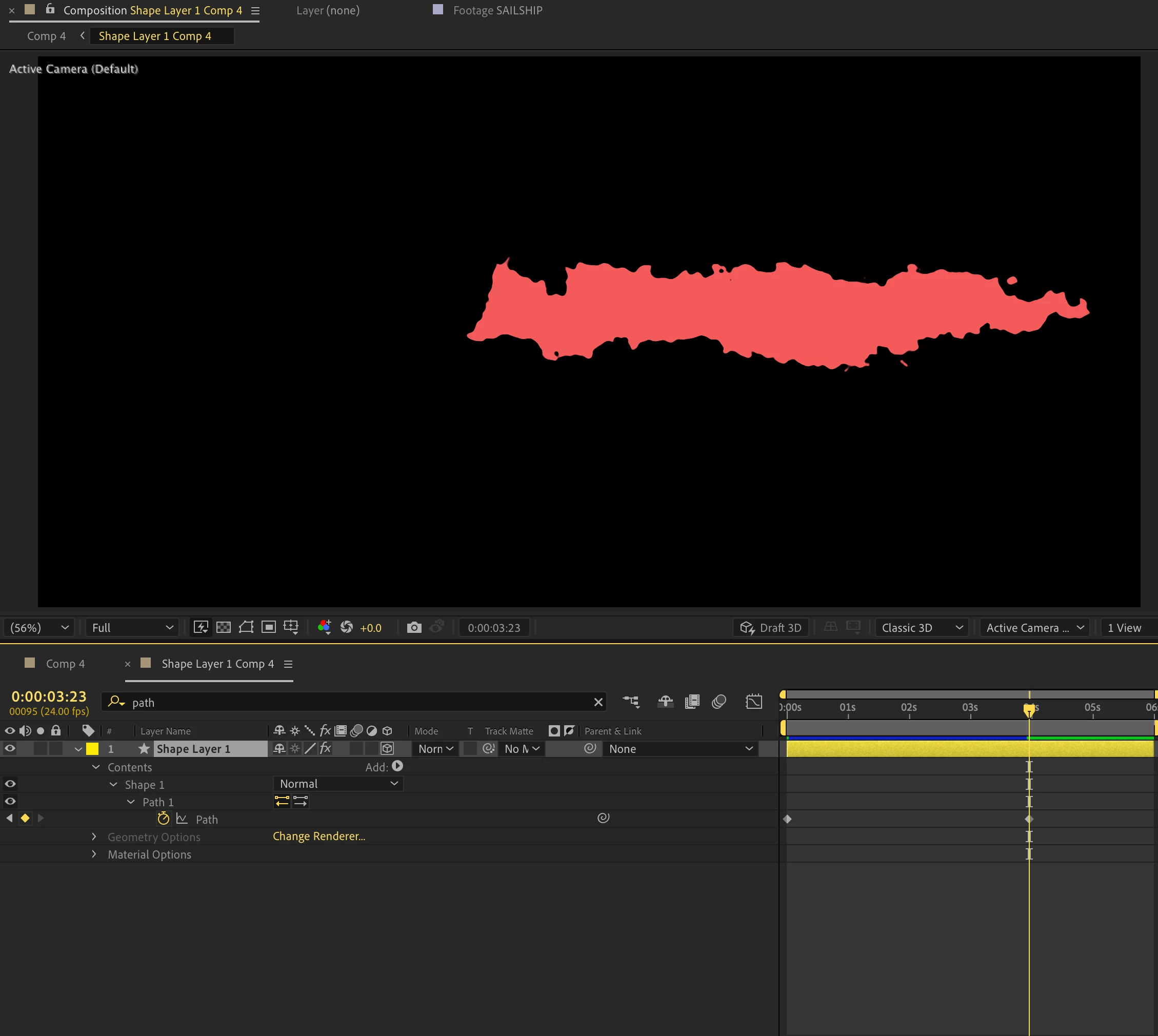
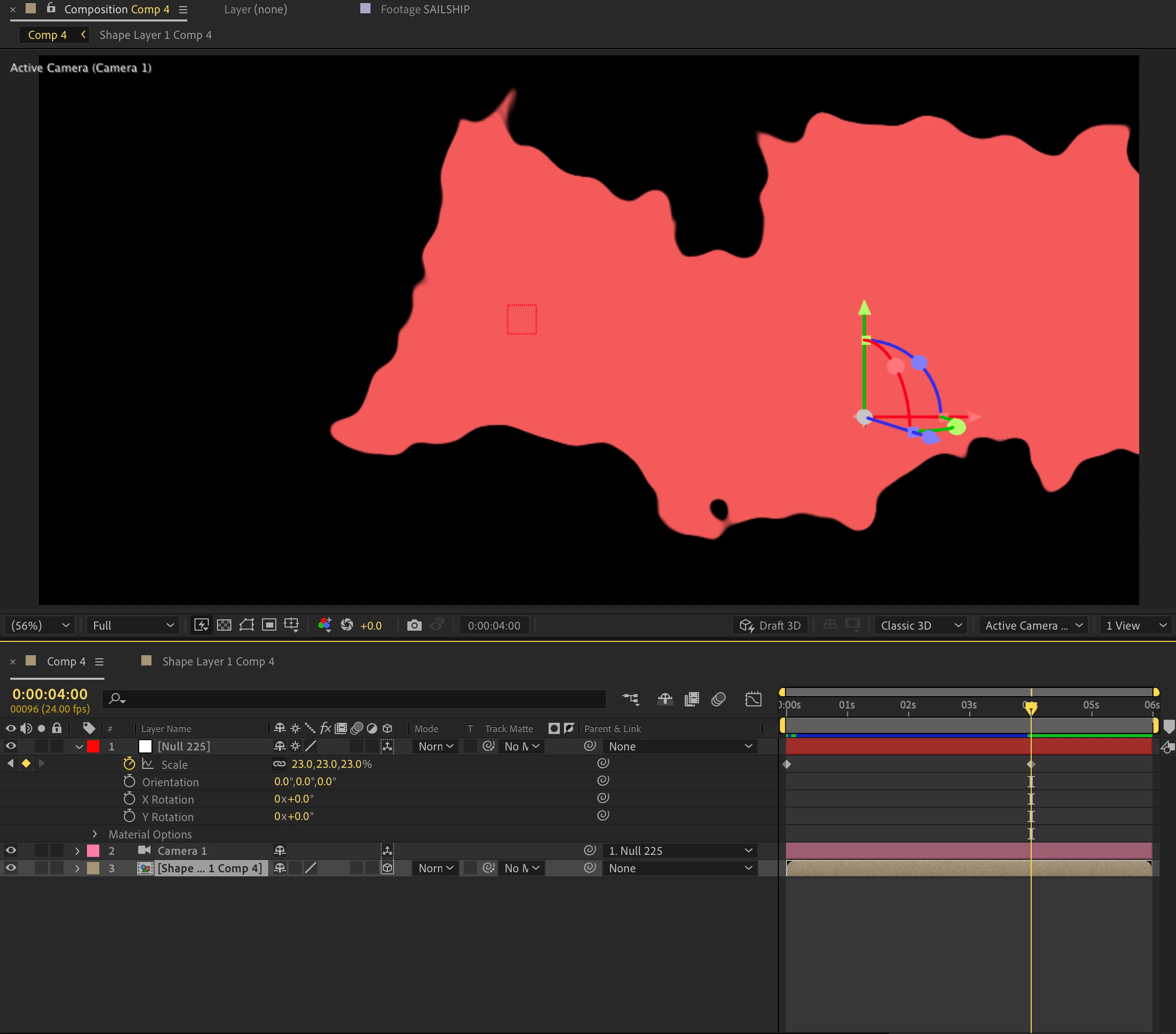
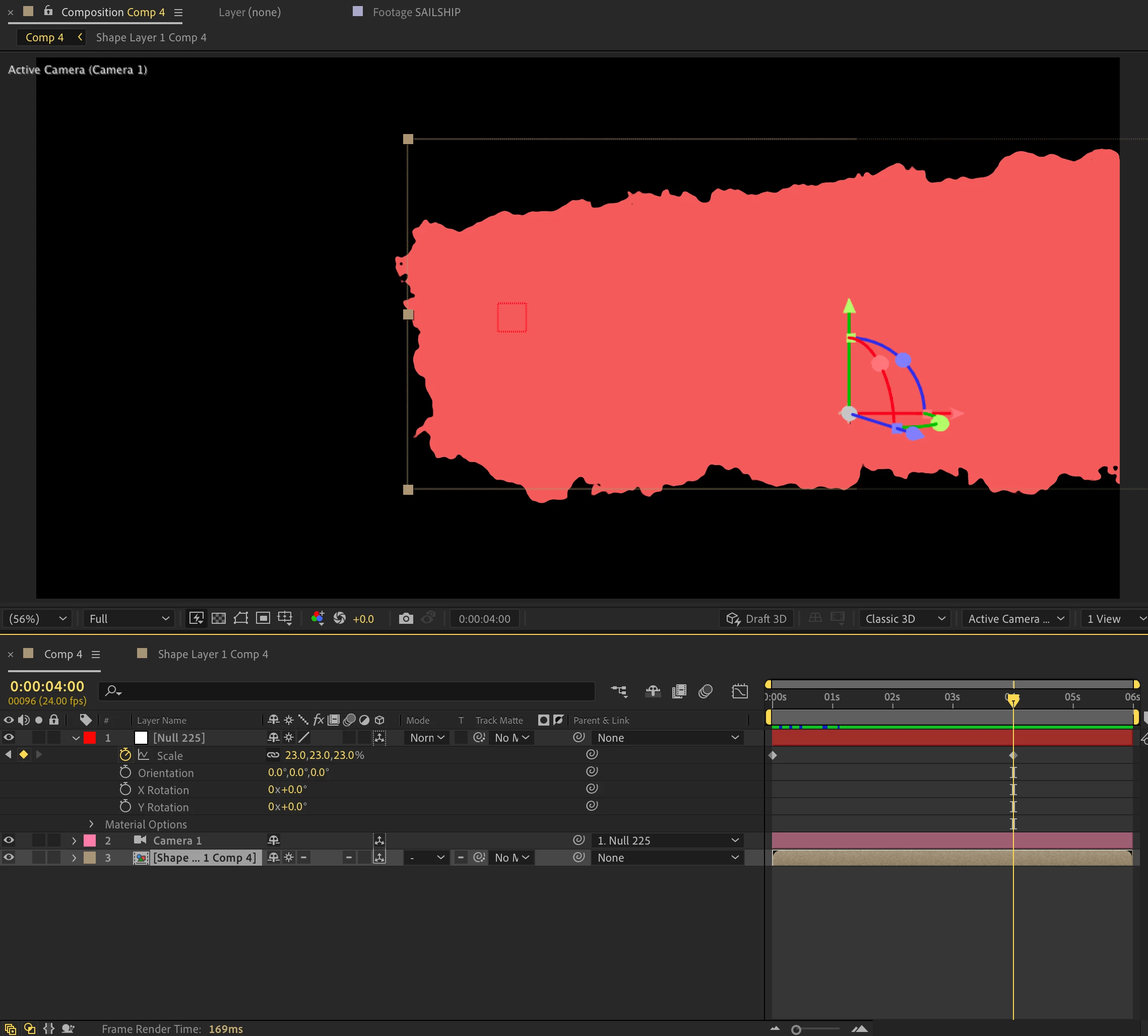
I'd like to be able to zoom in / dolly in on the shape layer without it losing resolution. But if I do that through the rasterization button, not only does this alter the layer's actual shape but doing so causes the Turbulent Displace effect to shake/wobble independently:
Does anyone know of any plugin alternative to AE's native "Turbulent Displace" that won't cause a shape layer to lose resolution in a 3D comp when zooming in or scaling up? Thank you in advance.


 AdChoices