

JBJB1029
Known Participant
December 11, 2021
Question

Why does this happening every time I open this Adobe After Effects Project, and How do I fix it?

  • December 11, 2021
  • 2 replies
  • 323 views

Every time I open a certain Adobe After Effects Project File, this happens (look in the picture below):
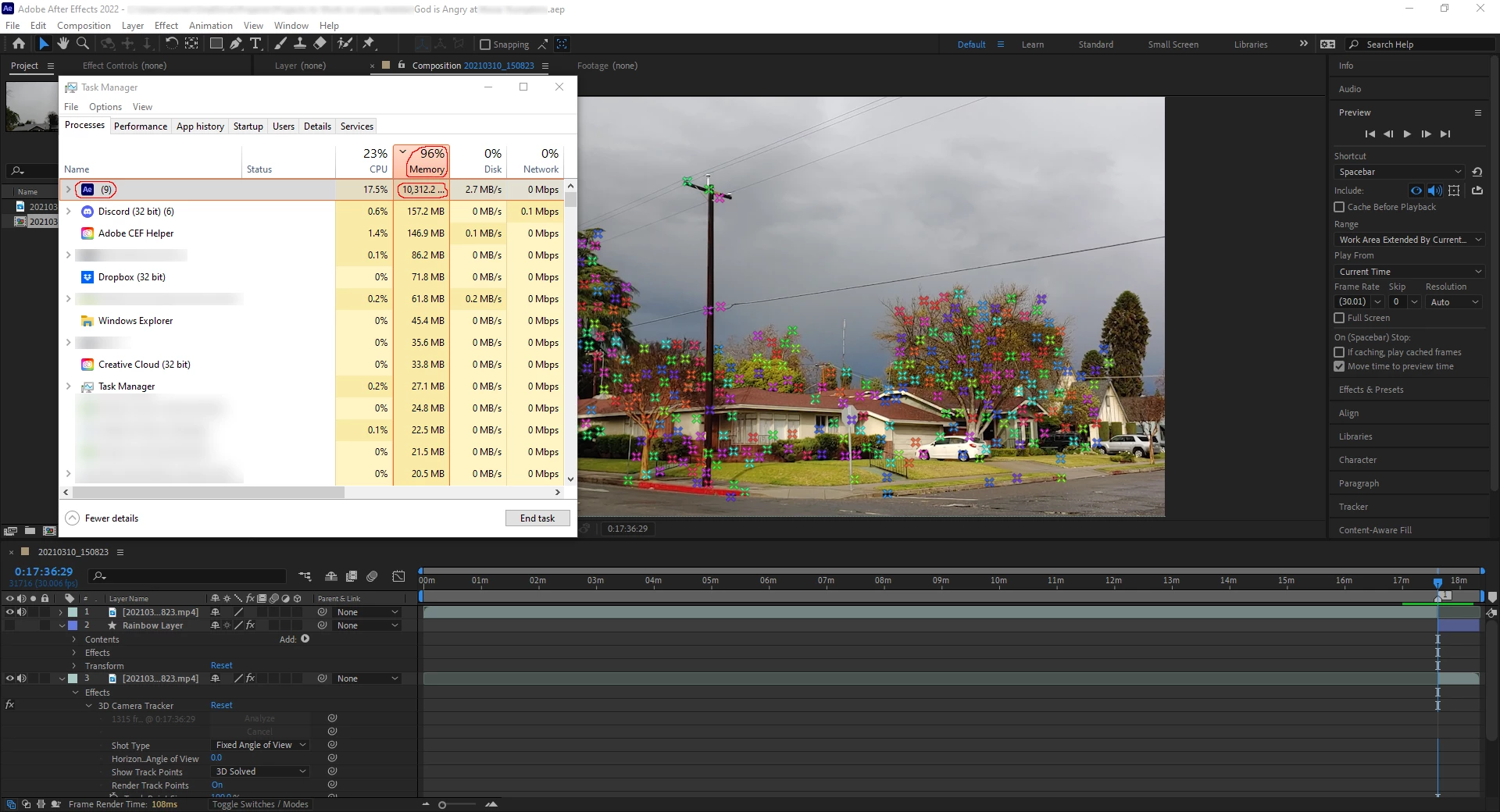


(If you can't see the problem, then here's a closer look at it:)
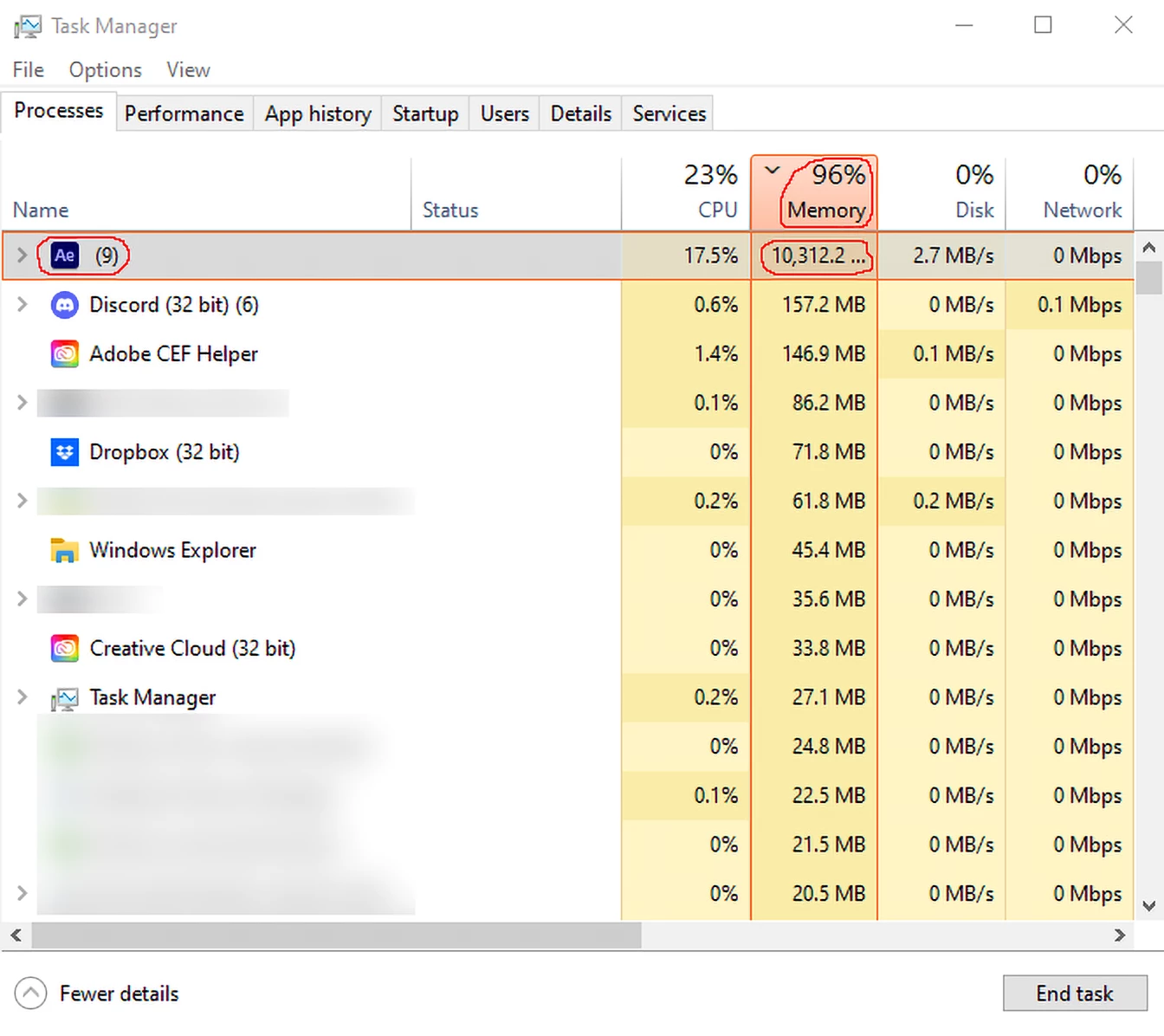
As you can see, every time I open this Adobe After Effects Project File, ((which only has 1 (video) file in it) (which is kind of funny/sad when you think about it,)) IT EATS UP ALMOST ALL OF MY COMPUTER'S (PHYSICAL) MEMORY! And before you say it, Yes, I even closed (aka end tasked) a majority of the programs that eat up 100 MB of Memory on My PC. However, it still EATS UP ALMOST ALL OF MY COMPUTER'S (PHYSICAL) MEMORY EVERY TIME I OPEN THAT ONE ADOBE AFTER EFFECTS PROJECT FILE!

So is the problem software-related and/or hardware-related, and How do I fix it so that it will finally  Stop Eating Up almost All of My Computer's (Physical) Memory every time I open that one Adobe After Effects (Project) File?

This topic has been closed for replies.

2 replies

ShiveringCactus
Community Expert
Community Expert
December 11, 2021

As @OussK suggested, it is probably a good idea to alter the RAM allocation, which you can do in Edit > Preferences:


Set the RAM reserved for other applications to 4 or 6Gb and you should be able to get your PC to walk and chew gum at the same time.

OussK
Community Expert
Community Expert
December 11, 2021

That's normal, AE always eat any available memory if possible this is why it's recommended to have a big memory in your device to use AE from your screenshot looks like you have 16 GB memory I guess which is not enough to use AE with other software you should upgrade to 32 or better 64 GB 

JBJB1029
JBJB1029Author
Known Participant
December 11, 2021

So I should upgrade the Memory Hardware on My PC from 16 GB to either 32 or 64 GB, correct @OussK?