Participant
October 15, 2021
Question

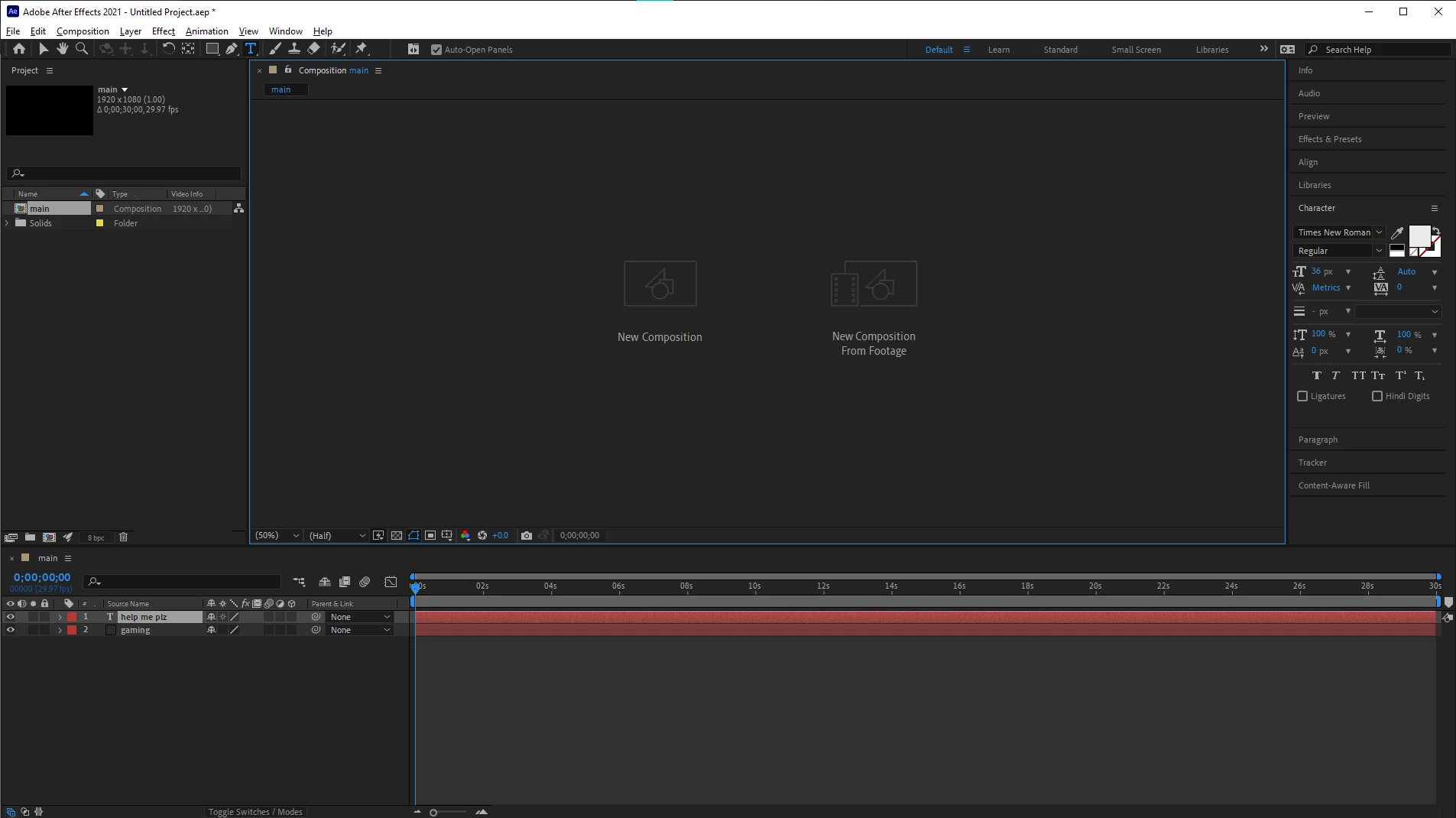
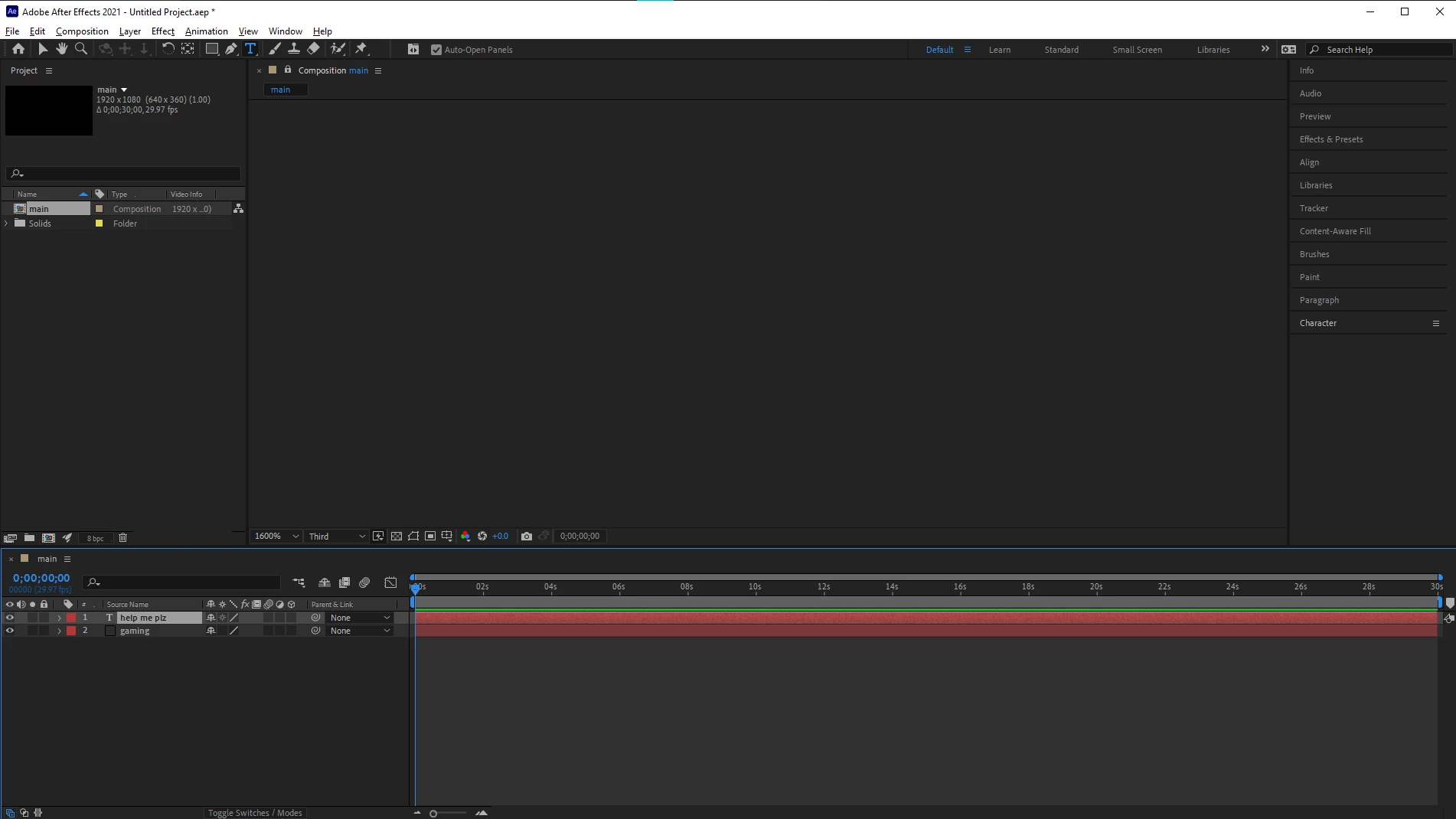
Why doesn't my comp or any of its layers' show up?
  • October 15, 2021
  • 3 replies
  • 426 views

After closing and re-opening the composition panel it shows up grey.
 

Title edited by Mod.

 

This topic has been closed for replies.

3 replies

nishu_kush
Legend
October 20, 2021

Hi default74ti246rwxmp,


Sorry for your issue. Please share the following details.

Could you try creating a new user account and running After Effects in it?

Let us know, we're here to help.


Thanks,

Nishu

Participant
October 26, 2021

CPU: 11th Gen Intel(R) Core(TM) i7-1165G7 @2.80Ghz, 2803Mhz, 4 Core(s), 8 Logical Processor(s)

GPU: Intel(R) Iris(R) Xe Graphics 

GPU Version: 27.20.100.9749

Total RAM installed: 15.7GB

OS: Windows 10 Home

nishu_kush
Legend
October 27, 2021

Hi default74ti246rwxmp,


Do you mind installing the latest version of After Effects (22.0.0) and see if that helps?

Let us know.


Thanks,

Nishu

OussK
Community Expert
Community Expert
October 17, 2021

it's a GPU problem, can you give more details about your PC specs, also did AE works before on you PC then stop working? or it's the first time you install AE on your Device? 

Participant
October 26, 2021

Hi there

I resetted my laptop COMPELTELY (drivers etc) prior, when I installed after effects I did not work. I believe I am missing an essential item for after effects to work, but I am not sure I am missing.

Community Expert
October 15, 2021

Try these and see if it helps:
Update your graphics card drivers, if updated recently roll back to the last one.

Disable GPU acceleration (press on the rocket icon in the project panel)

Turn off hardware acceleration for composition, layer and footage panels (preferences > display)

Participant
October 16, 2021

Nothing worked, I tried everything you said to do.


Community Expert
October 16, 2021

Your solid is the same color as the interface in this screenshot, try to change it