maka333
Participant
January 28, 2017
Question

Why I can´t open a precomposition in after effects?

  • January 28, 2017
  • 2 replies
  • 3433 views

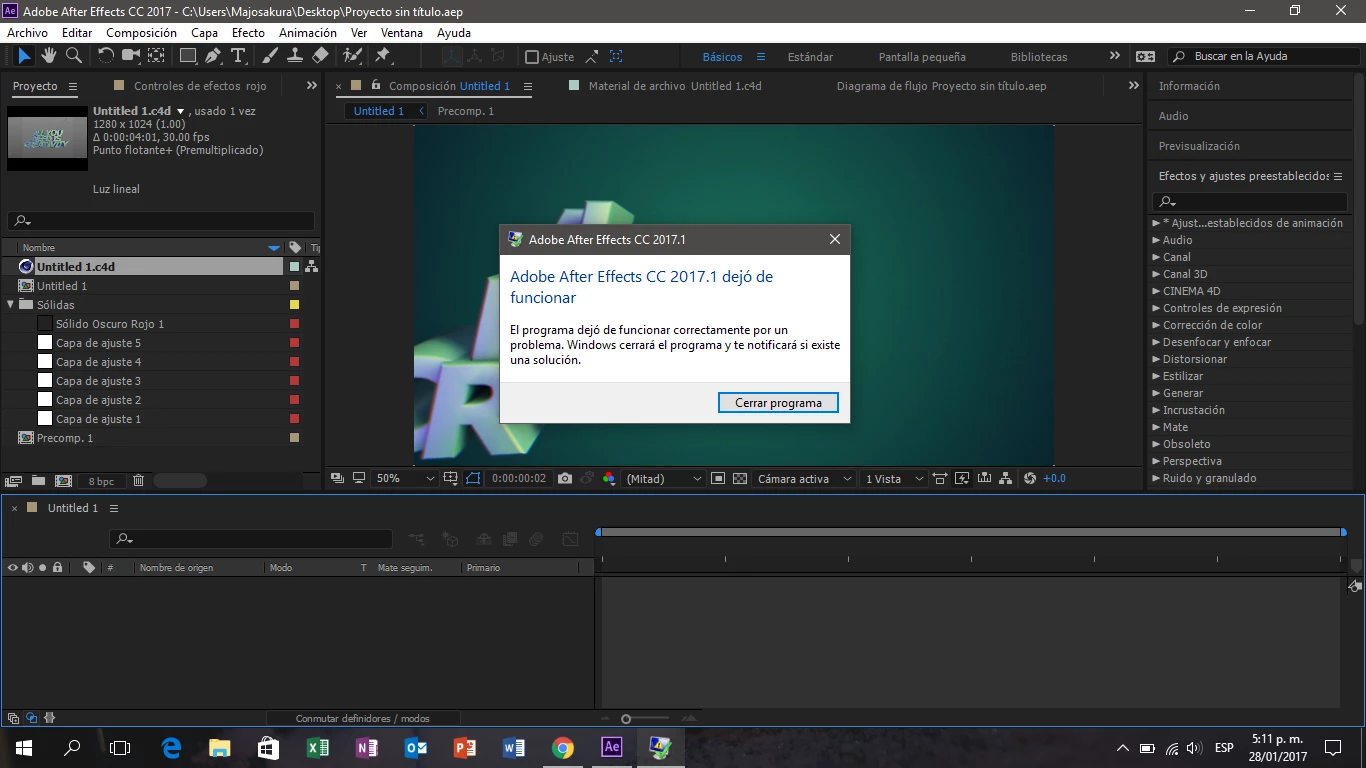
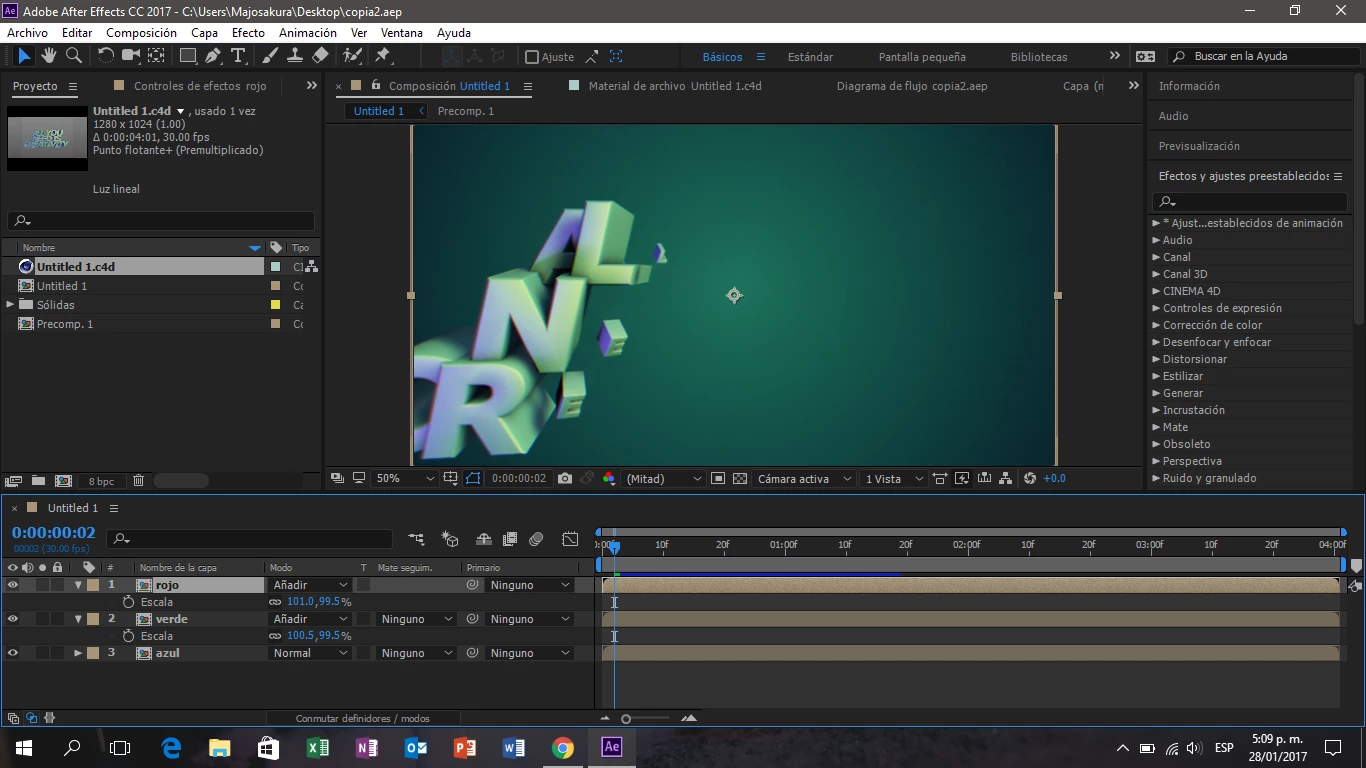
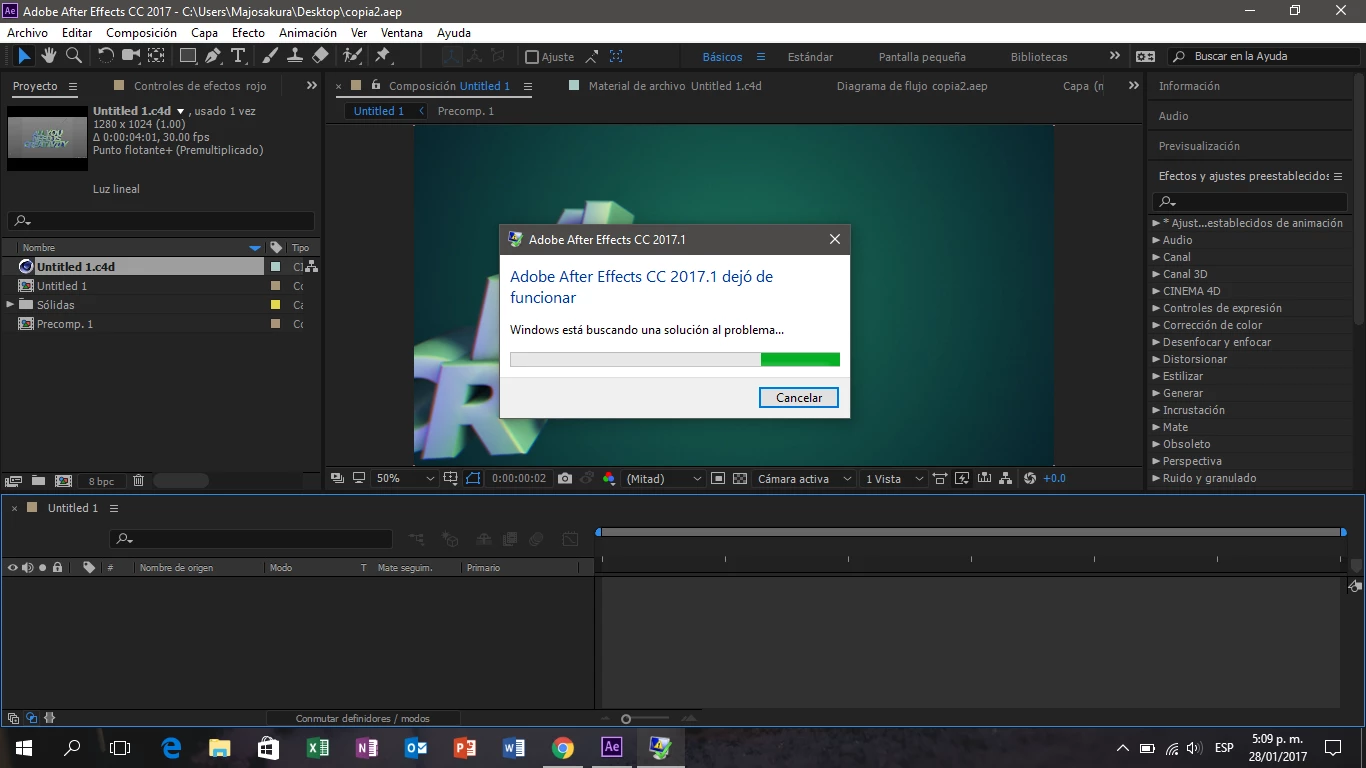
My issue is that when I try to open a precomposition to see the layers on it the programm stops working and give me the message that it has to be closed, do you know what will be the issue?
    This topic has been closed for replies.

    2 replies

    Szalam
    Community Expert
    Community Expert
    January 30, 2017

    Mylenium is right; we need a lot more information in order to help you.

    If you have Caps Lock on, can you open the precomp?

    maka333
    maka333Author
    Participant
    January 30, 2017

    I tried but it doesn't work, I also tried to right click to open the precomp but it doesn't work either, I have a laptop HP Pavilion 15-p002la and I recently upgraded the RAM to 16 GB so It should be working, when I started working in after effects I imported a cine 4d file, then I applied some adjustment layers and once I applied the adjustments I made the precomp and copied twice, then when I tried to enter the precomp to do other changes the programm stopped working, I tried to closed and re open the programm but it is not working at that specific point, i can open other projects and the precomp works, but just for this project that i used cinema 4d file does not open the precomp

    Roei Tzoref
    Legend
    January 30, 2017

    Try to isolate the problem As much as you can. Only the c4d layer, then one adjustment, then the second. See if it's a plugin, maybe GPU issue. maybe updating the plugins is required. if you find the minimum steps to make this happen then specify them so we can try to recreate it. You can also upload the collect files folder if you want.

    Mylenium
    Legend
    January 29, 2017

    Without the actual crash info and system info nobody can tell you much.

    Mylenium