Participant
December 23, 2022
Question

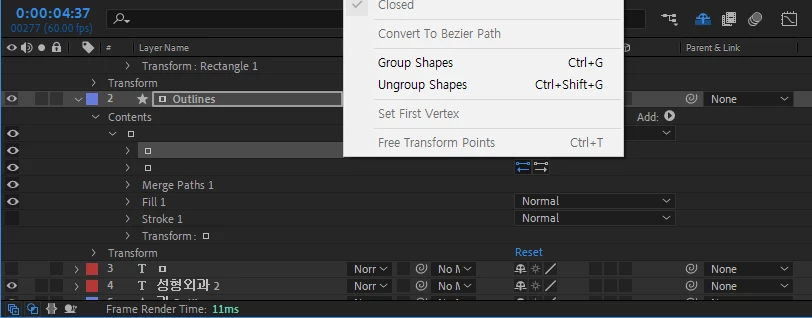
Why is convert to bezier path not active?

  • December 23, 2022
  • 2 replies
  • 13463 views

rectangle shapes is active on


but text shapes not active...
2 replies

Mylenium
Legend
December 23, 2022

You seem to have a misunderstanding. If you converted text layers, they're already Bezier paths, so there's nothing more to do. The option would only be available when creating parametric shape layer items natively.


Mylenium

Participant
December 23, 2022

wow.. thx i understand..

Community Expert
December 23, 2022

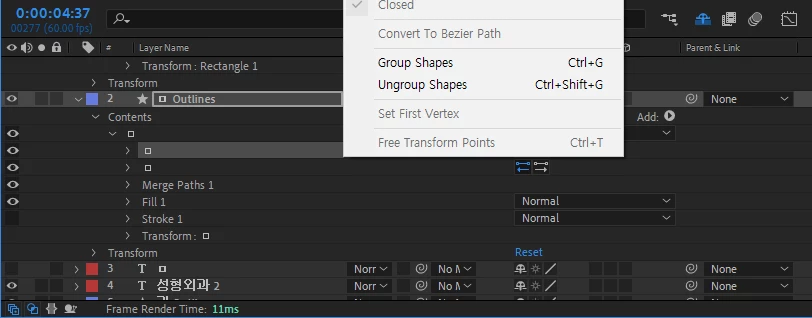
Start by pressing the U key twice. This should show you all the modified properties on the layer. If you can see a parametric shape name under Contents/Shape Name/Rectangle and a size property, then Convert to Bezier Path will be active. If you see the word path under Contents/Shape Name (yours is a square instead of a word) and the word path, the Parametric Shape does not exist, so there is nothing to convert.


 I am pretty sure that your shapes were drawn with the Bezier Path option in the toolbar turned on. 

Participant
December 23, 2022

thx for your answer. but this shapes (text -> convert shapes from text) were not drawn with the bezier path option. only convert shapes from text.