Participant
January 14, 2022
Question

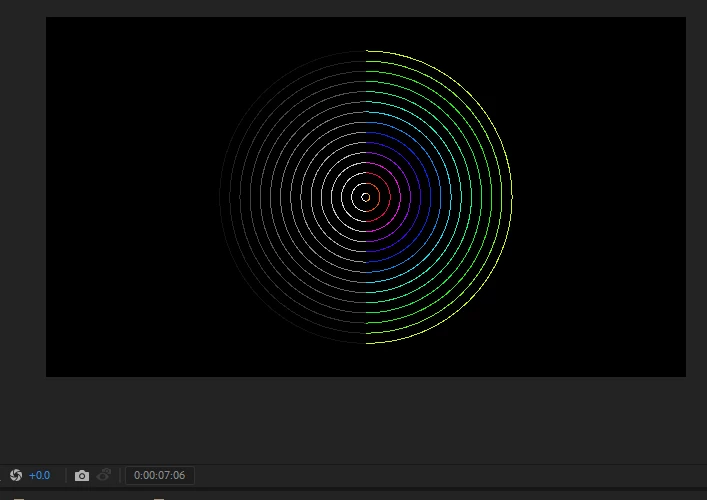
Why is my mask only taking away colour?

  • January 14, 2022
  • 2 replies
  • 320 views

Hi everyone,


Im trying to mask out half of my shape but the mask is only removing colour.


What am I doing wrong?
 

This topic has been closed for replies.

2 replies

Warren Heaton
Community Expert
Community Expert
January 15, 2022

Is the Mask applied to an Adjustment Layer above the Layer that is Source Footage (the concentric rings)?


If so, cut and paste it from the Adjustment Layer to the rings layer.  If the Spacial Resolution of the two layers does not match (that is, they are not the same width and height), you may have to nudge the Mask after pasting it.

Tedd4Author
Participant
January 16, 2022

Hi Warren, those concentric rings are a radio wave effect. I have applied the mask to the adjustment layer (It's not working). If I try to apply the mask to the solid layer with the radio waves effect it becomes a shape.

ShiveringCactus
Community Expert
Community Expert
January 16, 2022

Masks on adjustment layers masks the adjustment layer, limited what it adjusts.  Try adding a linear wipe to the adjustment layer instead.  That will cut off part of the radio waves for you.

Andrew Yoole
Inspiring
January 15, 2022

Unfortunately your cropped screengrab offers no clues to the issue.  Please provide a screengrab of the entire interface, with effects and adjusted parameters visible on the timeline.
