

ZippyLomax
Known Participant
October 1, 2019
Answered

Why is the 'fx' option missing from all layers in my composition?

  • October 1, 2019
  • 3 replies
  • 5130 views

Hello, helpful humans...

I posted about this yesterday – then again today. My post was marked as SPAM (though I'm told that's been fixed) and I fear no one is seeing my query. I'm beyond desperate at this point!

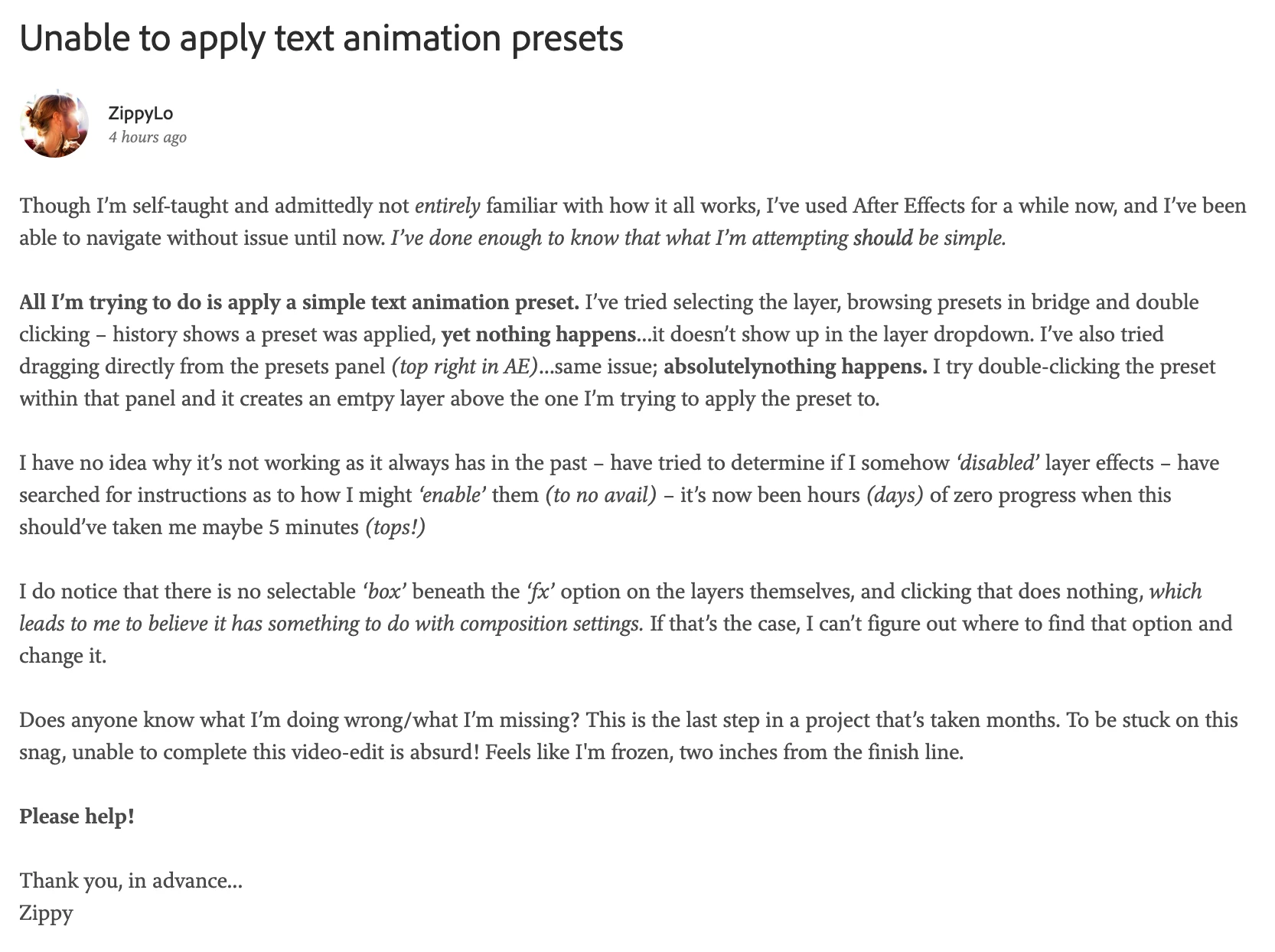
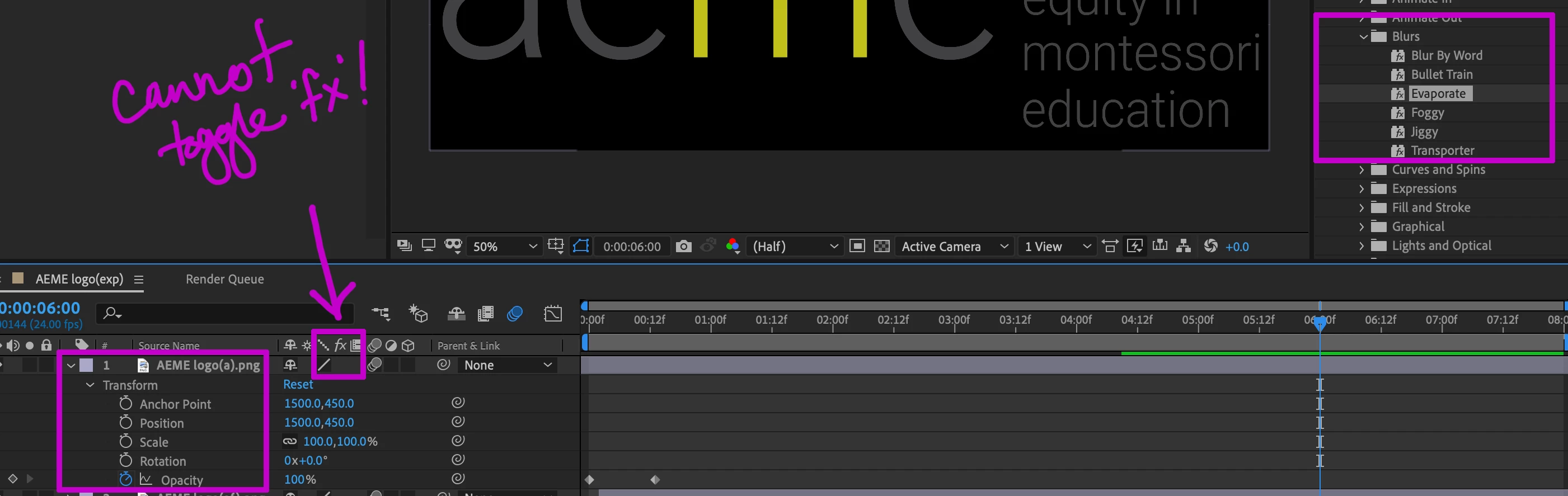
In my original post, I asked about applying text animation presets – I'm unable to do so and cannot figure out why. Since typing up that first question, I've also tried creating an entirely new composition, but I immediately see that – on the layer itself – there's still no box below 'fx' to toggle it 'on' or 'off'

This has gotta be one of those cases of...I accidentally bumped/clicked a thing and broke everything in the process. I imagine it's something suuuuper simple, yet I can find ZERO other posts about it, nor any mention of how to ensure the 'fx' option is selectable in a composition. 

Any ideas? Thank you, in advance, for generously taking time to reply. 

update: 
here are screenshots, of both my original post, and a glimpse of what I'm looking at in AE...

This topic has been closed for replies.
Correct answer Mike_Abbott

Text effects are for actual text you've created with the text tool in After Effects.

It looks like you are trying to apply a text animator to an image of text. That won't work.

3 replies

Mike_Abbott
Mike_AbbottCorrect answer
Legend
October 1, 2019

Text effects are for actual text you've created with the text tool in After Effects.

It looks like you are trying to apply a text animator to an image of text. That won't work.

ZippyLomax
Known Participant
October 1, 2019
So...I need to recreate the logo, letter by letter, within AE, rather than bringing it in from PS?
Mike_Abbott
Legend
October 1, 2019
To use a text animator - yes.
Mike_Abbott
Legend
October 1, 2019

I think you may need to post a screen shot of your timeline - pointing out what the issue is.

Text animators are different to effects. The former doesn't therefore have a fx switch. They do, however, have eye balls to switch off the visibility of the effect. Look for the eyball in line with 'Animator 1' or some such.

ZippyLomax
Known Participant
October 1, 2019

Thank you so much for your prompt reply. I did include that screenshot in my original post, which is part of why I imagined they'd marked it as SPAM....I'll try again...

ps – I added screenshots above!

Participating Frequently
October 1, 2019

Hi. I looked at your post yesterday but could not enlarge the image you posted to see what is going on (it's a known problem with the new forum and, I hope, is being addressed). Your current link in this post is also not going to your original post!? Sorry to be the bearer of the news but better you know what the problem is I think.

ZippyLomax
Known Participant
October 1, 2019
yeah...they told me they'd moved my post 'back to AE' because there was nothing spammy about it, yet I can't figure out how to find that thread as it doesn't show up in my 'recent contributions'.