Participant
Aug 10, 2026 10:12 PM UTC
Answered

Why isn't my 3D object casting a shadow?

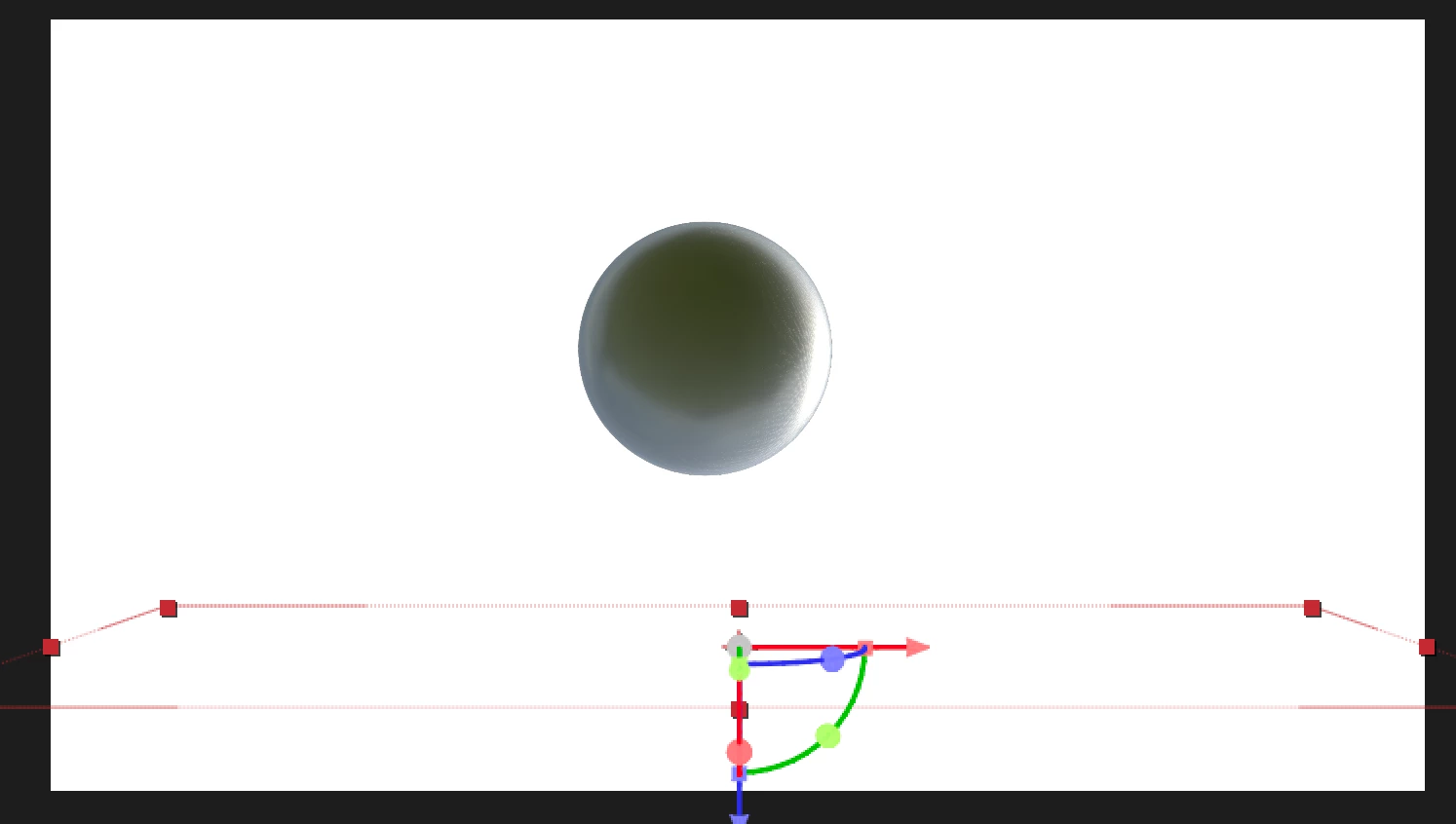
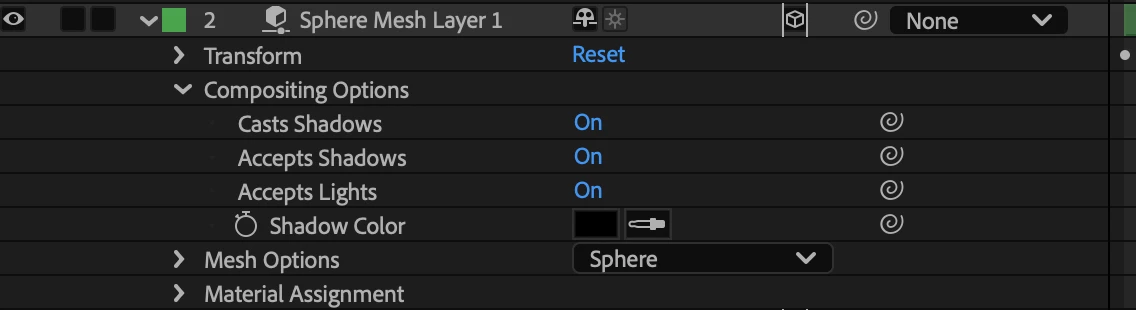
I created a simple 3D sphere, and a 90 degree solid positioned where the sphere lands. I imported a HDRI and attached it so a environment light. Both the sphere and the environment light have cast shadows as on. The solid floor has accept shadows as only. I’ve gone into the render settings and made sure the light shadows are fit to scene. They have the same z space. Does anyone know why shadows aren’t being created by the sphere?
 

    Kevin-MonahanCorrect answer
    Community Manager
    Aug 10, 2026 11:43 PM UTC

    Hey Jack,

    Thanks for posting and for sharing the additional details. One thing to check is that the Environment Light itself doesn’t cast shadows from the HDRI the same way a regular AE light does. Try adding a Parallel, Spot, or Point Light, enable Casts Shadows for that light and the sphere, and keep Accepts Shadows enabled on the floor.

    If that still doesn’t produce a shadow, let us know which 3D renderer and version of After Effects you’re using, and we’ll be happy to help troubleshoot further. Sorry for the confusion here!

    Thanks,
    Kevin

    3 replies

    jack_7288Author
    Participant
    Aug 10, 2026 10:14 PM UTC

    I’m not sure why the other photos were deleted:


    Translate
    jack_7288Author
    Participant
    Aug 10, 2026 10:15 PM UTC

    I’ve also tried rotating the environment light around both the x and y axis. 

    Translate
    Kevin-MonahanCommunity ManagerCorrect answer
    Community Manager
    Aug 10, 2026 11:43 PM UTC

    Hey Jack,

    Thanks for posting and for sharing the additional details. One thing to check is that the Environment Light itself doesn’t cast shadows from the HDRI the same way a regular AE light does. Try adding a Parallel, Spot, or Point Light, enable Casts Shadows for that light and the sphere, and keep Accepts Shadows enabled on the floor.

    If that still doesn’t produce a shadow, let us know which 3D renderer and version of After Effects you’re using, and we’ll be happy to help troubleshoot further. Sorry for the confusion here!

    Thanks,
    Kevin

    Translate