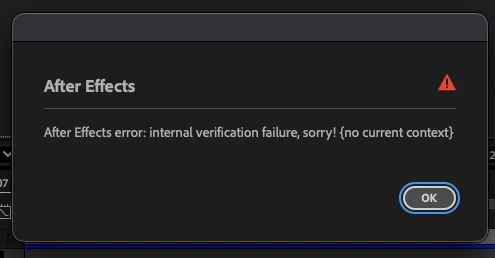
Is this showing up when you try to open an After Effects project after a crash?
If so, look for a project in the Finder or Explorer next to the project you are trying to open with "_1.aep" in the file name and try to open that instead. If that does not open, locate the most recent auto-save project file and open that. Assuming that opens as expected, use File > Save As to save it as your current project and then continue working.
You may want to try to run After Effects in Safe Mode for a little while to start troubleshooting what might have caused the crash.
By any chance, were you working in Mocha AE when the crash happened? Someone posted about this same error message in a different forum that was. If so, be sure to save the Mocha AE project every so often while tracking in Mocha.



 AdChoices