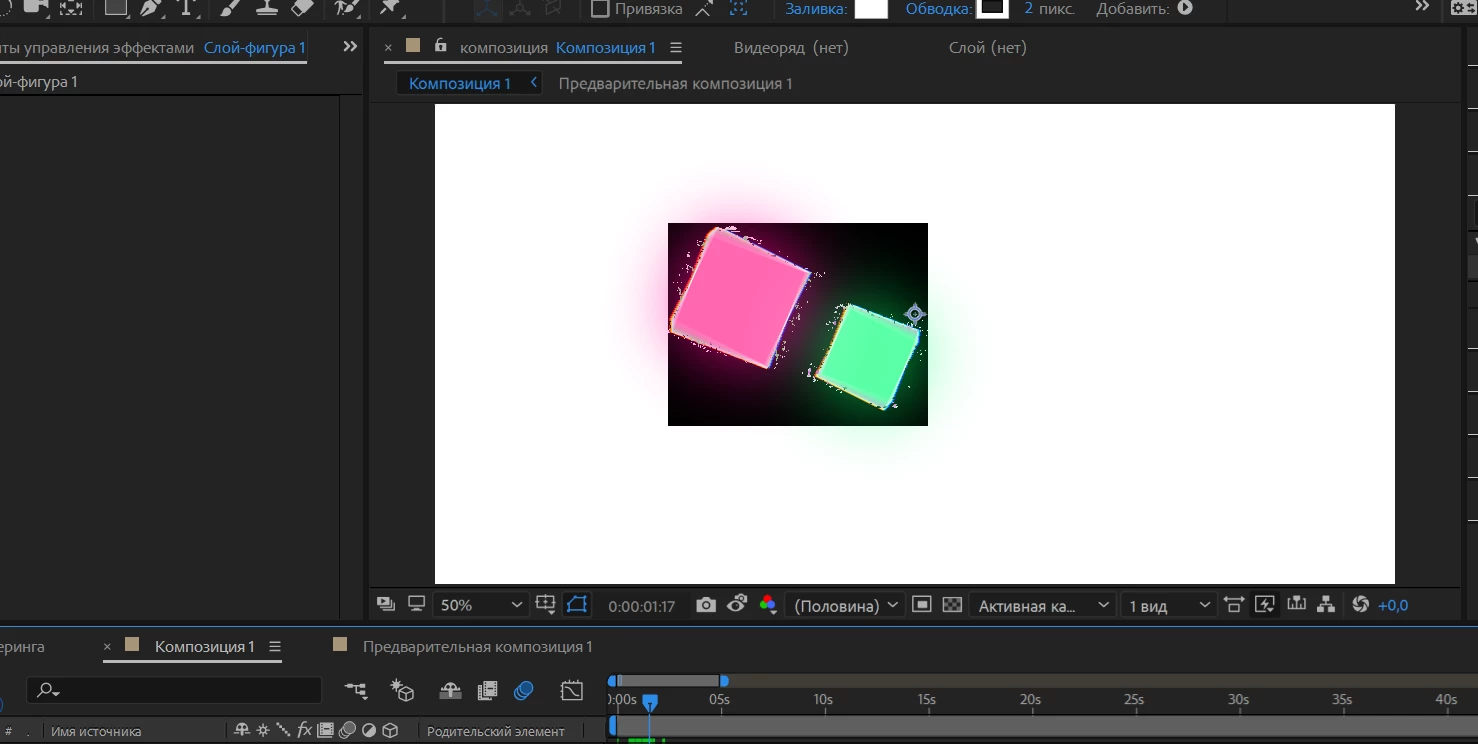
I'm stumped, but going back to basic, VR effects are designed for 360 images, so the creators probably didn't consider its use in this way. My guess is that the effects is trying to do something it and it's end result is a black background. Adding the unmult preset should correct for this, but that's a workaround.
My guess is that as the effect includes colour distortion, it is probably trying to apply to the whole screen and a layer with an alpha channel messes it up. Can you try precomposing or adding a layer underneath and using an adjustment layer?
I'm stumped, but going back to basic, VR effects are designed for 360 images, so the creators probably didn't consider its use in this way. My guess is that the effects is trying to do something it and it's end result is a black background. Adding the unmult preset should correct for this, but that's a workaround.




 AdChoices