ninose11
Inspiring
August 8, 2022
Question

AE Beta 2023.0.0. Speed Graph Editor - speed curve no longer responds to easing changes

  • August 8, 2022
  • 1 reply
  • 1339 views

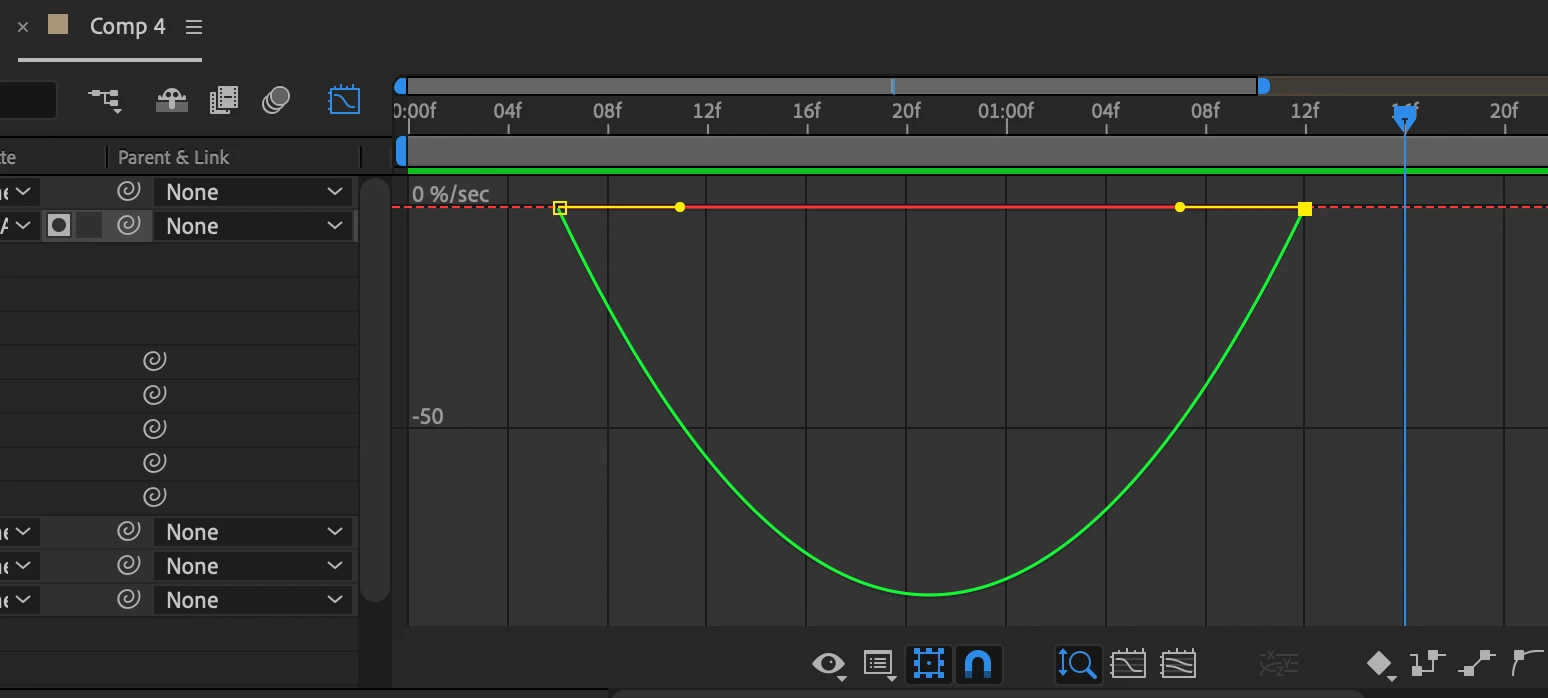
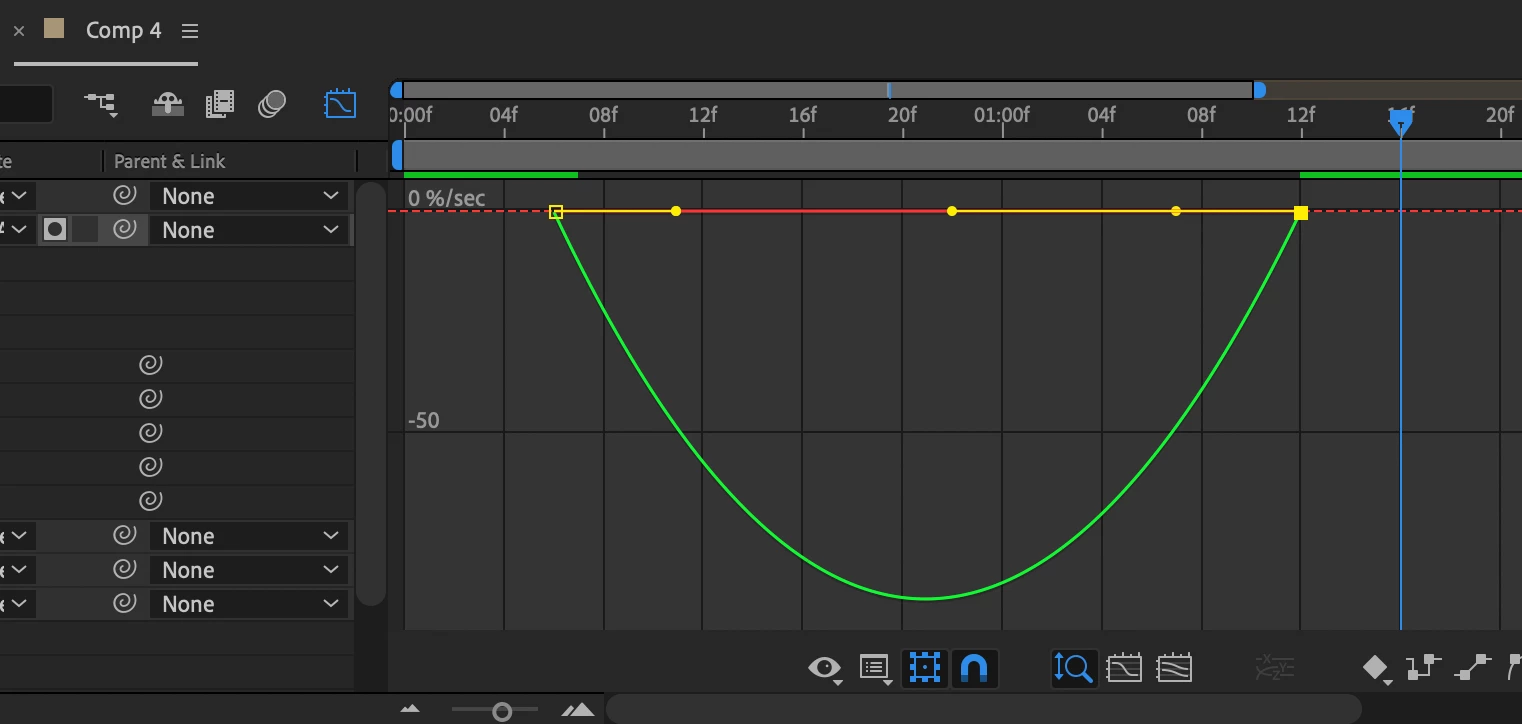
I'm using the latest version of AE, Beta 2023.0.0. that was just released days ago. And while the selectable track mattes are amazing, one issue I've run into is that in the Speed Graph, when you stretch the speed handles to ease the speed, you see no discernable difference. The speed curve stays the same. After I extend the right keyframe's speed handle to have that Vox-like speed effect, the shape of the speed curve doesn't change at all. Is this normal or is it a bug? Has anyone else run into this issue or is there some new setting I'm not aware of? The curve also used to be on the top and is now on the bottom.  


This topic has been closed for replies.

1 reply

JohnColombo17100380
Community Manager
Community Manager
August 9, 2022

Hi @ninose11,

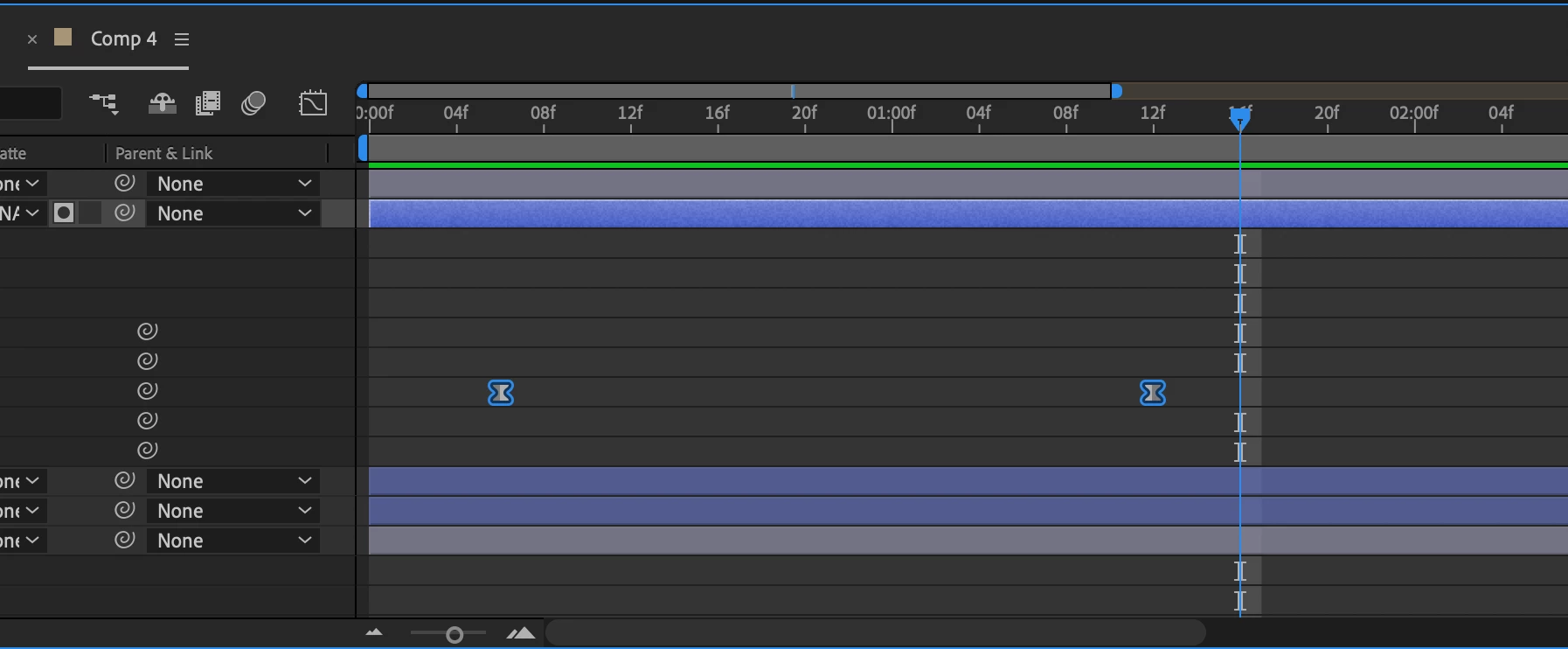
Thank you for reporting this issue. Would you be able to share this project with us? It appears you're keyframing Scale in the screenshot, but it's difficult to tell what the values are without more context. If you are scaling in the negative values, the curve is expected to invert. A screen recording of the issue in action would be helpful as well.


Thanks for reporting this issue and for any further information you can provide, 

- John, After Effects Engineering Team 

ninose11
ninose11Author
Inspiring
August 9, 2022

Happy to do that. Actually I'm not sure it's a bug. But it's a little frustrating to not be able to see the change in the speed graph. However I did notice that when I switch to value graph, when I drag the speed handle,  I can then see the change in the easing of the curve. When I then switch back to the speed graph, the curve is clearly eased. Just not sure why the easing change isn't visible in the speed graph if I choose not to work in the value graph. Please see attached video I just made. Hope this helps,  😀, 😀

JohnColombo17100380
Community Manager
Community Manager
August 23, 2022

Thank you for making the video @ninose11! Would you please make it viewable as well?


Cheers,

- John, After Effects Engineering Team