



Camera and Light Options now available in the Properties Panel
Starting with AE Beta 24.5x40, Camera and Light Options available in the Timeline are accessible in the Properties Panel. Simply select the appropriate Camera or Light layer and the available properties will be shown in the Properties Panel.
Camera Options
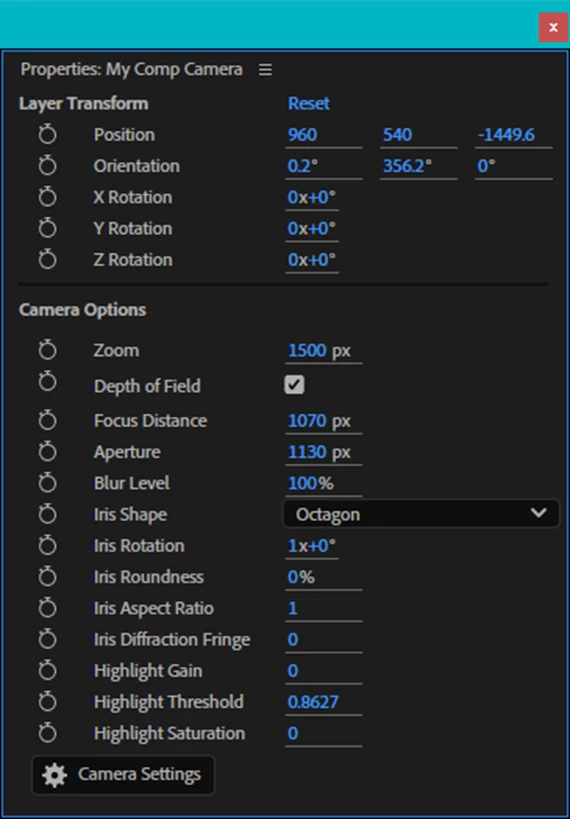
The Camera Options will adjust based on the composition Renderer (Classic 3D, Advanced 3D, Cinema 4D). Quickly access additional settings such as Focal Length, Film Size, Angle of View, etc., by clicking the Camera Settings button.
Light Options
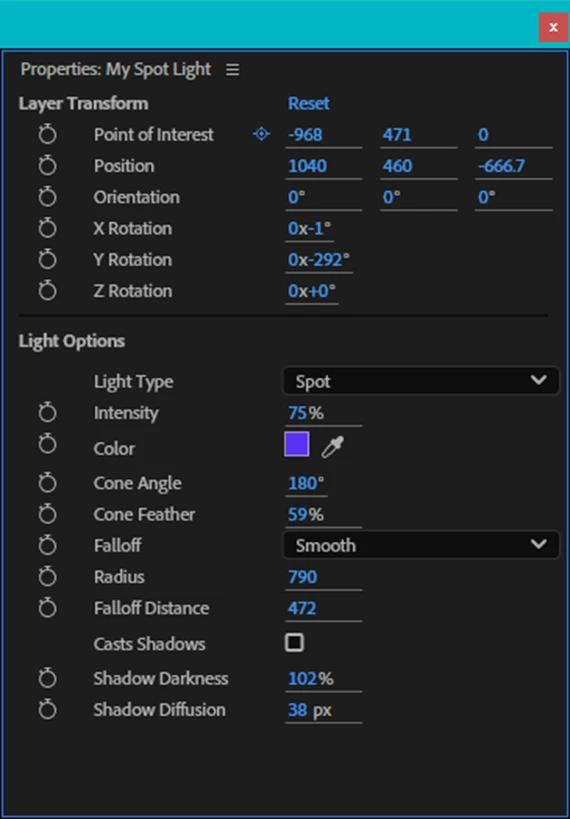
Change the Light Type or any of the associated properties of a light directly from the Properties Panel. You can also change and adjust multiple lights at the same time.
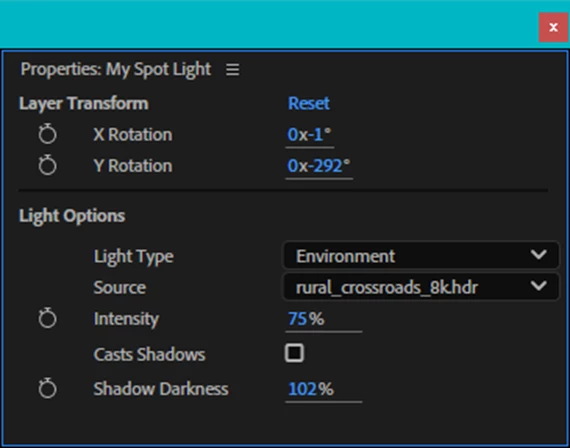
When the composition renderer is set to Advanced 3D, you can also choose the Environment Light Type and then pick from any HDR or EXR environment source layers from the Source drop down menu.
We hope this makes it easier to set up and customize your Camera and Light settings for your projects. Let us know what you think!
 AdChoices