


Question
Create Comp-Centered Squares and Circles with Double-Click + Shift in After Effects 22.3
Hi everyone!
I’m here to announce a new feature in After Effects Beta, available today in version 22.3:
Create comp-centered squares and circles with double-click + Shift
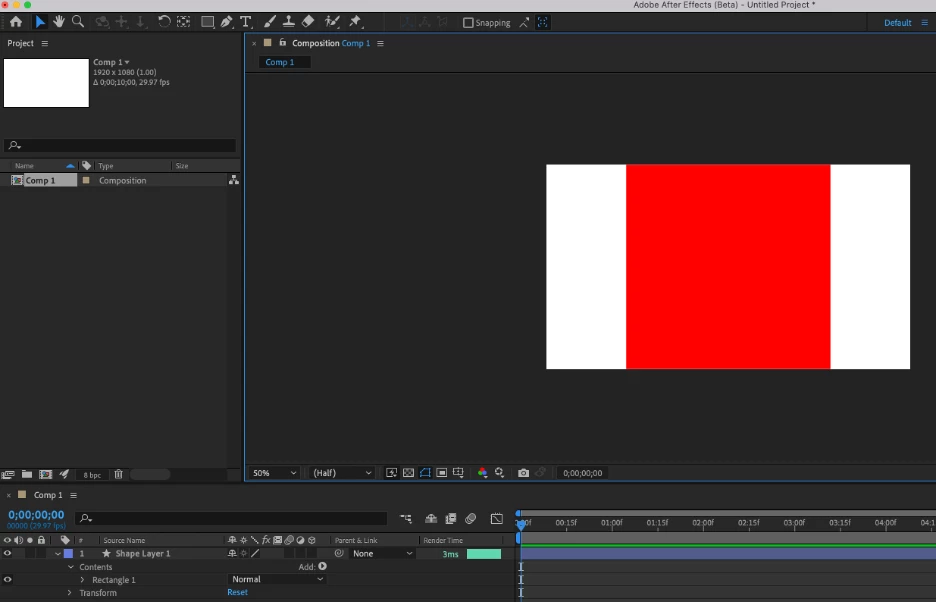
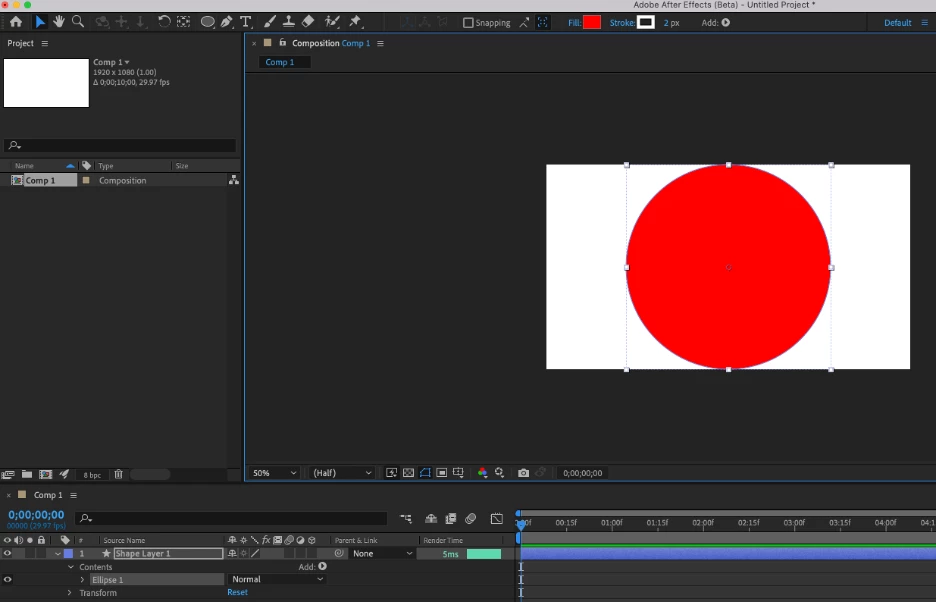
You can now create perfect squares or circles with dimensions matching the smallest dimension of the containing Composition by holding Shift while double-clicking the Rectangle or Ellipse Tool.
What We Want to Know
Does this feature improve your workflow? What would you change?
Thank you! We’re looking forward to your feedback.


 AdChoices