



Feature Focus: Import Files Directly To A Specific Folder
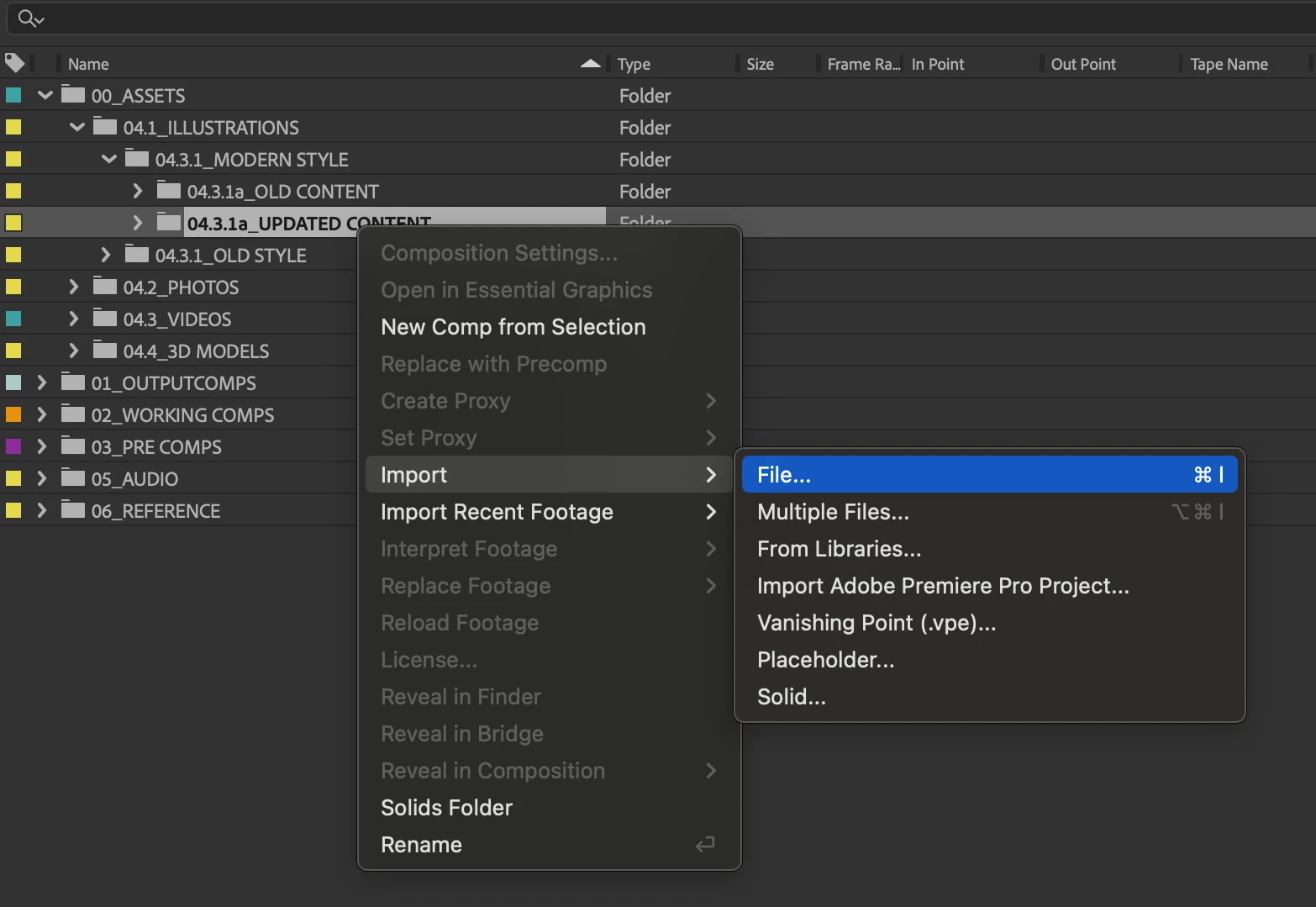
Today, we’re announcing a new feature in After Effects Beta 24.5 x27, the ability to import files directly to a specific folder in the Project panel.
Just right-click on any folder in your project and you can select the same "Import" and "Import Recent Footage" commands that you're used to in the File menu. These will import all selected files to the folder you clicked on.
Similarly, using the keyboard shortcut Cmd/Ctrl+I while a Folder is selected will import to that folder.
Project organization is a crucial part of working efficiently, and before this change you could only import files to the root of your project and then have to drag them to the correct place, so we’d love to hear how this works for you.
Please note: 3D models that are imported currently do not take advantage of this feature and will be imported into your Project root.
 AdChoices