If you want the black that's already in the video to become transparent, you'll need to knock it out prior to rendering with any of the options that you've listed.
You could try applying the Black & White effect followed by the Levels effect to turn the movie file into its own Luma Matte to knock out the black.
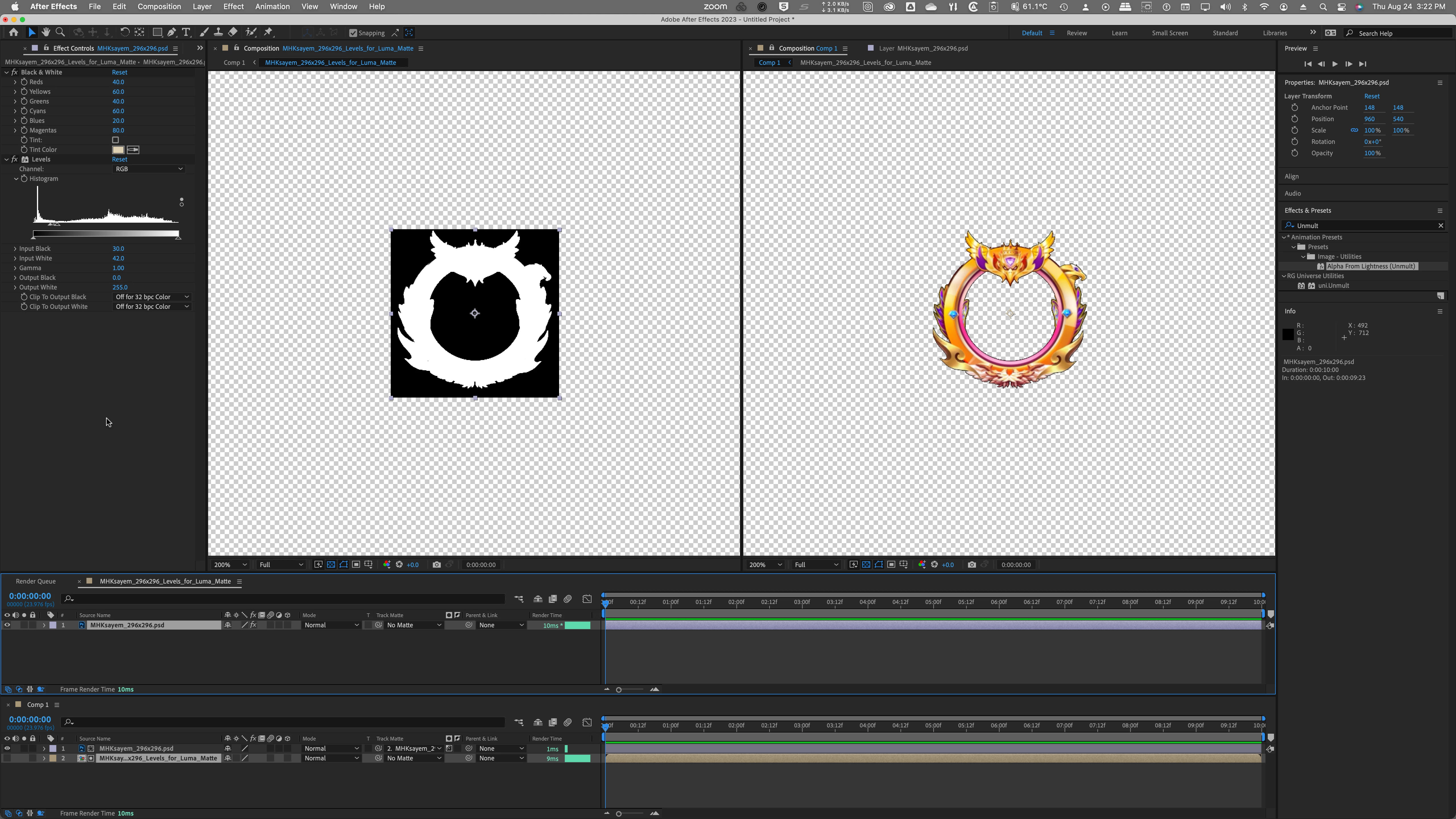
I tried using the "Alpha from Lightness (Unmult)" Effect preset, but it knocks out too much. So does the 3rd party "Unmult" from Maxon Red Gaint. A levels adjustment prior to applying either of those might help if you try those.
But I'm thinking of rendering the movie as an Image Sequence and then recording a Batch Action in Photoshop to remove the black with the Magic Wand Tool and Layer Mask (and maybe a slight, 0.25 pixel Gaussian Blur of the resulting Layer Mask) will give better results. Then import that Image Sequence into After Effects.
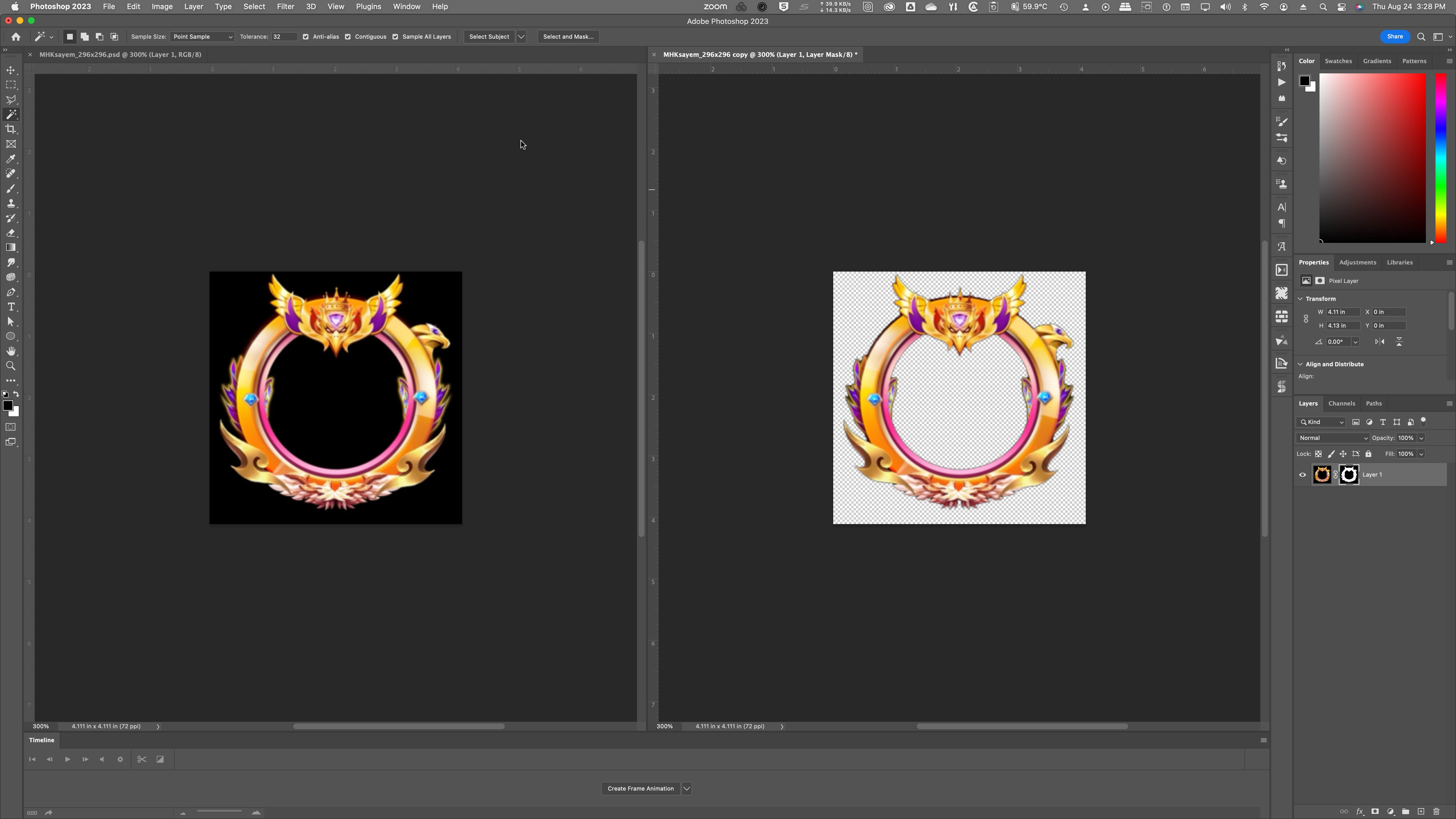
Once the black has been knocked out, that will carry forward using the Render Queue "with alpha" Output Module templates or the Media Encoder Queue "with alpha" presets.




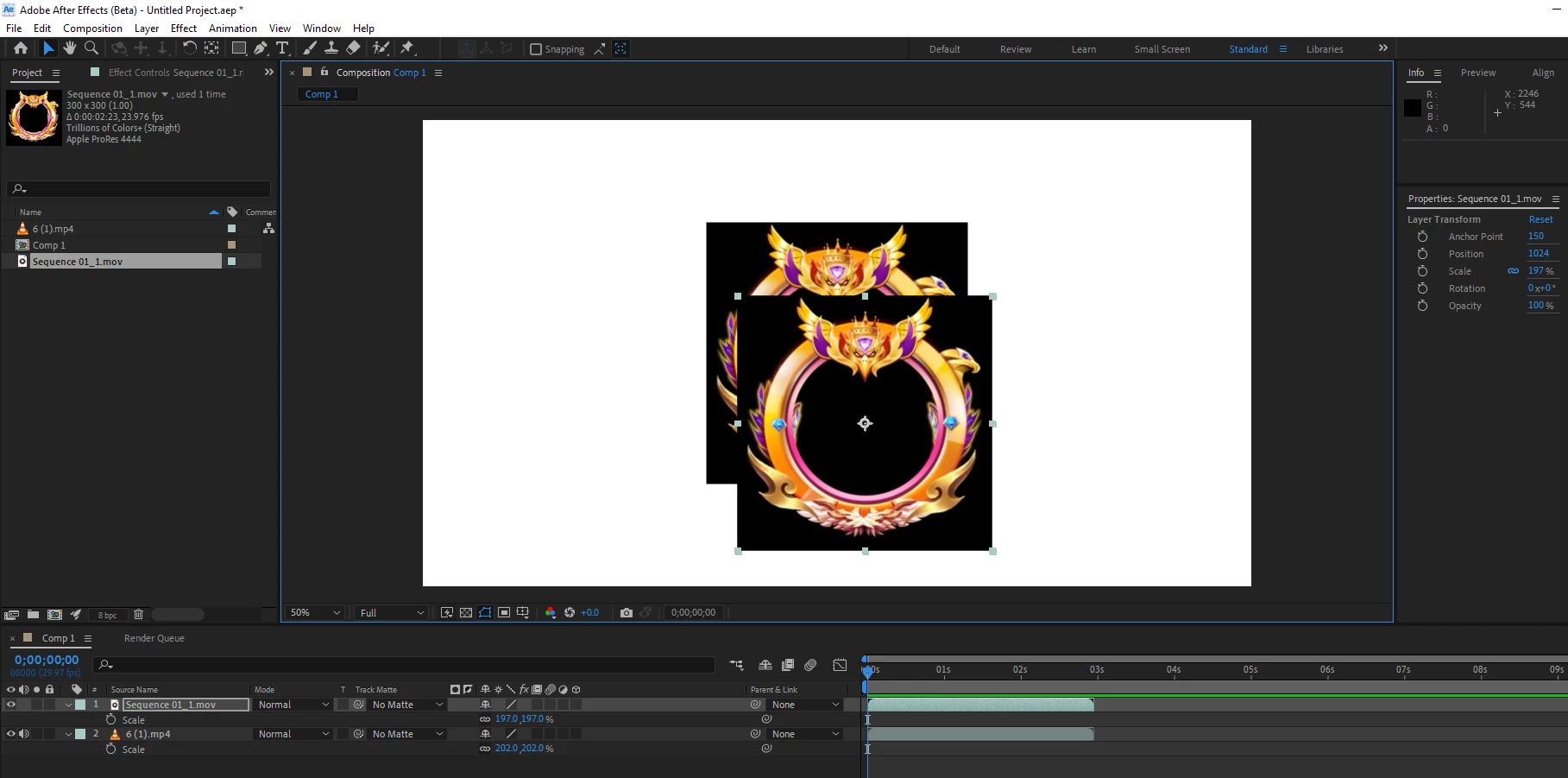 TIFF Image seq> RGB&Alpha> Render> (not working)
 AdChoices