


Bruno Quintin
Inspiring
October 25, 2020
Answered

La navigation 4/5/6 pour les widgets de transformation ne fonctionne pas avec un clavier AZERTY

  • October 25, 2020
  • 2 replies
  • 457 views

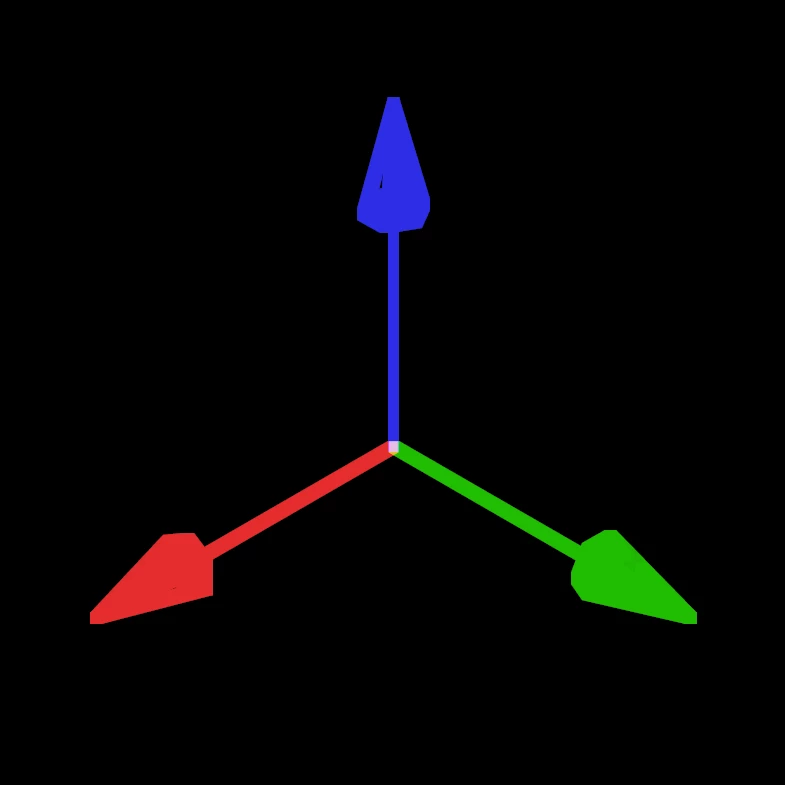
L'utilisation des touches de raccourcis 4,5 et 6, comme spécifié dans les préférences 3D ne fonctionne pas avec un clavier AZERTY. Je trouve le widget Universal pas si pratique et j'utiliserai plutôt les widgets Position, Echelle, Rotation. Pourquoi ne pas remprendre les raccourcis P S R, qui afficheraient à la fois la propriété correspondante dans le panneau montage et le widget dans le visualiseur de la composition.


Les raccourcis 1, 2 et 3 ne fonctionnent pas non plus pour la navigation entre les outils caméra mais ce n'est pas gênant puisque l'on à les 3 boutons de souris avec Alt enfoncé ou appuyer plusieurs fois sur C.

This topic has been closed for replies.
Correct answer Tim Kurkoski

Hi @Bruno Quintin !

We're aware of the bug with the new keyboard shortcuts for the 3D gizmo and are working towards a fix.


Because P, S, and R are already attached to exposing the position, scale, and rotation values of selected layers in the Timeline panel, I doubt we would choose to change to those keys because it would be very disruptive to existing workflows. But you're always welcome to submit that as an idea on our UserVoice site: https://adobe-video.uservoice.com/


-=Tim

2 replies

Bruno Quintin
Inspiring
September 16, 2022

I have been waiting for a solution for two years, in fact it is simply the text file of the shortcuts which was badly made.
With the wrong characters and even invented translations for internal orders. No wonder it doesn't work.

Tim Kurkoski
Adobe Employee
Tim KurkoskiCorrect answer
Adobe Employee
October 26, 2020

Hi @Bruno Quintin !

We're aware of the bug with the new keyboard shortcuts for the 3D gizmo and are working towards a fix.


Because P, S, and R are already attached to exposing the position, scale, and rotation values of selected layers in the Timeline panel, I doubt we would choose to change to those keys because it would be very disruptive to existing workflows. But you're always welcome to submit that as an idea on our UserVoice site: https://adobe-video.uservoice.com/


-=Tim