




Label Color Swatches now shown in all Label menus
Hi all!
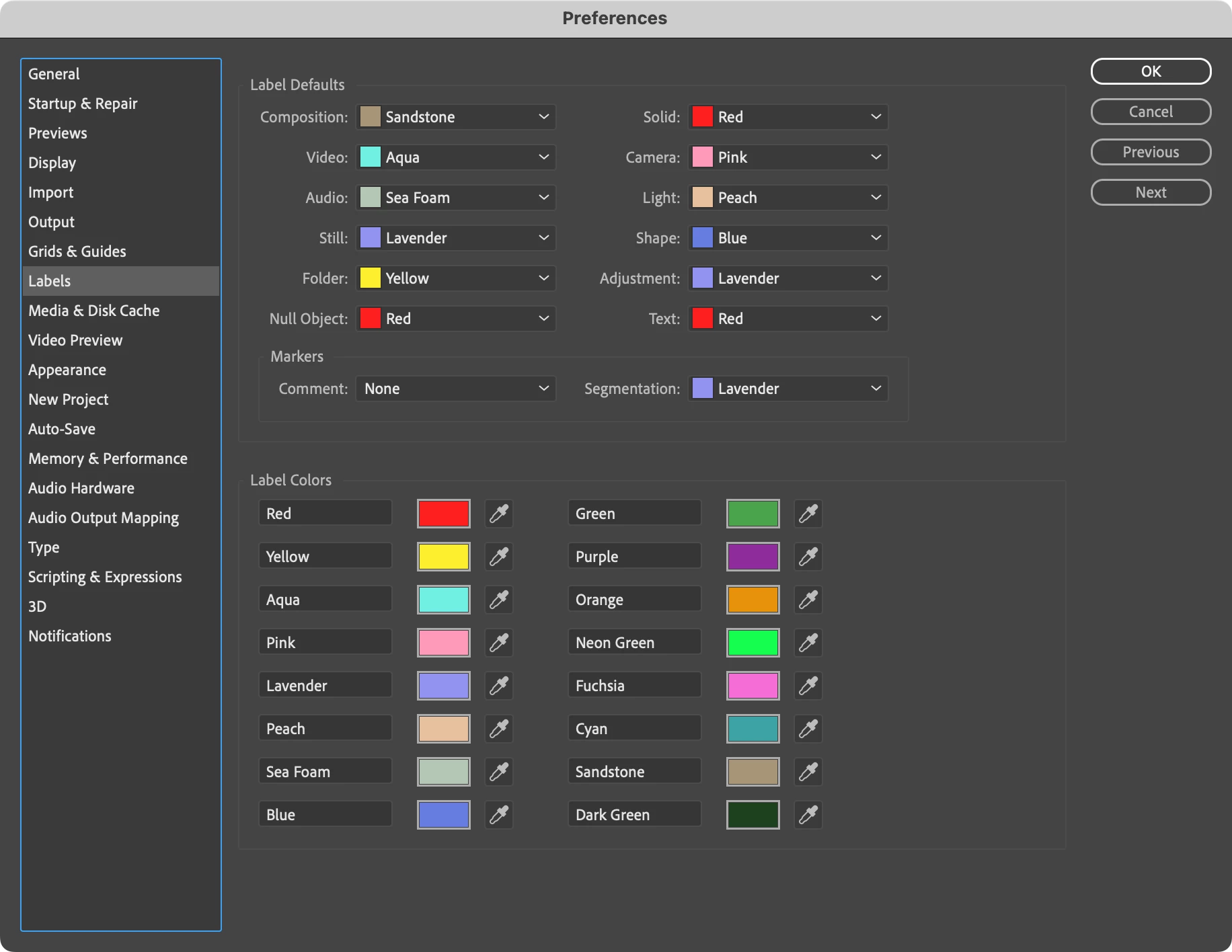
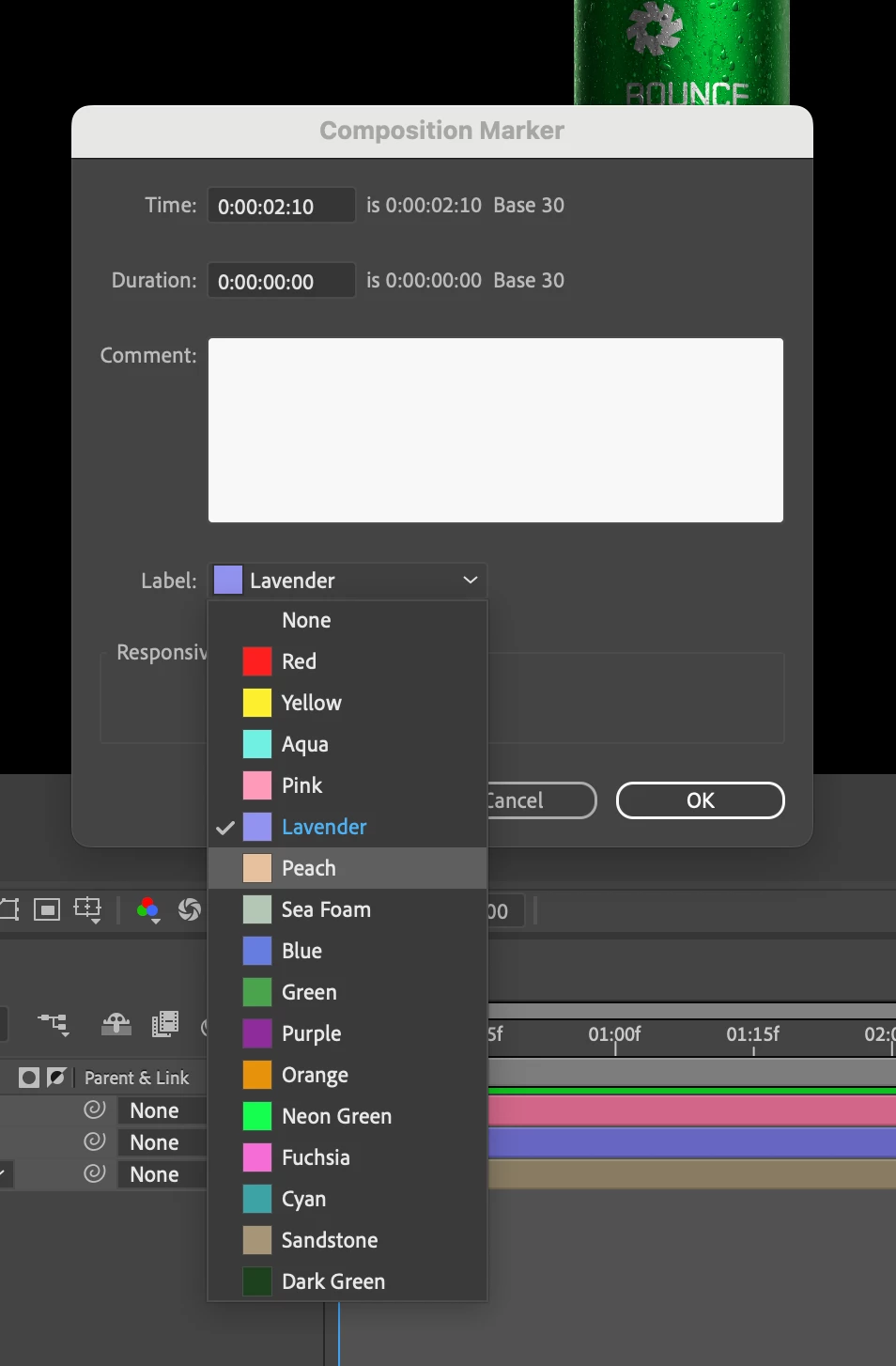
Excited to let you know today that Label Color Menu Swatches are now available in After Effects 24.3.0.041. You can now more easily identify the color you'd like to set your project items, keyframes, layers, or composition marker labels so that you can stay in your creative flow.
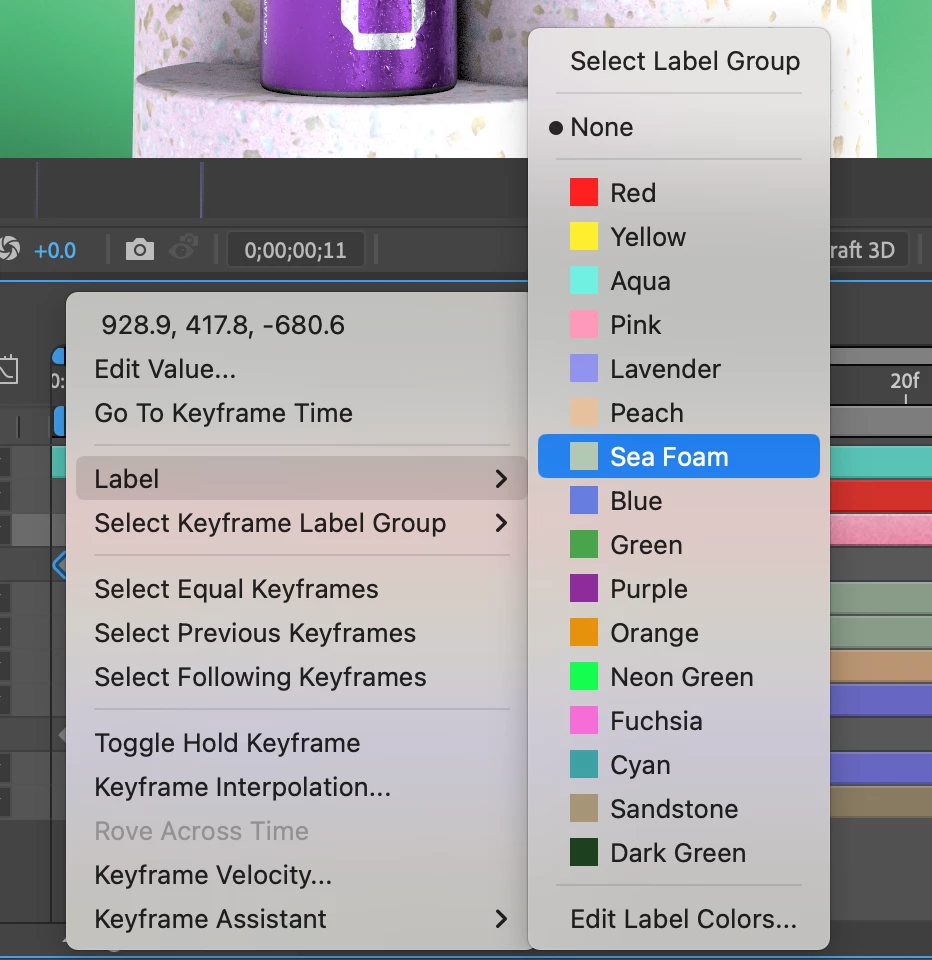
For Keyframe Color Labels, simply right-click the keyframe and select "Label": you'll be shown color options both as text and a swatch in the menu.
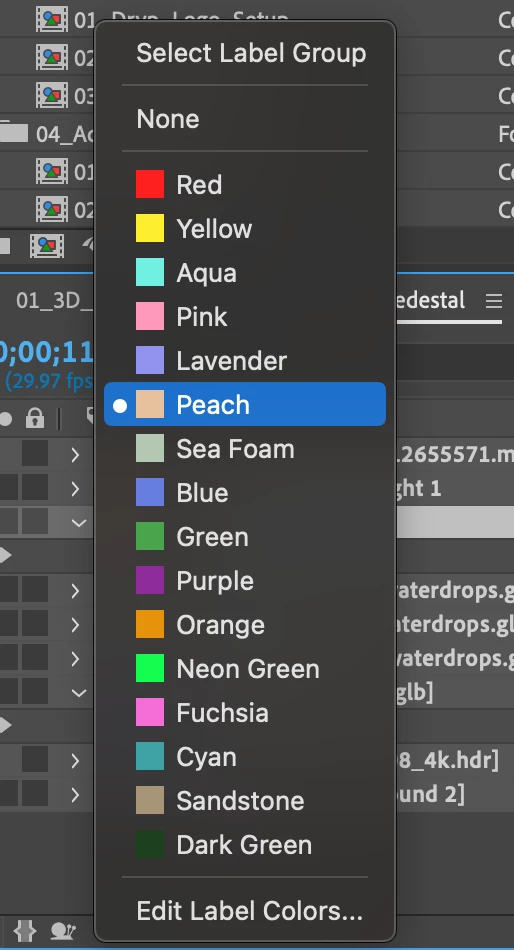
Layer Labels can be changed by clicking the layer's label color. The swatches will be displayed automatically next to the color names.
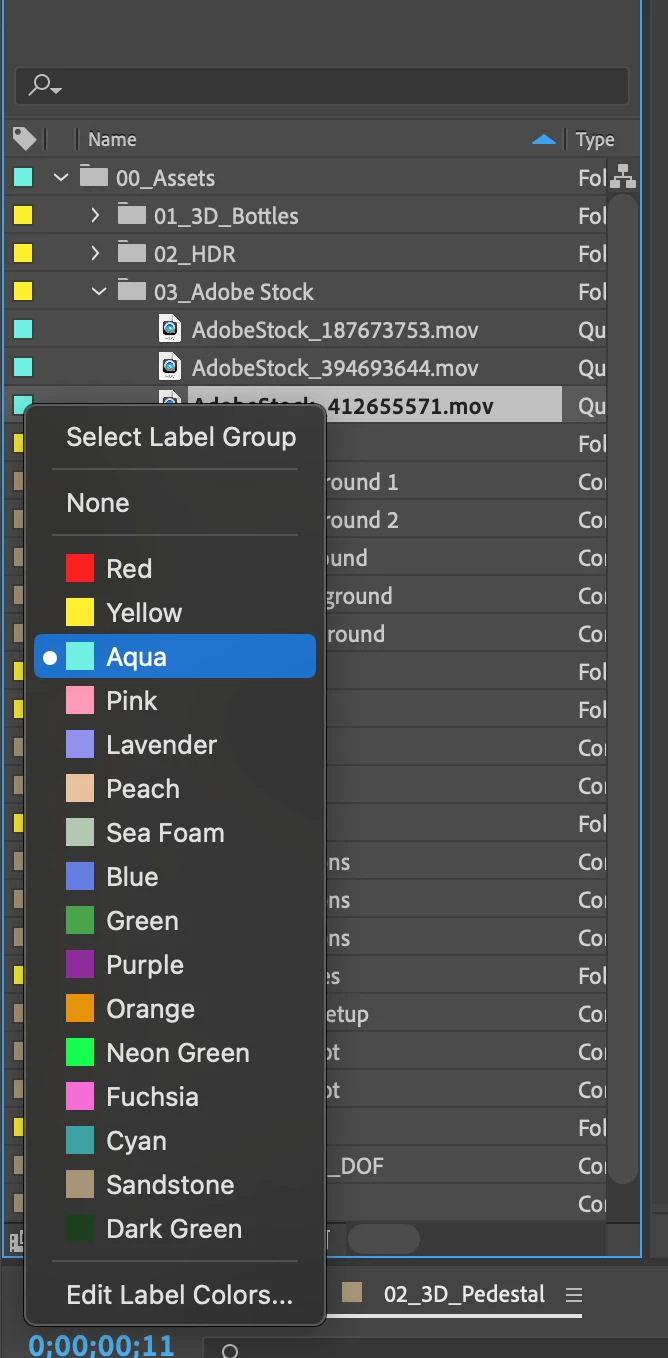
Similarly, Project Item Label colors can be changed by clicking the label color in the Project panel.
To change your Marker Labels, right-click the marker and select "Settings". Click the "Label" dropdown to see the swatches next to color names.
Let us know how these work for you!
 AdChoices