Hi Rene,
Thank you for reporting this issue, I was able to take a look at the project you submitted on UserVoice.
The offset you're seeing is a known issue with the path expressions introduced in AE 15.0; the array coordinates returned by the points() method are expressed in Composition space and unaffected by transforms changed inside the Contents group of the Shape layer. Any changes to vertex positions by a Shape Transform group or by any of the Shape modifiers ( Twist, Wiggle Paths, etc ) will not be reflected in the value returned by the path expression methods.
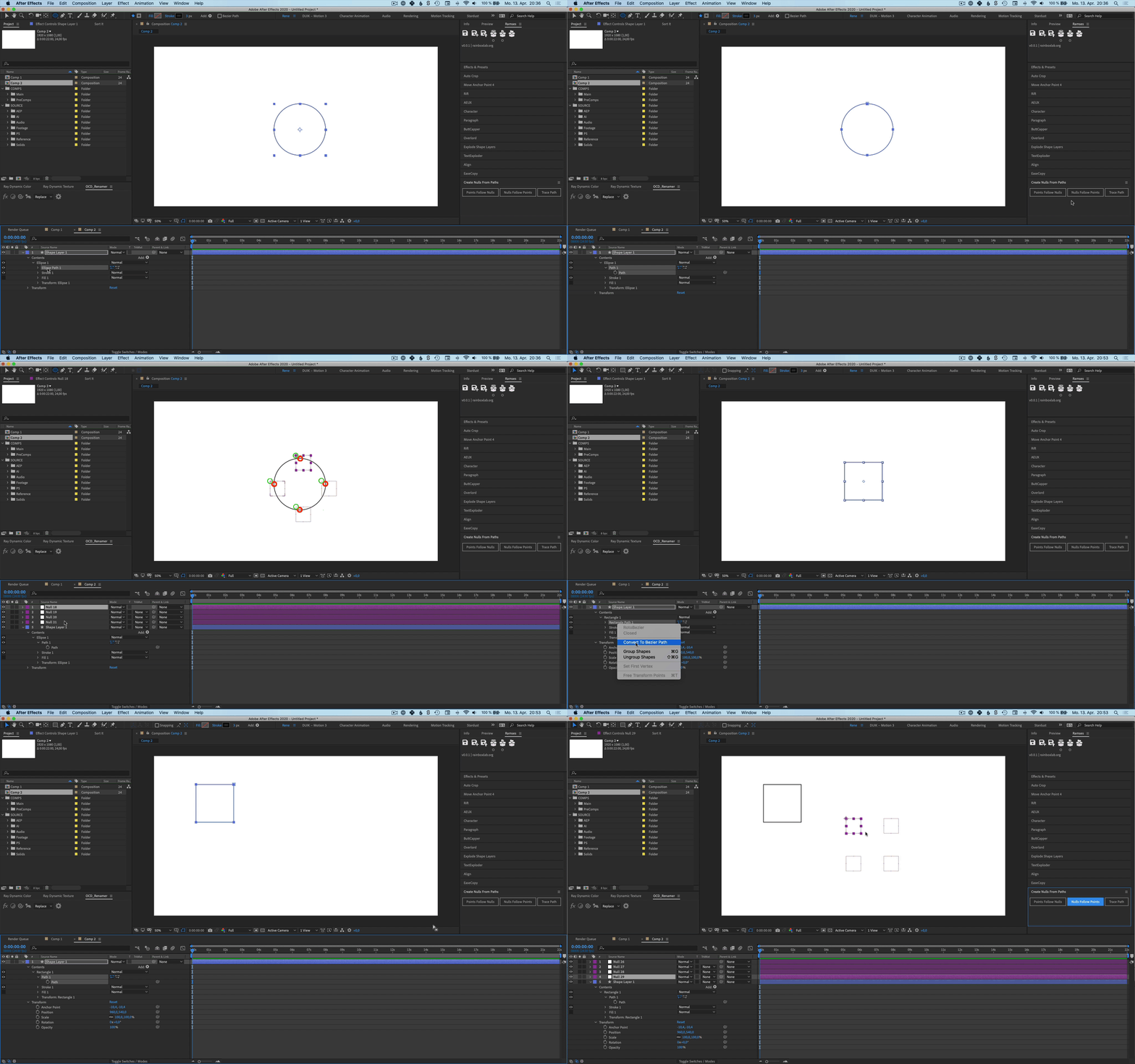
The simplest workaround is to reset any transformations happening within the Contents group of the Shape layers. This will allow the visible points to correspond to the values in the expressions. In the project you submitted, right-clicking and choosing Reset on the following properties allowed the rendered path to line up with the Nulls:
- Shape Layer 1 > Contents > Rectangle 1 > Transform: Rectangle 1 > Position
- Bezier Circle > Contents > Ellipse 2 > Transform: Ellipse 2 > Position
After resetting those two properties, the linked Nulls were moving with the Shape when using the layer-level Transform controls rather than the transform within the Contents group.
We have a standing feature request for the path expression methods to return the same coordinates as the visible points. There are also two third-party scripts which write additional expressions to reflect the post-Shape transformation coordinates, each with their own minor limitations:
I hope this is helpful, while acknowledging that further work will need to be done on the AE side to allow the path expressions to work in the way you've requested. Please feel free to elaborate more on how this feature could work better for you.
Cheers,
- John, After Effects Engineering Team







 AdChoices