



New in Beta! Import OBJ files from CC Libraries and models from Stock
Hi Y'all!
As of AE Beta 24.4 x 20, you can now add .obj 3D models from your CC Libraries directly into your project in Beta. Open the Libraries panel and simply drag-and-drop your 3D model into the Project Panel or Comp Window. You can also right-click on the 3D Model thumbnail in the Libraries Panel and add .obj files via the context menu.
Cool!
But how do you get .obj models into your CC Libraries??
Good question!
This option now gives you access to the vast collection of free and premium 3D Models on Adobe Stock.
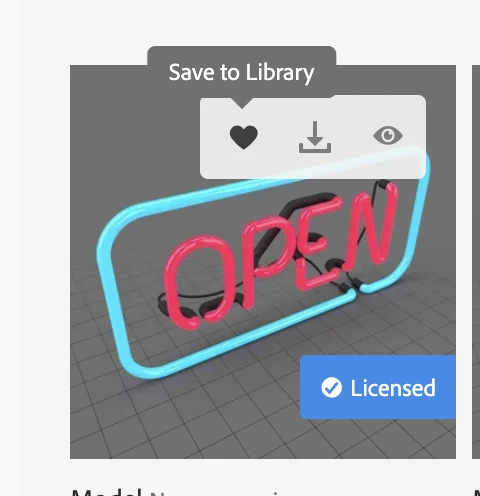
After you license your model, hover on the thumbnail for your model and click on the heart icon to Save to Library.
A notification will pop up in the right corner of your browser to confirm that the asset is being saved to your CC Libraries. You can change the default Library by clicking on "Manage" when this notification appears.
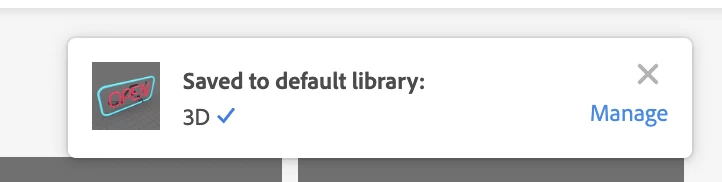
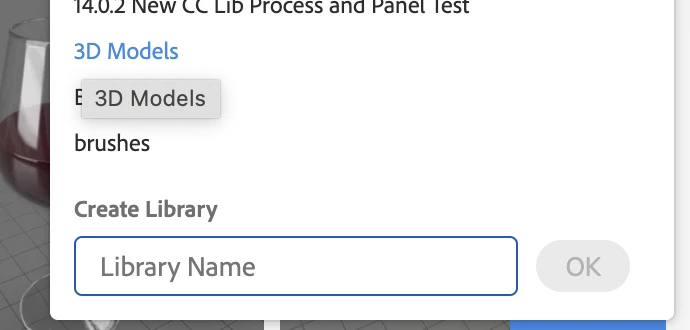
This will allow you to change the default Library you want to save your models to.
While you can also upload your own .obj models to your CC Libraries via the Creative Cloud Desktop App, these files will only come in with the model itself and no materials.
Still useful if you're using the model to drive effects though!
Navigate to your CC Libraries and use the blue "+" sign on the right to add your own items.
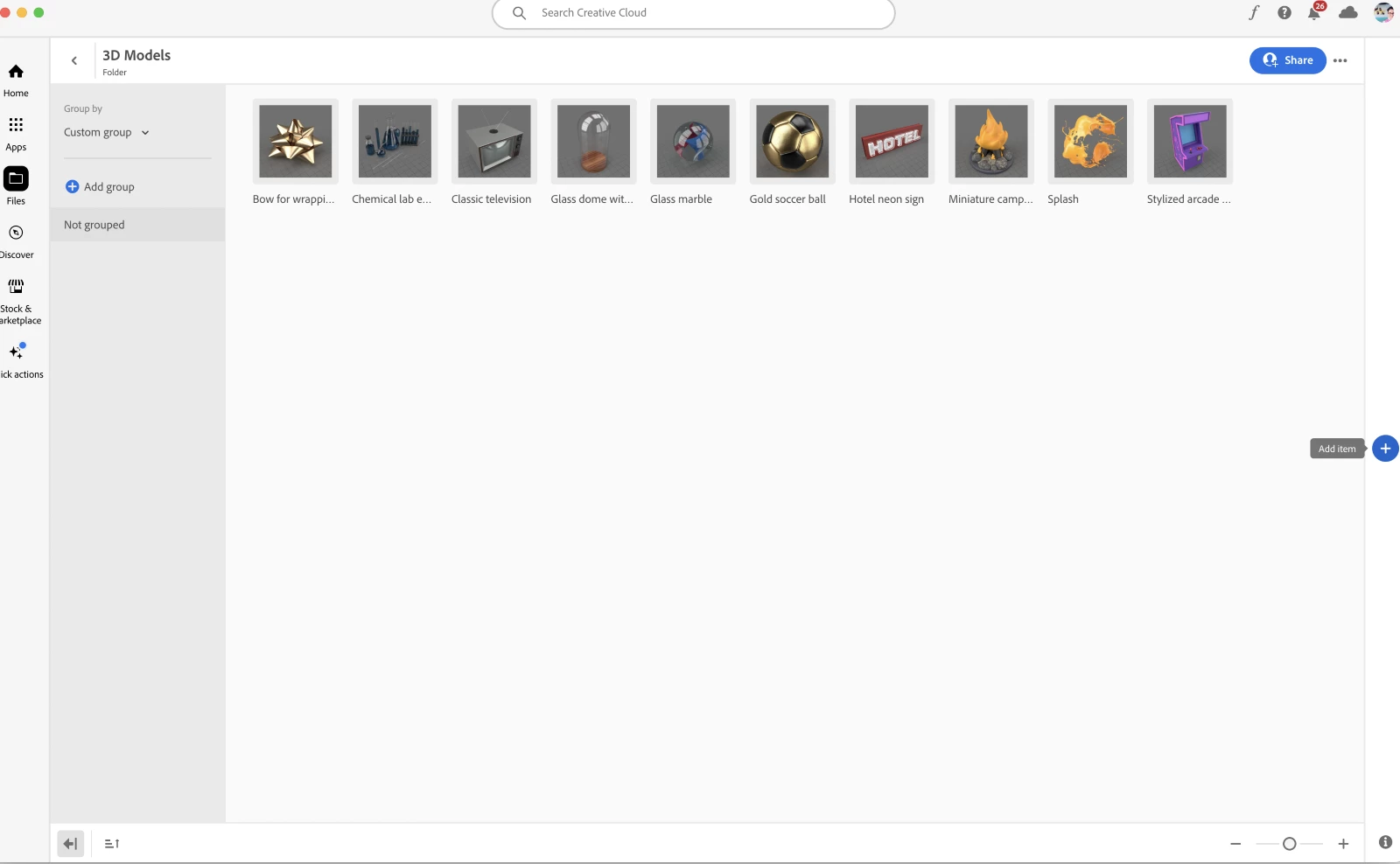
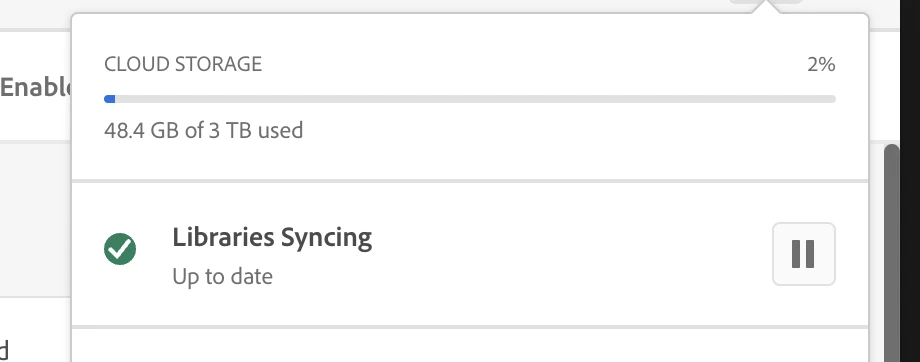
Make sure to enable "Libraries Syncing" in your Creative Cloud Desktop app, and voila!
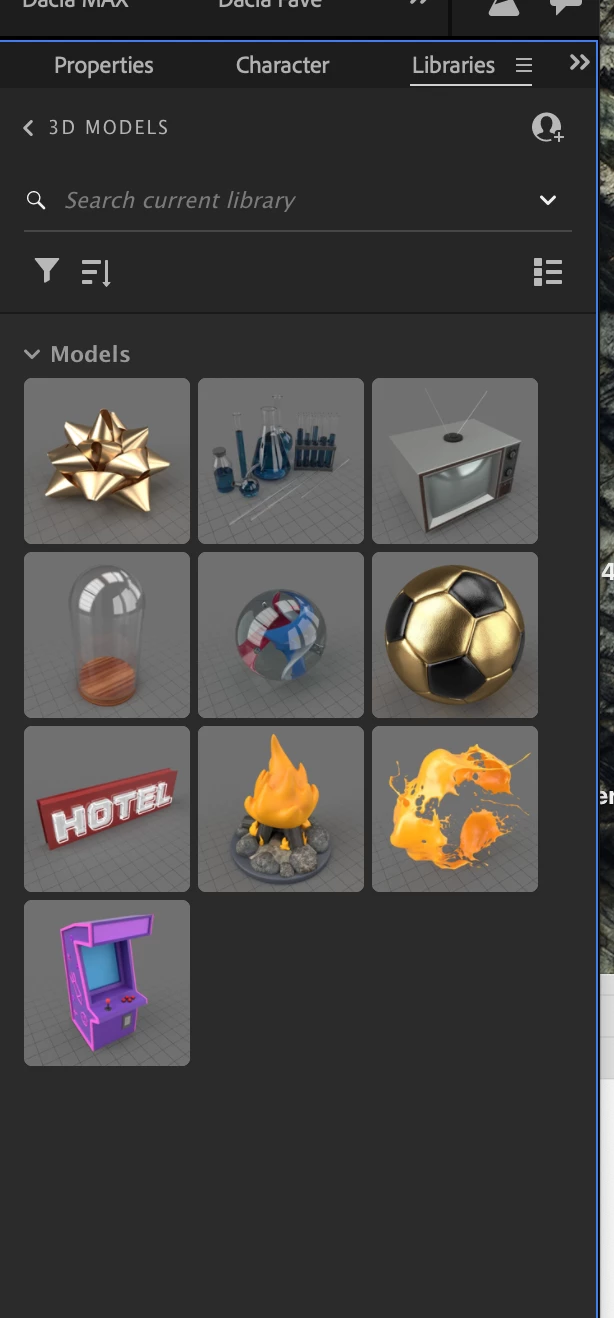
You will see all your new models in the Libraries Panel in After Effects!
Happy creating and playing!!
Known Issue:
- AE can crash if you have a 3D Model folder selected in the Project Panel and then add a model via the context menu "Add to Project" in the Libraries Panel.
- Workaround: Make sure nothing is selected in the Project Panel before adding the 3D Model via the Context Menu command in the Libraries Panel
 AdChoices