



Single 3D Gizmo (Not a Gremlin Dating Profile)
If you routinely work with lots of 3D layers, we’re proud to announce a new feature in AE Beta 25.4.062 that is designed to simplify and speed up your workflows.
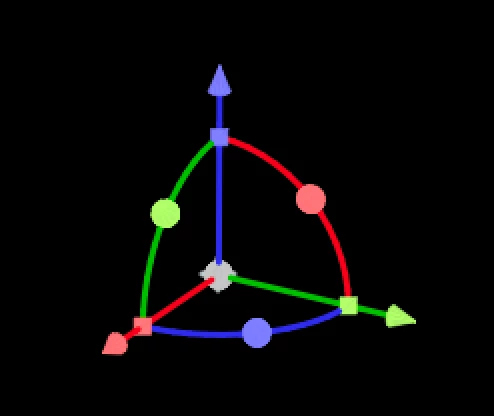
In case you haven’t heard the term before, the “gizmo” is the widget that appears on a 3D layer and allows you to move, scale and rotate the element.
THE PROBLEM
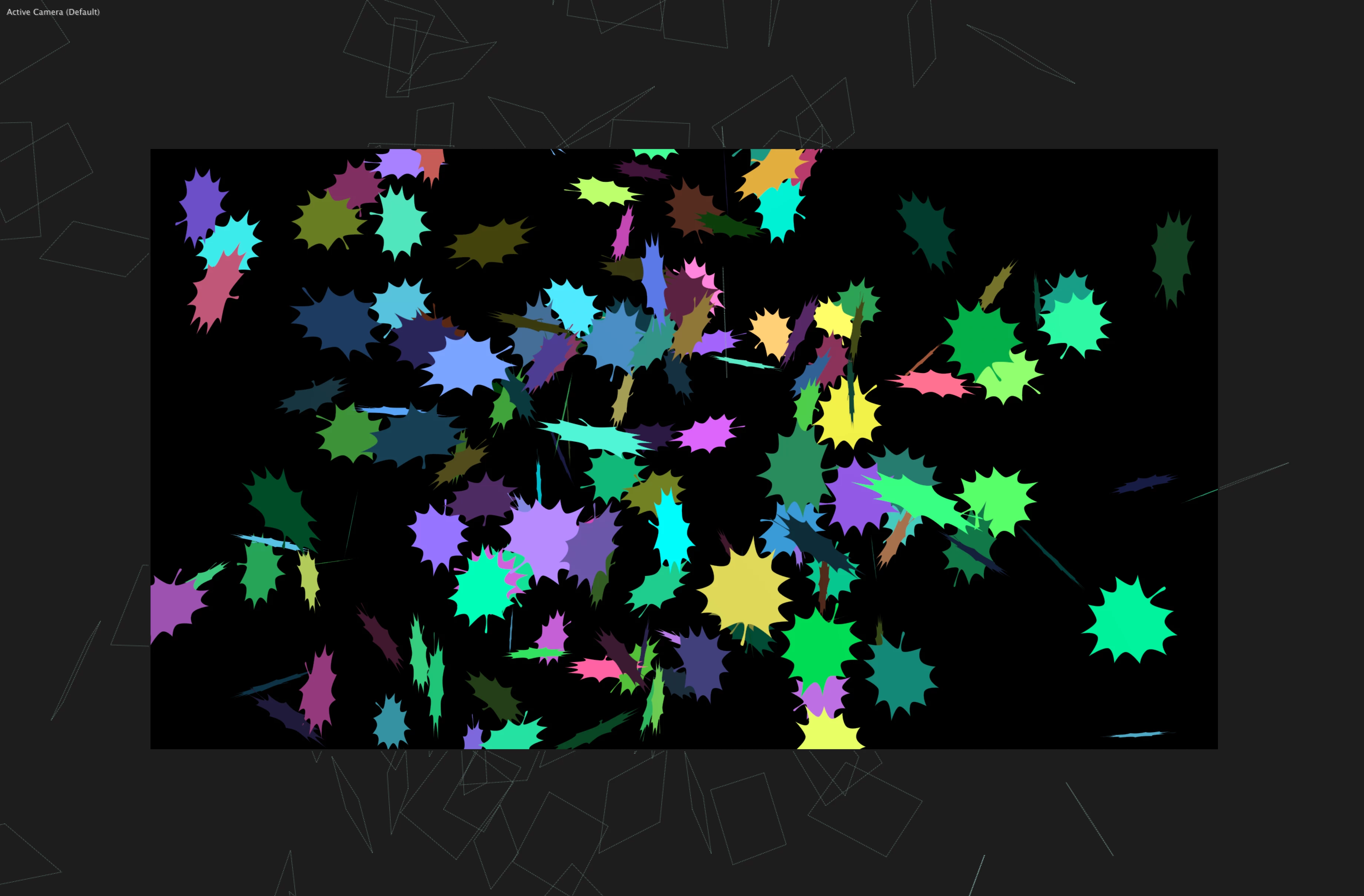
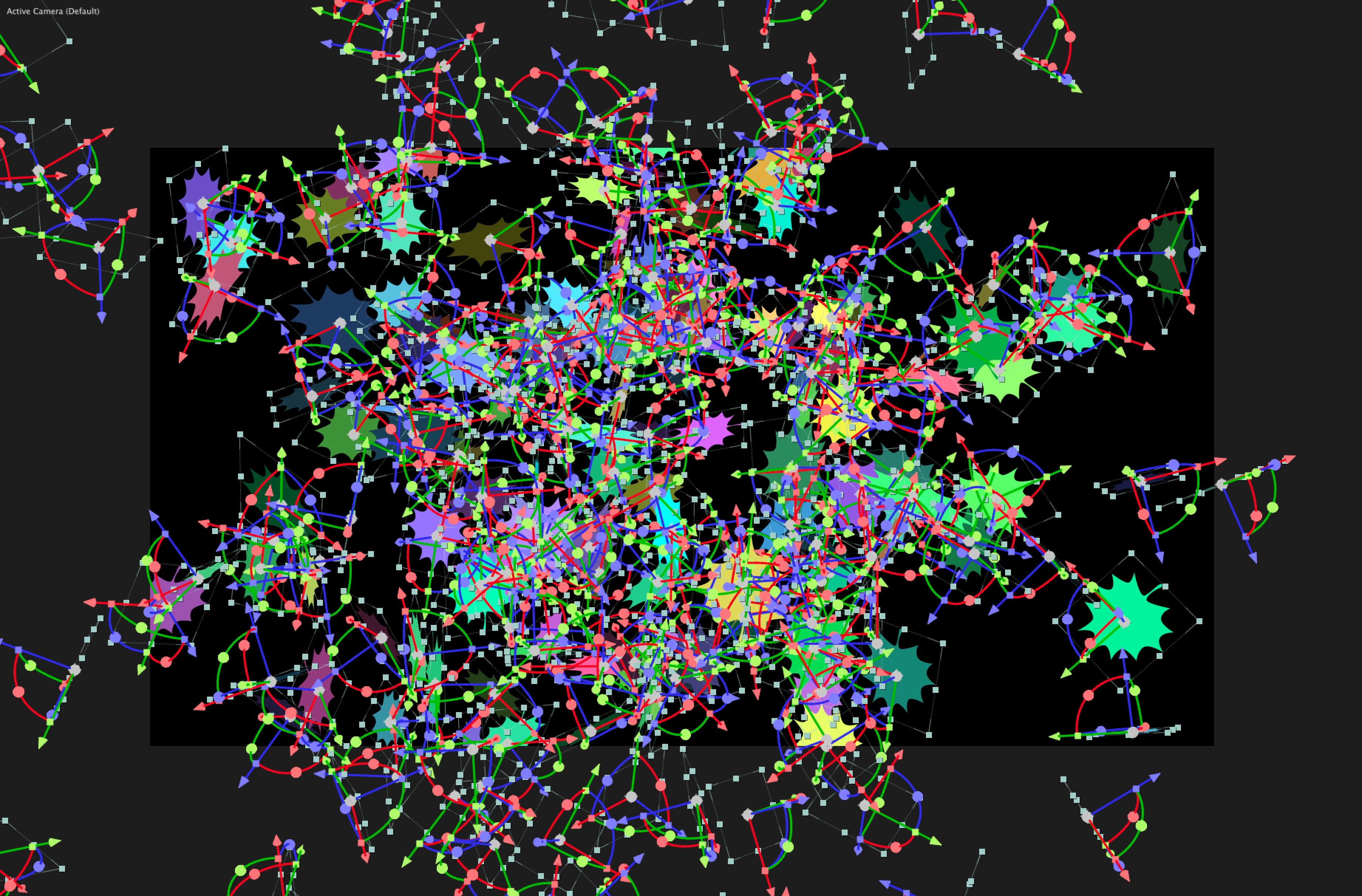
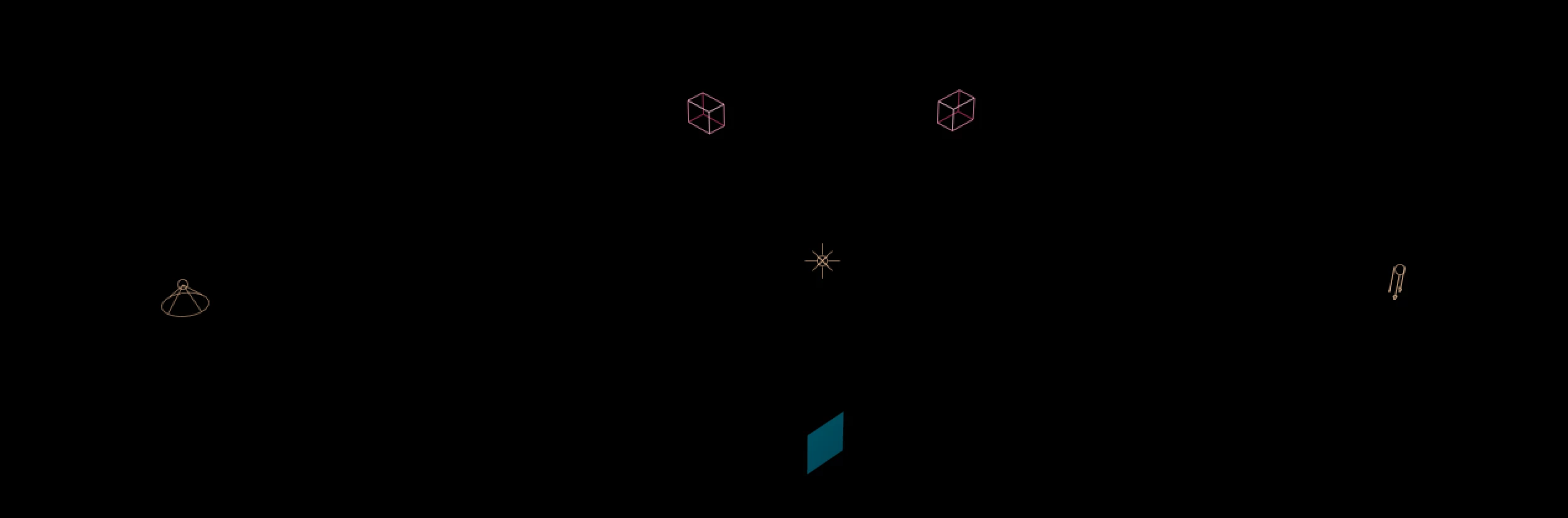
If you have a large number of 3D layers, and you need to select them all, you may have encountered something like this:
OUR SOLUTION
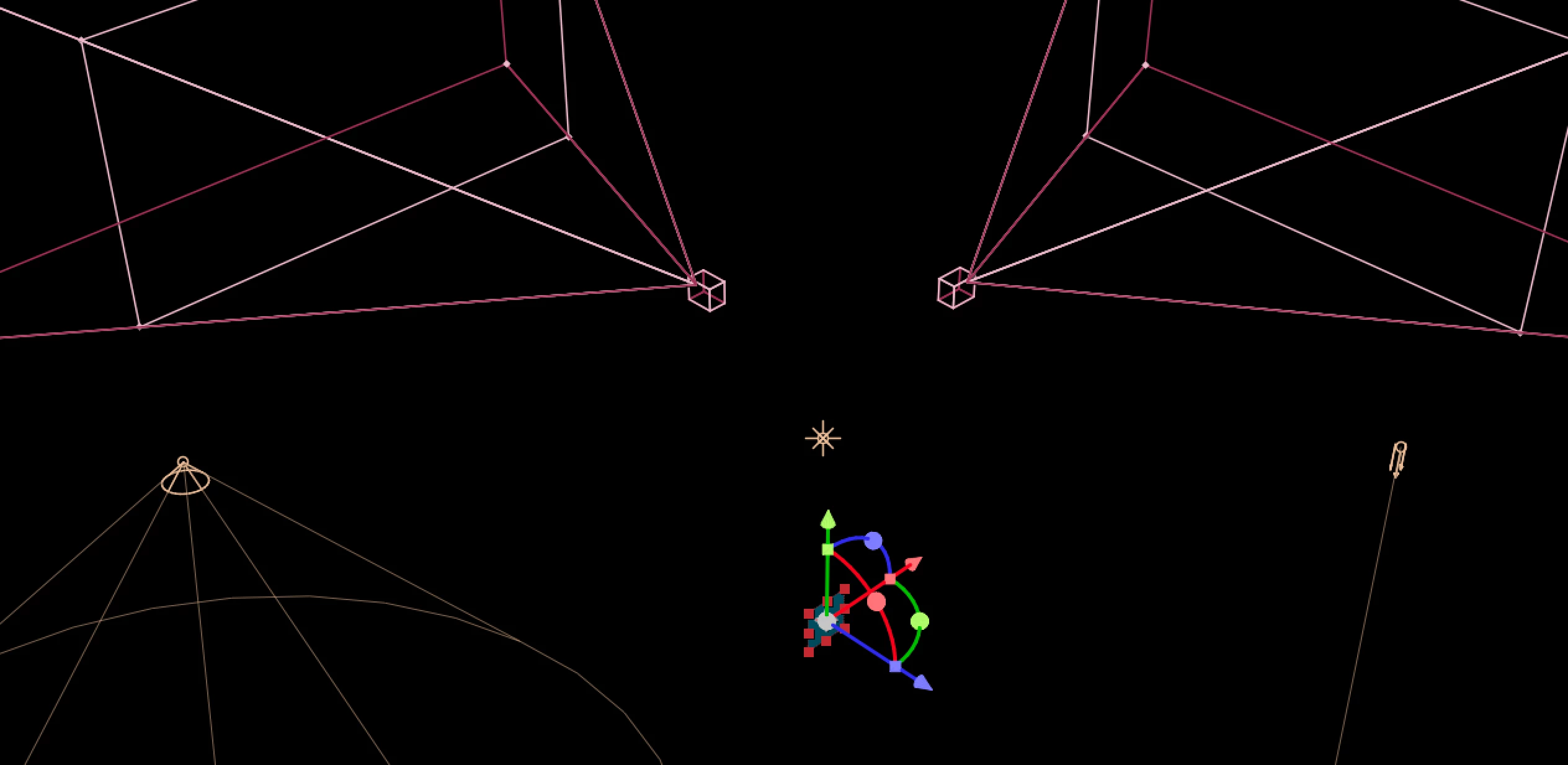
We decided to solve this by only displaying a single gizmo when multiple layers are selected. This reduces visual clutter, and greatly speeds up the UI when working in 3D.
SOME DETAILS
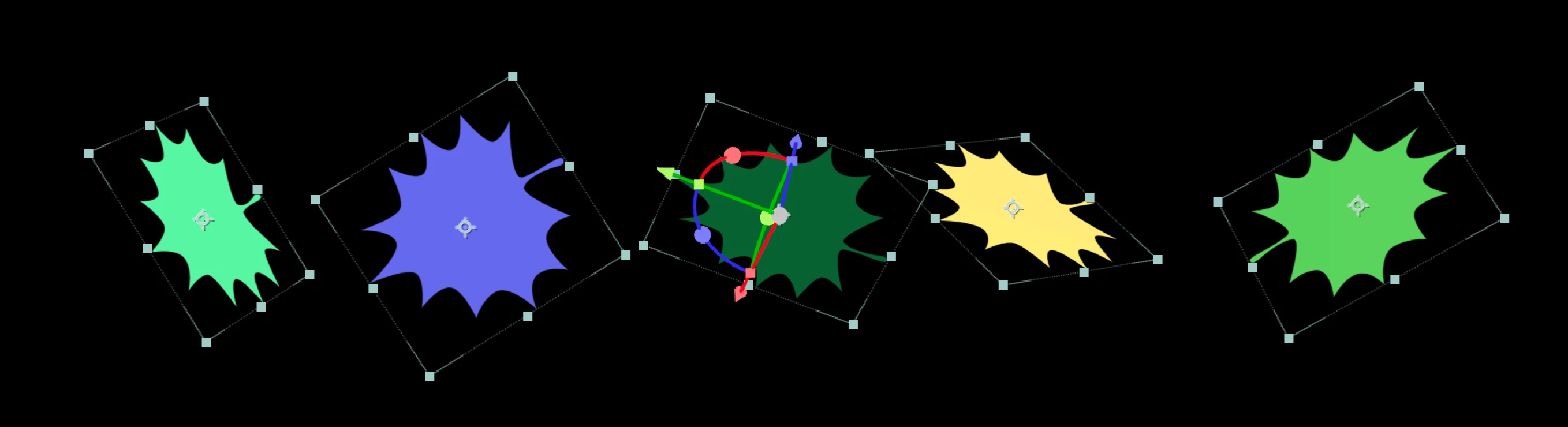
The gizmo is displayed on the last selected layer. So if you use a keyboard shortcut for select all, the bottom item in the timeline will feature the gizmo.
If you want to override the layer that displays the gizmo, it’s as simple as deselecting and reselecting the desired target layer.
- In the comp window, you can shift-click with the selection cursor on any object to deselect it, then shift click a second time to reselect it. After the second click, the gizmo will jump to the new object.
- In the timeline, cmd-click (Mac) or ctrl-click (Windows) do accomplish the same thing.
The Single Gizmo will affect each selected layer locally, e.g. if you rotate the gizmo layer, each selected layer will also rotate around its own anchor point.
Cameras and lights have also historically displayed a gizmo, and removing the gizmo made it less obvious when a camera or light is selected… we’ve compensated for this by making the wireframe for cameras and lights thicker when selected.
We’re confident that these adjustments have made AE faster and easier to navigate. Please let us know your thoughts!
- Brian
 AdChoices