



What We Do in the Shadows
After Effects beta users, welcome to the dark side!
Add realism or a bit of film-noir drama to your scene with realistic shadows in the Advanced 3D render engine.
Getting Started
- Version 25.3.56 of After Effects Beta now supports Spotlight and Parallel shadows. Up to eight separate Spot and Parallel light sources can cast shadows, in addition to one Environmental shadow layer, for a total of 9 shadow-casting sources.
- Note: Point lights do not yet cast shadows.
- 3D elements in your scene such as imported 3D models—as well as 3D layers, extruded text and extruded shape layers—will all cast and receive realistic shadows, including self-shadowing.
- Lights can be set to any color, and shadows from colorful light sources will realistically combine to create real-world additive-color shadows.
- Shadows have currently been tweaked to match the Classic engine as closely as possible for consistency with legacy projects.
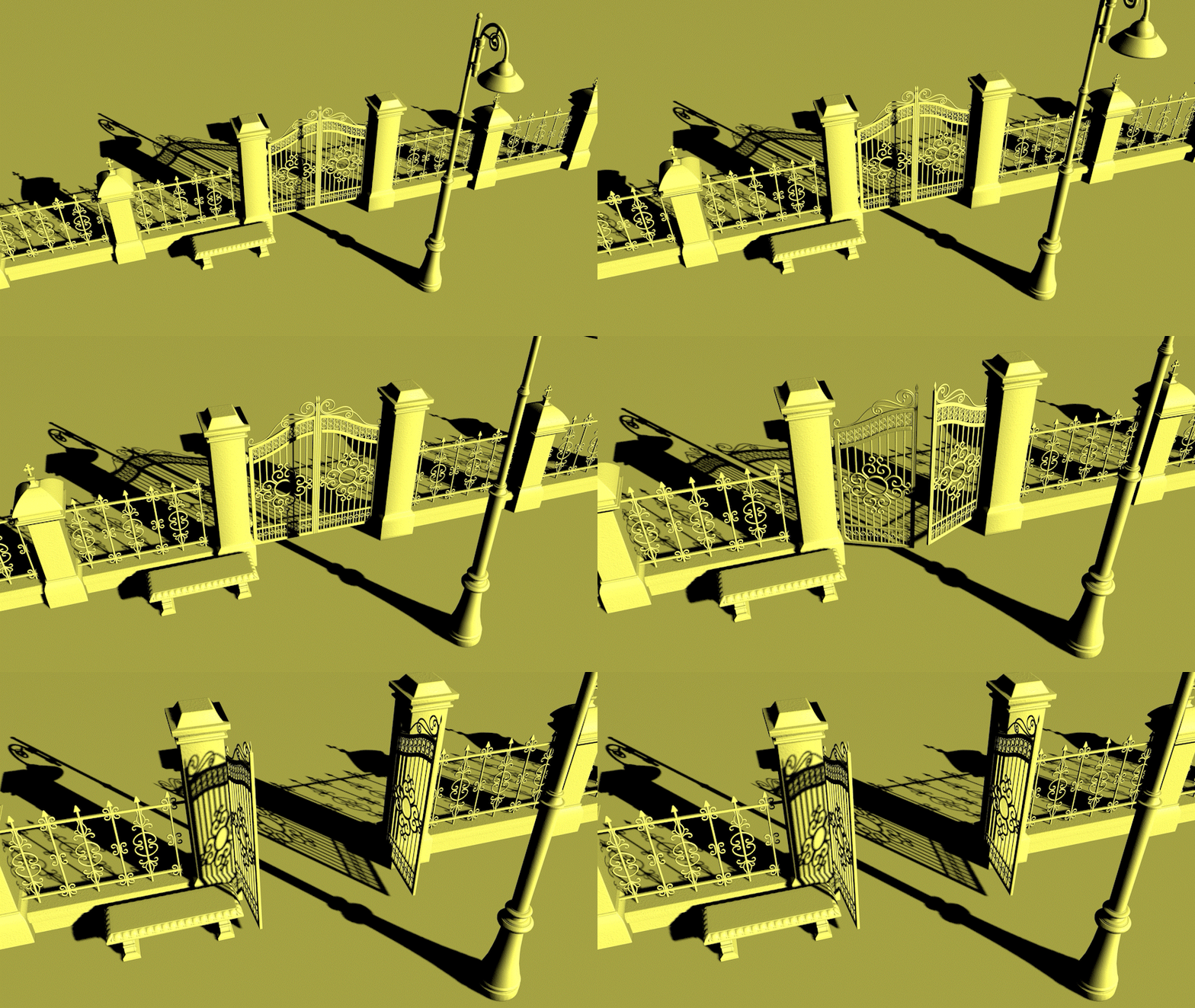
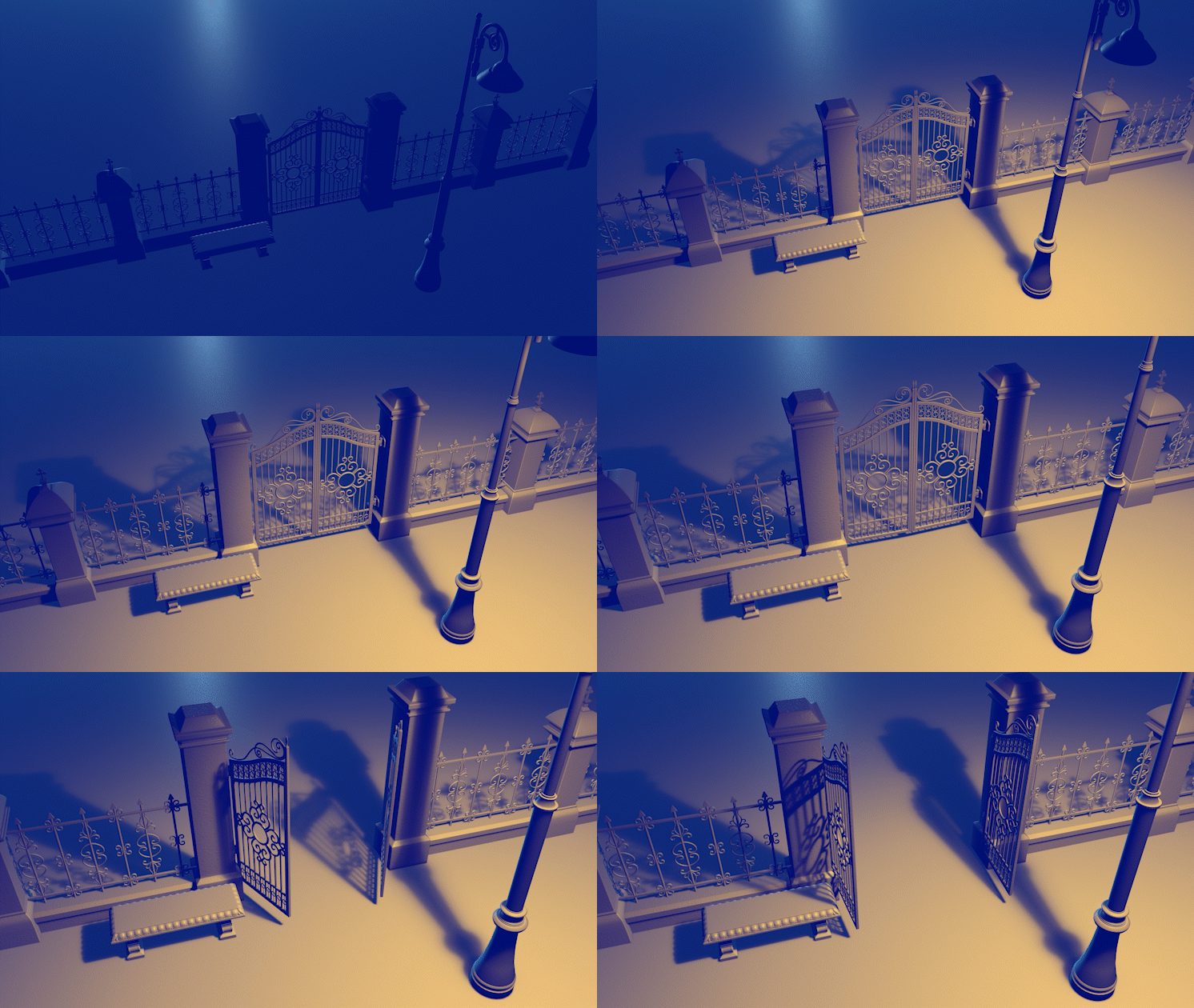
Main Features
- Environment lights, spot lights and parallel lights can all cast shadows.
- Shadow sources are limited to 8 Spot/Parallel lights plus one Environmental light.
- If you add more than 8 Spot/Parallel lights in a scene, the top 8 in the timeline stack will cast shadows. Lights lower in the stack will provide illumination, but they won’t cast shadows.
Performance Tips:
- Spotlight and Parallel light shadows should generally be much faster than Environmental shadows.
- Sharp-edged shadows have the fastest performance; increasing Diffusion will create buttery-soft shadows, though may take longer to render.
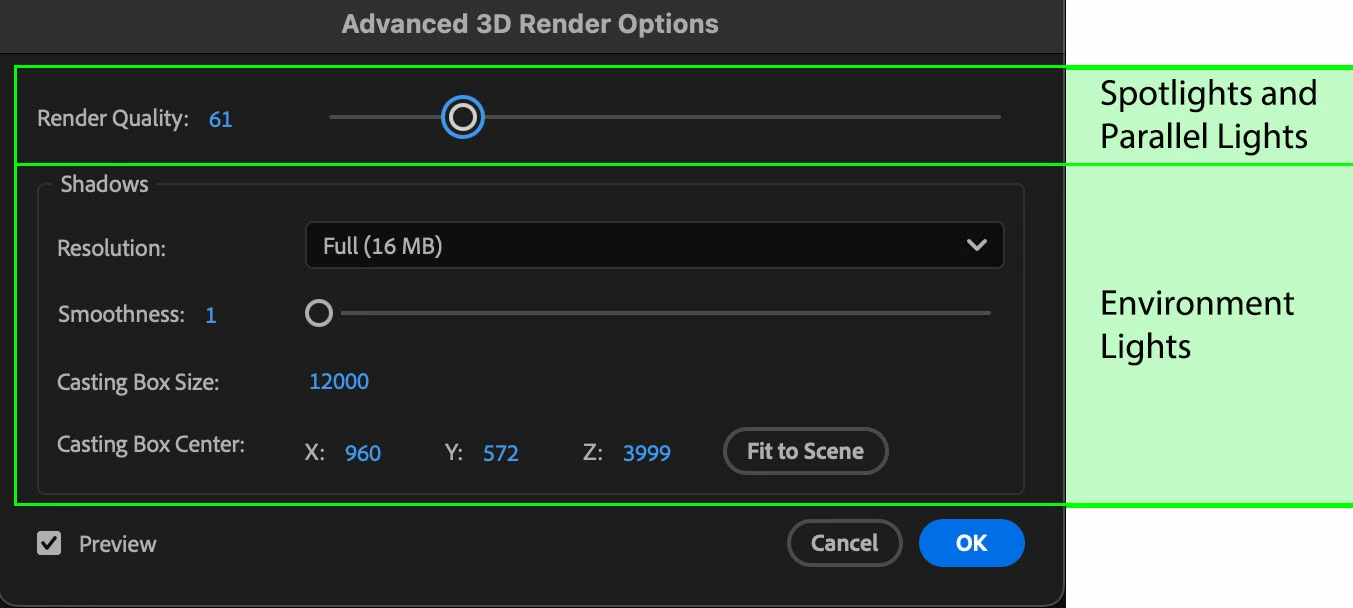
- If shadows appear unacceptably noisy try increasing the Quality slider in the Advanced 3D Render Options.
Note: Increased quality settings may reduce performance, and quality settings are persistent… so if you crank them way up, be aware that subsequent comps may see diminished performance until you remember to turn this slider back down to a more reasonable level. Also, AE defaults to a quality of 8… if adjusting the slider, keep your adjustments small until you see improvement, there’s probably no need to immediately set the slider to 100. Values below 24 are decent quality and should be reasonably interactive on most systems, while a value of 32 to 64 should be enough for final quality renders in most cases.
- In the Advanced 3D Render Options, the Smoothness and Casting Box settings only apply to Environmental shadows and have no effect on Spot lights or Parallel lights.
Bonus:
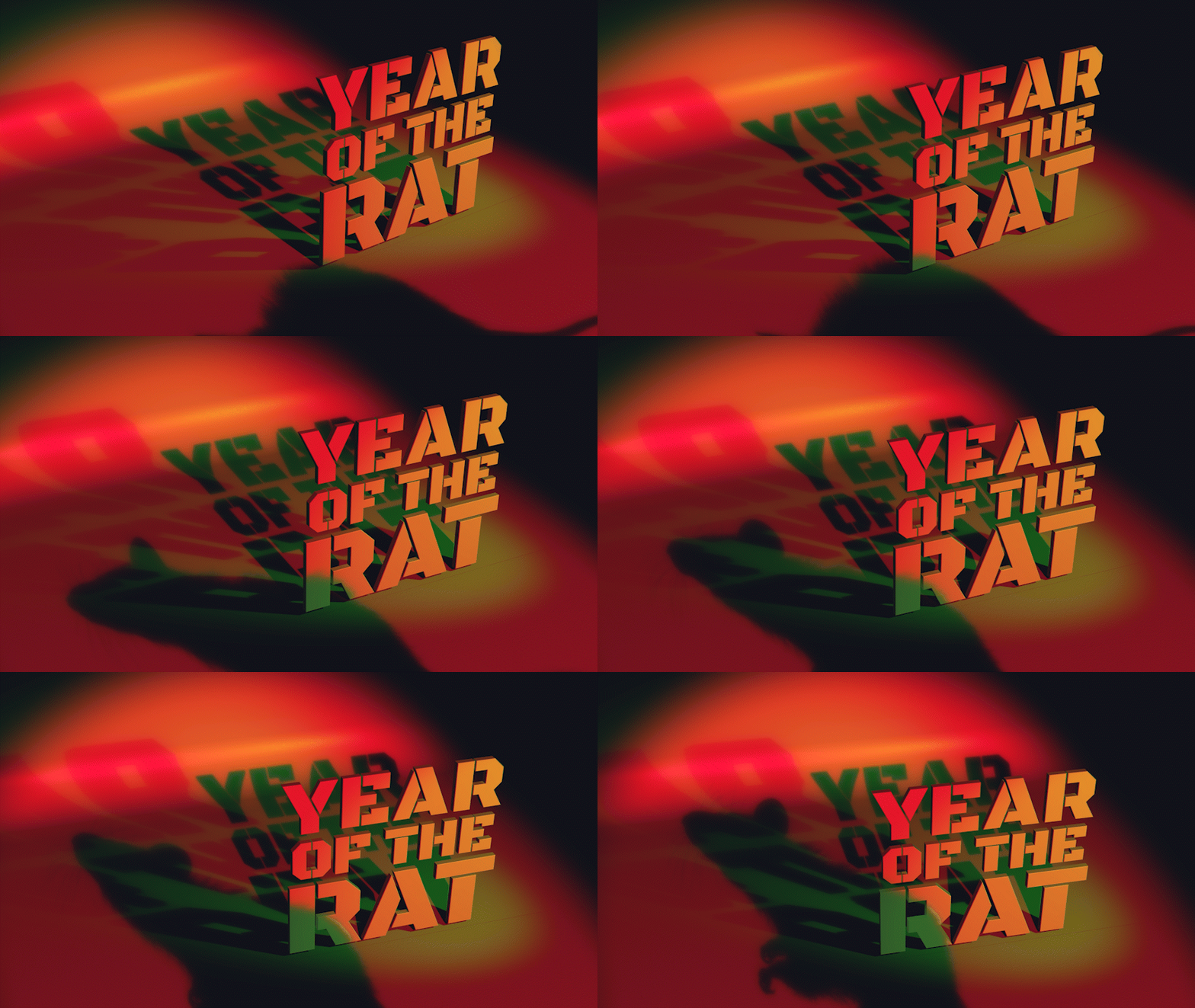
A subtle feature recently added to After Effects allows a layer that is receiving a shadow to override the “natural” color of the received shadow. This applies to regular 3D layers as well as layers that are designated as “shadow catchers.”
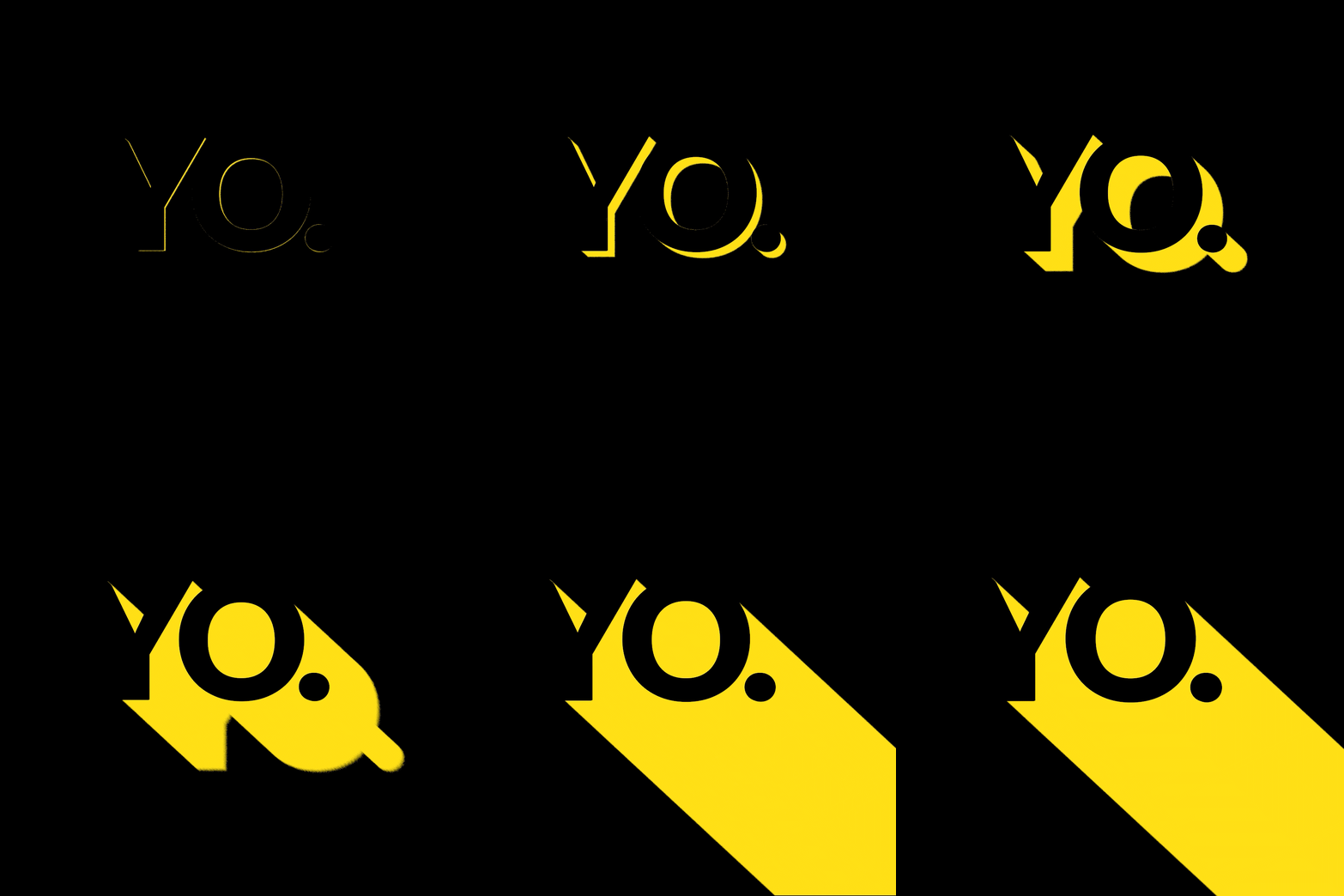
While this feature was interesting with Environmental Shadows, the addition of Spot and Parallel shadows has truly elevated the creative potential of this feature. In a realistic composition tweaking the color can help fine-tune a shadow to match an existing background element, but it is also very useful (and crazy fun!) to create brightly-colored shadows for stylized effects and creative motion graphics.
Suggestions for Testing
- Try mixing and matching different types of shadows (spot & parallel).
- Experiment with different colors of lights and observe how the colors and shadows combine.
- Combine an Environment light with Spot and/or Parallel lights
- Try changing the shadow colors on receiving layers
 AdChoices