
Best Way to Approach Interactive Animation
Hey guys. I'm posting anew on this same project I'm trying to wrap my head around as I think I'm in need of a fresh approach.
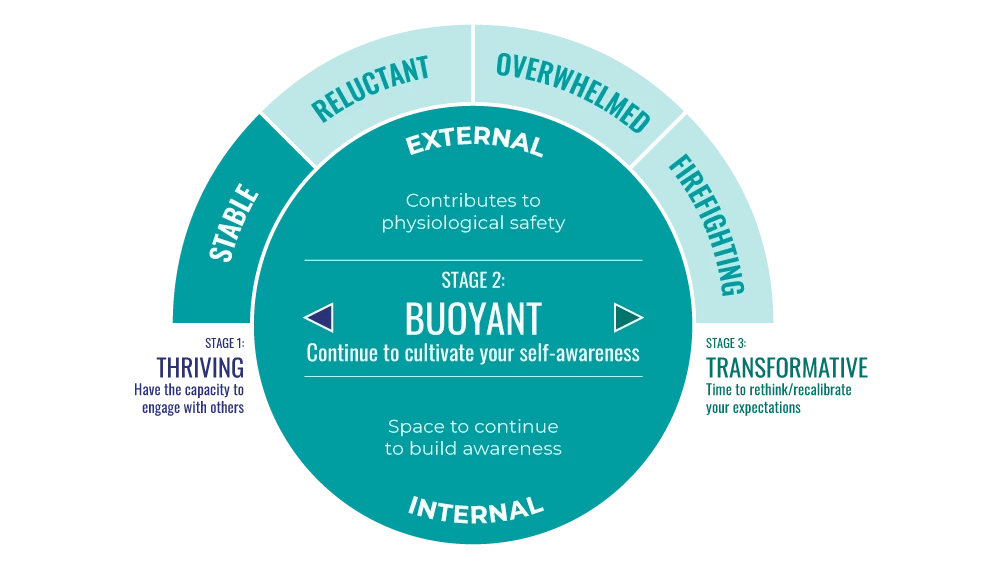
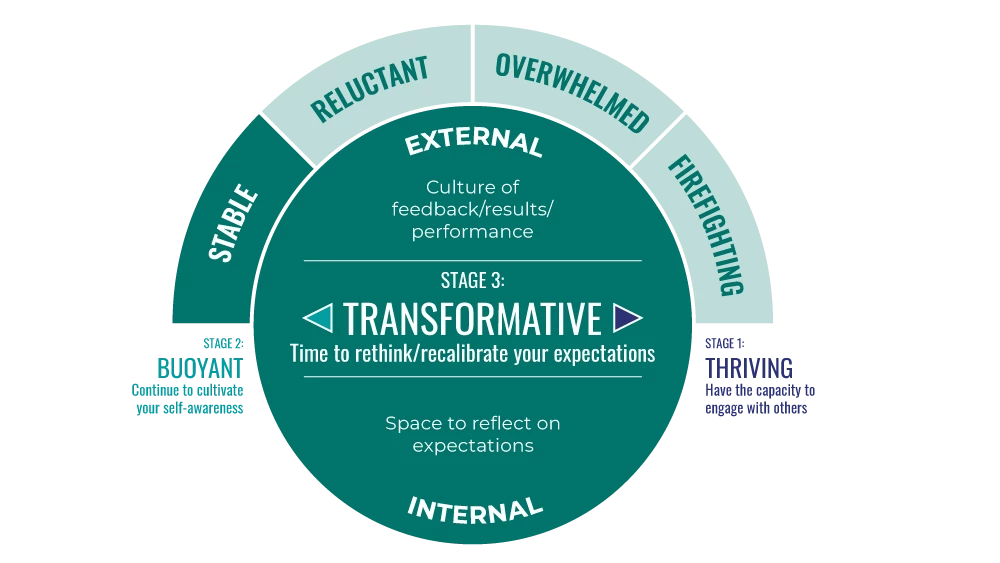
Basically wondering if I can get some guidance on the best way to create this interactive infographic (see attached) . I need to make the four top buttons (STABLE, RELUCTANT, ...) clickable, which will change the button color and present different information in the center circle (right now, all three are set on STABLE). Then I need to be able to circulate through the three different stages—THRIVING, BUOYANT, TRANSFORMATIVE—by clicking the right-left arrows and/or the stages text to the right and left.
I had set this up as buttons just triggering a jump to a frame with the appropriate correspinding view, but it resulted in too much code with each frame and kind of code loop that cummuatively bogged down the brower to the point of not working at all.
Any ideas on a simpler approach to this that won't require custom code and can be done via Code Wizard? Tagging you @kglad as you've been kind enough to help in the past on this.
And thanks in advance as always!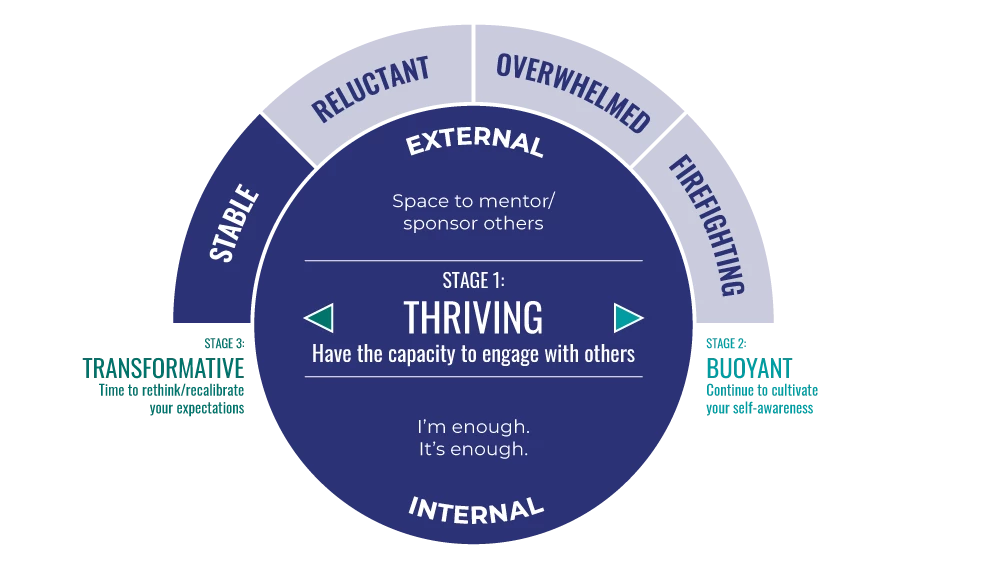


 AdChoices