raven+crow
Known Participant
November 30, 2023
Question

Best way to show four different layers one at a time

  • November 30, 2023
  • 1 reply
  • 796 views

Hey all. New to the community and Animate and wondering if I can get some help on a concept I'm having trouble teasing out.

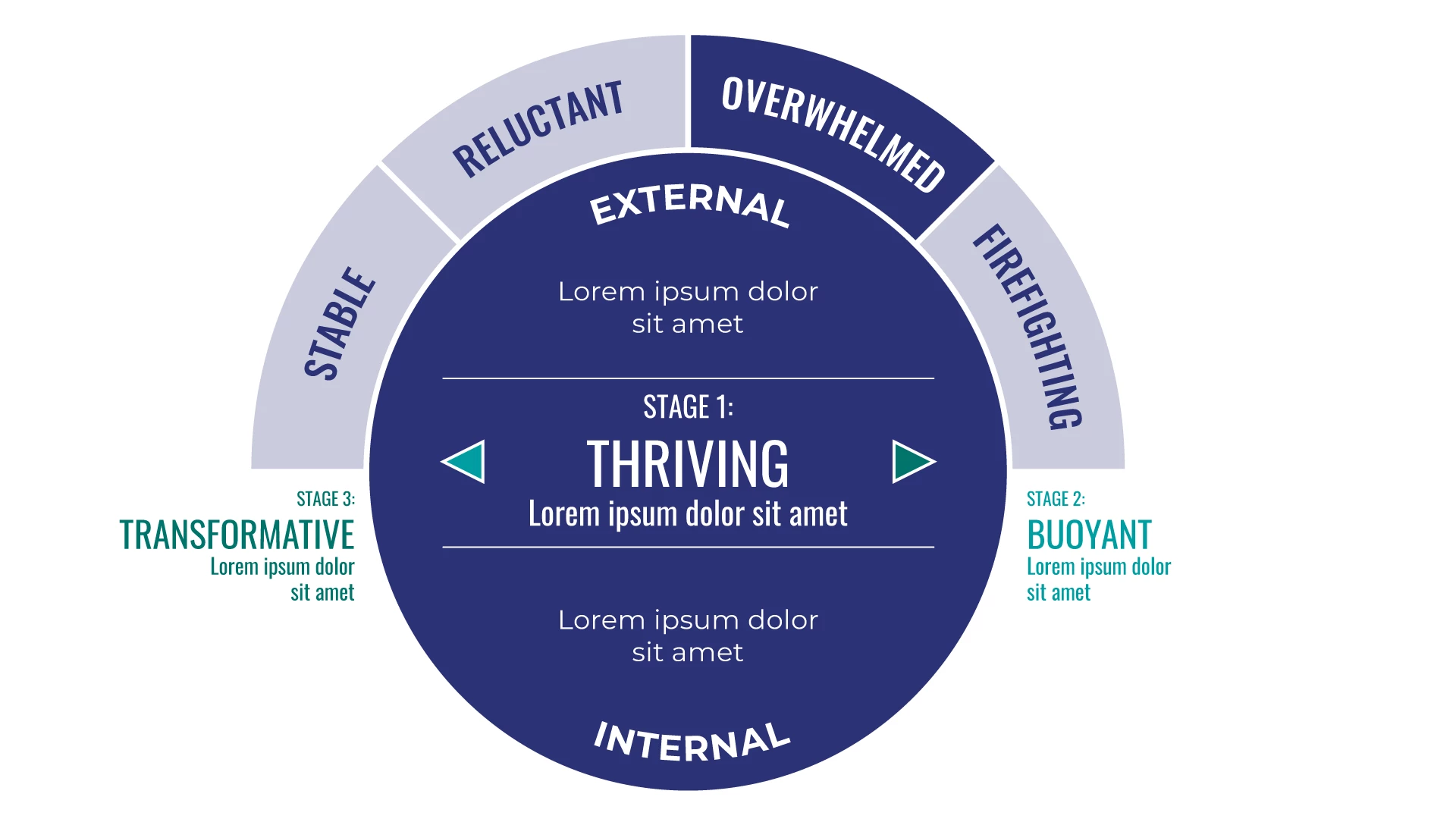
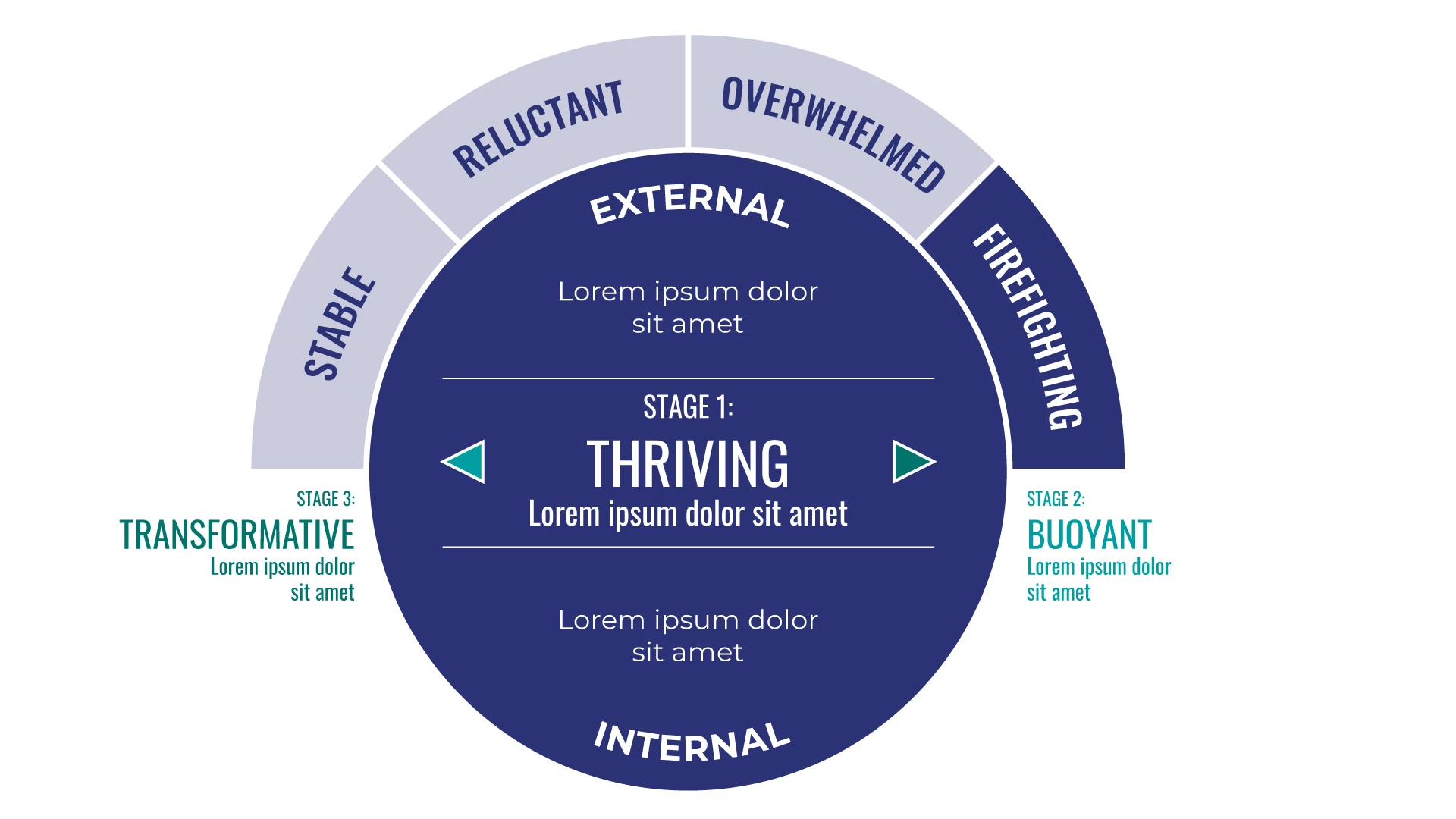
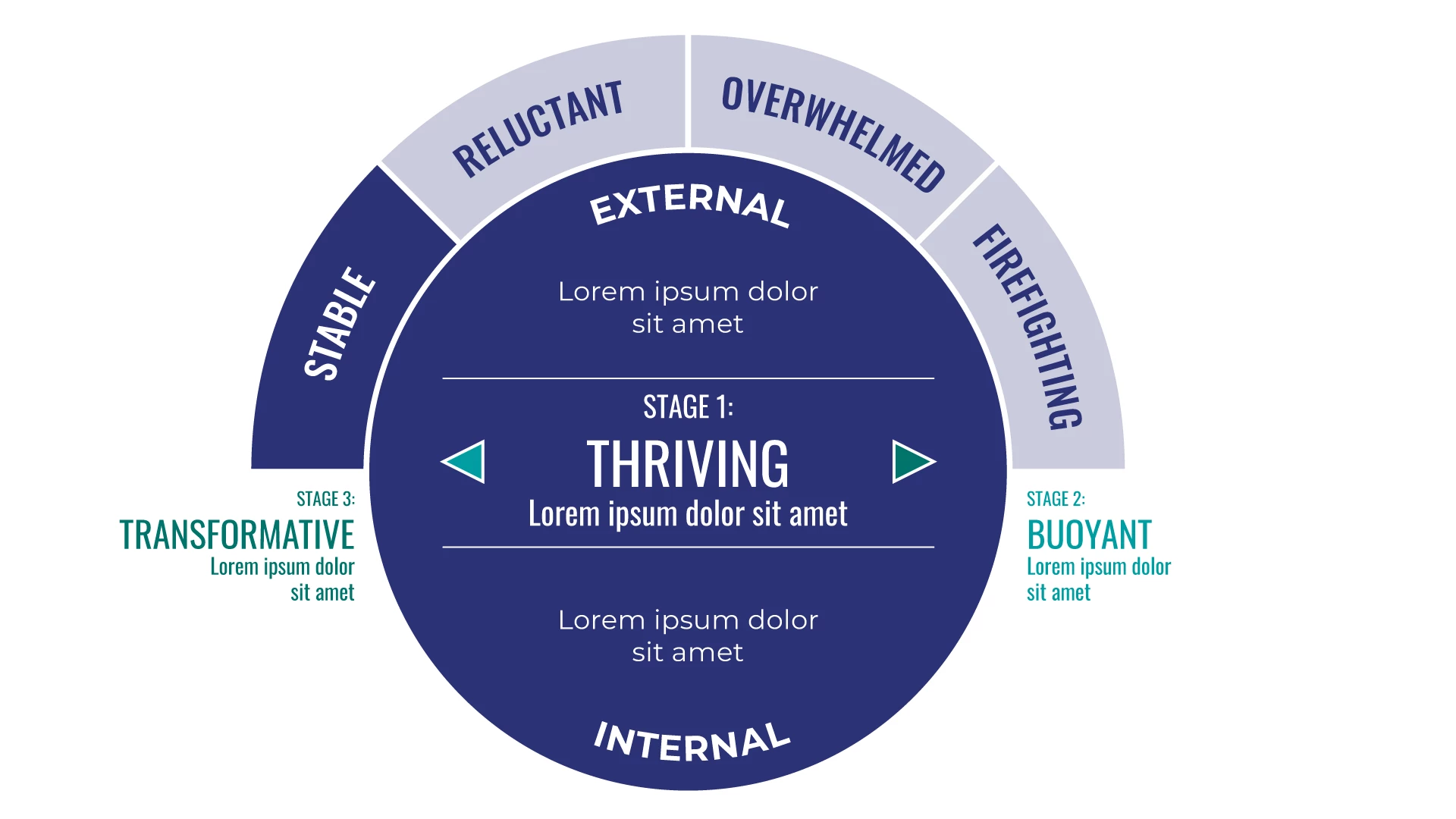
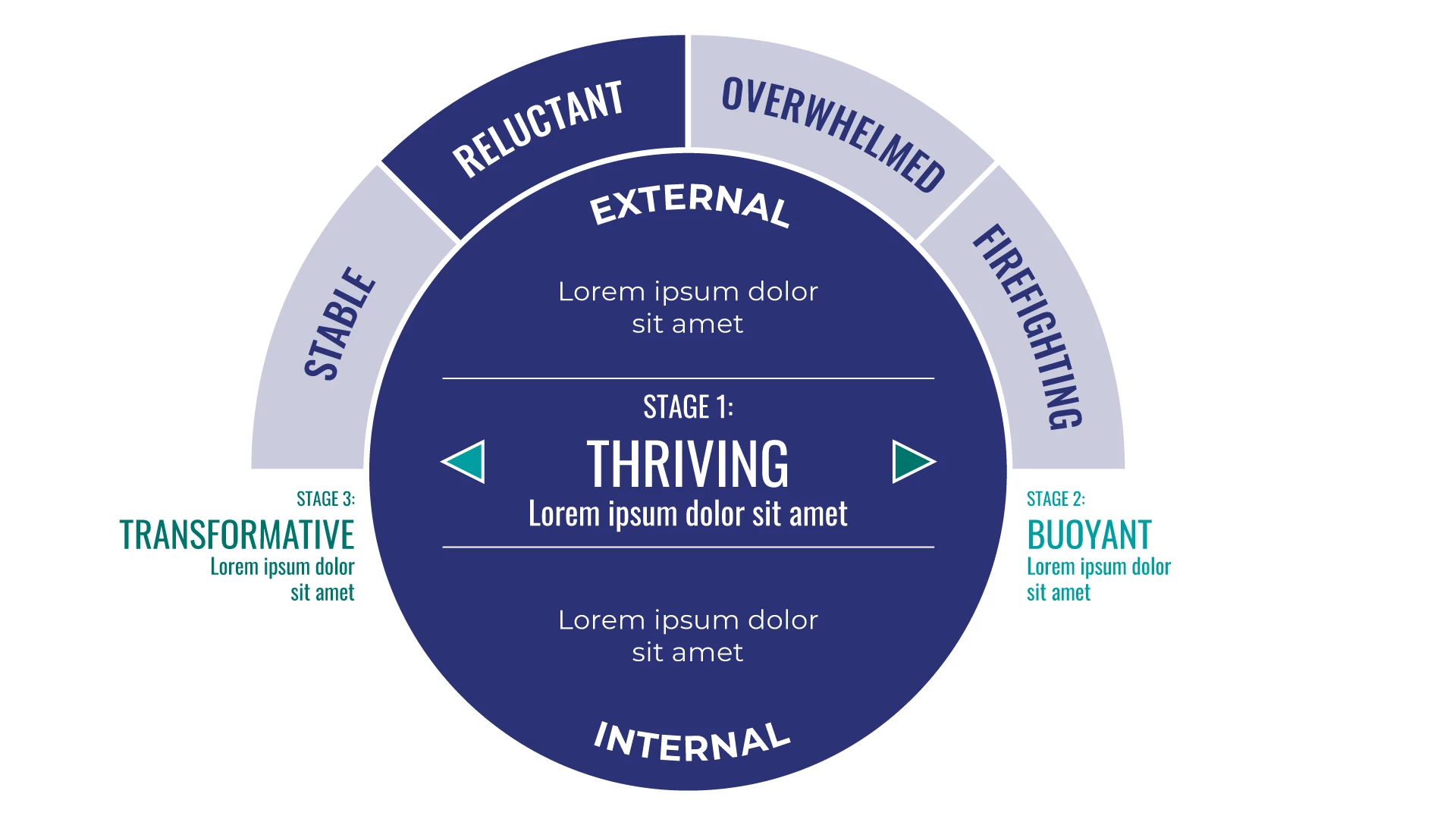
Basically, I'm trying to create an informational graphic that allows users to click on one of four buttons and show different corresponding information in the main circle —images attached of the four graphics with filler content. In actuality, the real graphic will show different intertnal text in the big circle whebn each of those four top buttons are clicked.


I had originally created motion tweens for each layer going from 0 to 100 on the Alpha and back to 0, with two stop actions, then made the four top  buttons trigger each tween accrodingly. But that breaks after two layers, I realize now.


I'm hoping there's a better way to animmate and make the big circle info change with the top buttons being clicked?


And thanks in advance, all!
    This topic has been closed for replies.

    1 reply

    kglad
    Community Expert
    Community Expert
    November 30, 2023

    i don't know what your post title means, but all layers always show unless you take steps to hide them.


    as for your screenshot, it looks pretty simple to just use keyframes to show different displays, or if the only differences are the text, use a dynamic textfield and code to show the different content.

    raven+crow
    Known Participant
    November 30, 2023

    Yeah, I'm probably not explaining much (any) of this well. And correct, only the text and the darker buttons would be changing. So you're saying that I would have the buttons trigger an animation that just goes to a new keyframe where the text would be different and the button would be darker, correct? Again, v new to Animate, so apologies if I'm asking super-basic questions.

    kglad
    Community Expert
    Community Expert
    November 30, 2023

    you could do that.  it's simple in concept, easy to execute and debug for all the visible elements.


    for the actual buttons that control which frame is viewed, use transparent buttons in one initial keyframe so you only have code in that initial keyframe.