

UnknownTiara
Participant
June 18, 2024
Answered

Bring Object to Front using Actionscript
  • June 18, 2024
  • 2 replies
  • 931 views

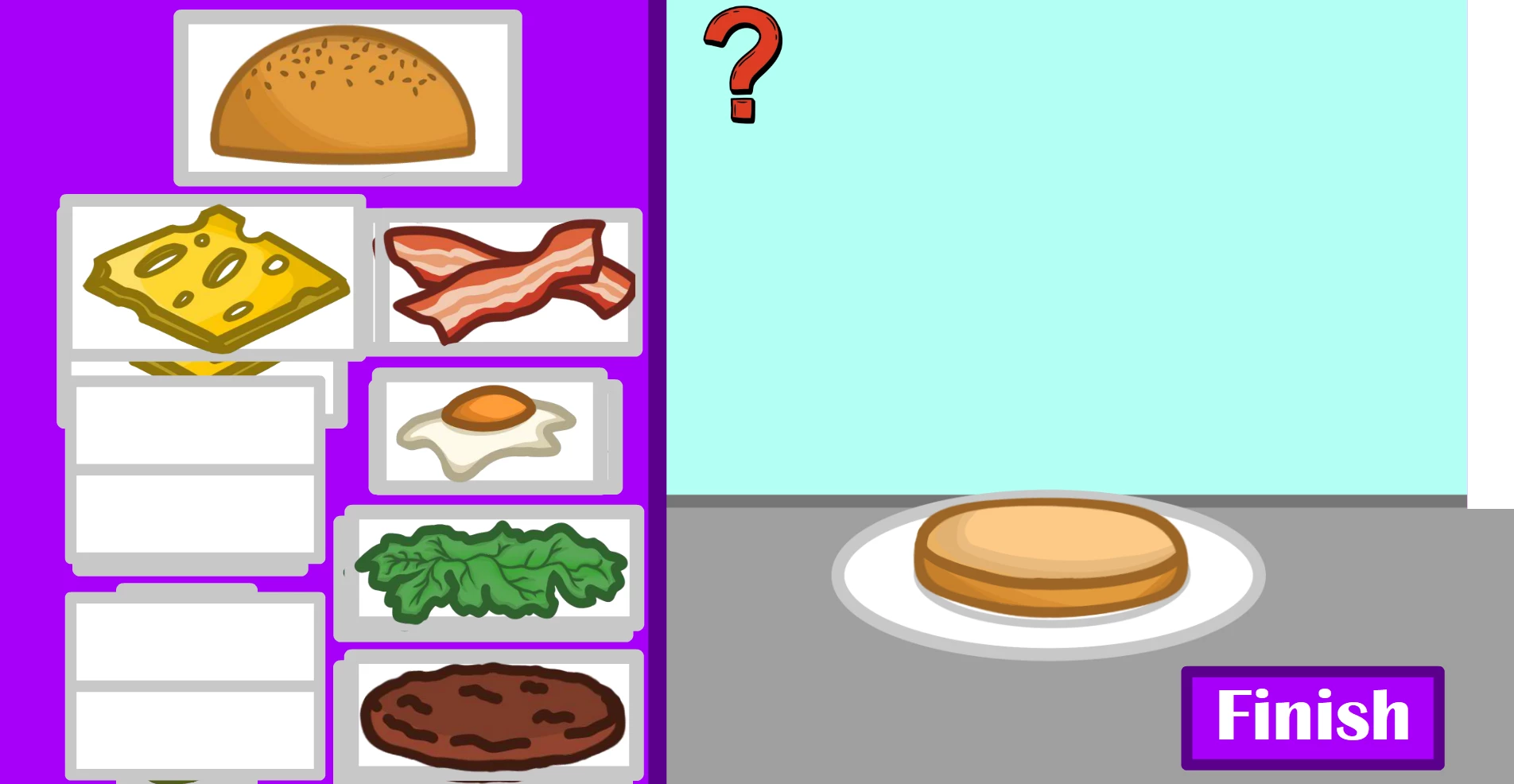
So I'm making a Burger Builder game, where the user can build their own burger by dragging and dropping the burger parts, essentially stacking them. However, I have a problem with the layers because if the user wants to have the patty as the first layer in the stack, and they want lettuce as the second layer, but then the lettuce is stacked behind the patty (if you get what I mean).


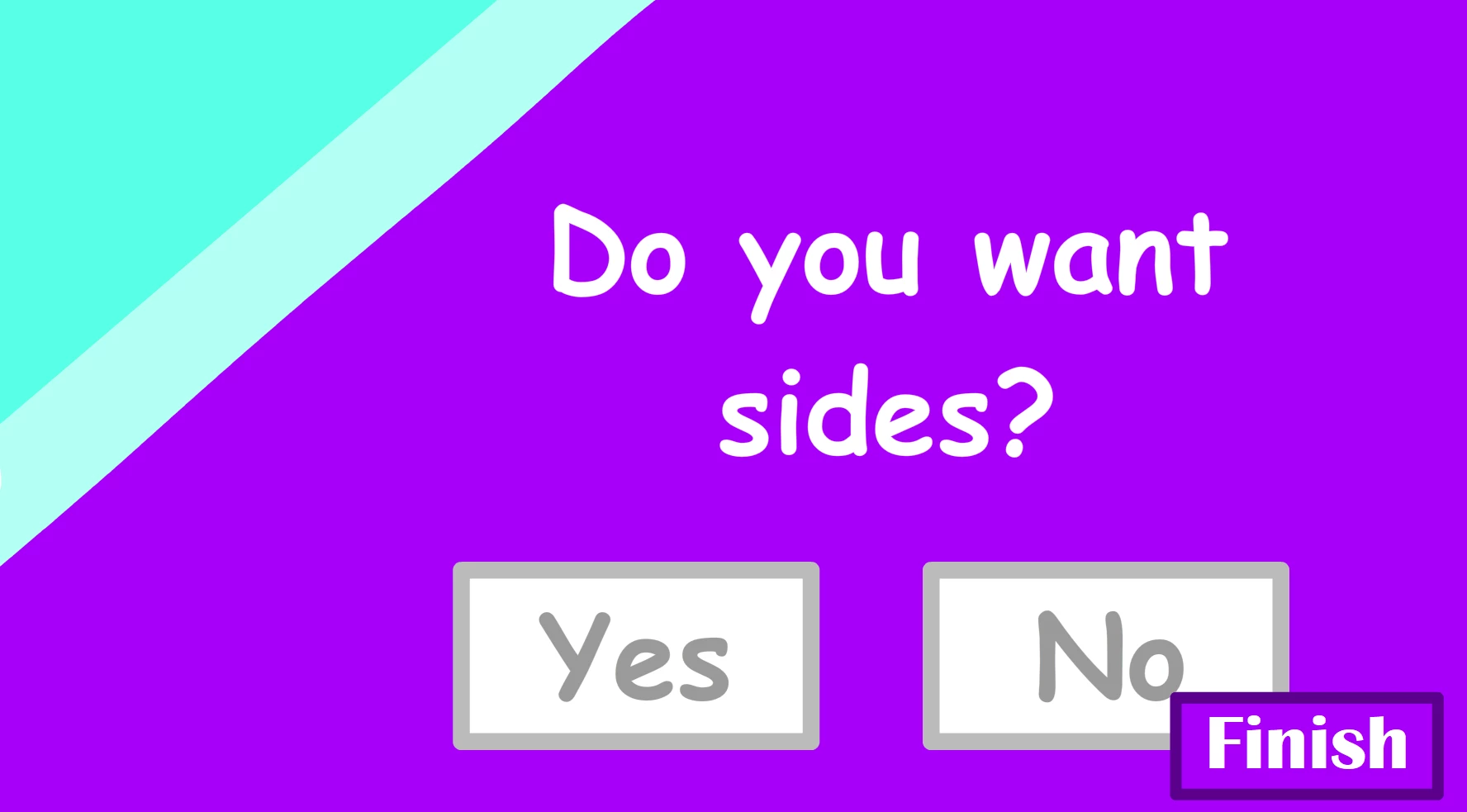
When I use the "Bring Object to Front" code snippet, when I go to the next scene, it looks like this, like the objects I clicked are showing up in the next scene, and layers that are hidden shows up.
 

Is there a way to fix this? Because the code snippet makes it that everything in the scene is clickable, so how do I make it that only certain objects (the burger parts)  are clickable to bring to the front and leave everyting else be?


I'm very new to this,  so if you can, I'd like to be explained like a 5 years old "monkey see monkey do".

This topic has been closed for replies.
Correct answer kglad

ooh so just copy this code word for word or what do i change?


did you call move_to_top()?

eg, using bun click


bun.addEventListener(MouseEvent.CLICK,, onBunClick);


function onBunClick(e:MouseEvent):void{

move_to_top(MovieClip(e.currentTarget));

}


function move_to_top(mc:MovieClip):void{
mc.parent.addChild(mc);

}

2 replies

JoãoCésar17023019
Community Expert
Community Expert
June 18, 2024

Hi.


Are the burger parts inside of the same parent? And are there any other instances in this same parent?


I think the codes suggested here work but you need to make sure youl're adding the click listener to the correct container or children and that these parts live in the same parent so that they don't go beyond the UI for example or don't appear in another screen of your game.


Regards,

JC

nurba
Participating Frequently
June 18, 2024

you can use setChildIndex to set the depths of the movieclips


function onLettuceClick(event:MouseEvent):void {
// Bring the lettuce the front
setChildIndex(lettuce , numChildren - 1);
}

UnknownTiara
Participant
June 18, 2024

like this? because it didn't work for me

kglad
Community Expert
Community Expert
June 18, 2024

nurba's code is incorrect.  and it's easier to use addChild:


function move_to_top(mc:MovieClip):void{
mc.parent.addChild(mc);

}