Inspiring
November 22, 2024
Answered

Exported Sprite sheet has only 1 frame

  • November 22, 2024
  • 1 reply
  • 407 views

Hello community.


I have some questions puzzling me regarding adobe animate.


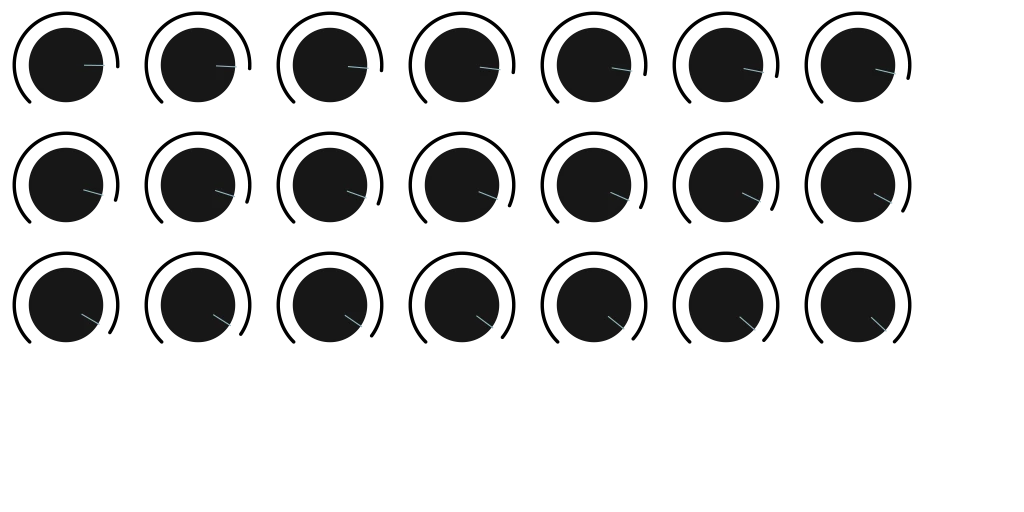
I'm trying to export my PNG sequence I designed from AE and imported into AA. when I select export sprite sheet, I end up with only 1 keyframe, although I have selected the symbol which was converted from the PNG sequence. 

I also try the auto size, incase it can generate the PNG sprite for me. but It ends up exporting only 21 frames from the total frames.


for example I have 128 frames, and my artboard I have made 200 x 200p to get a nice square vertical PNG strip. this is what I need to do.


Thank you.


Images attached.
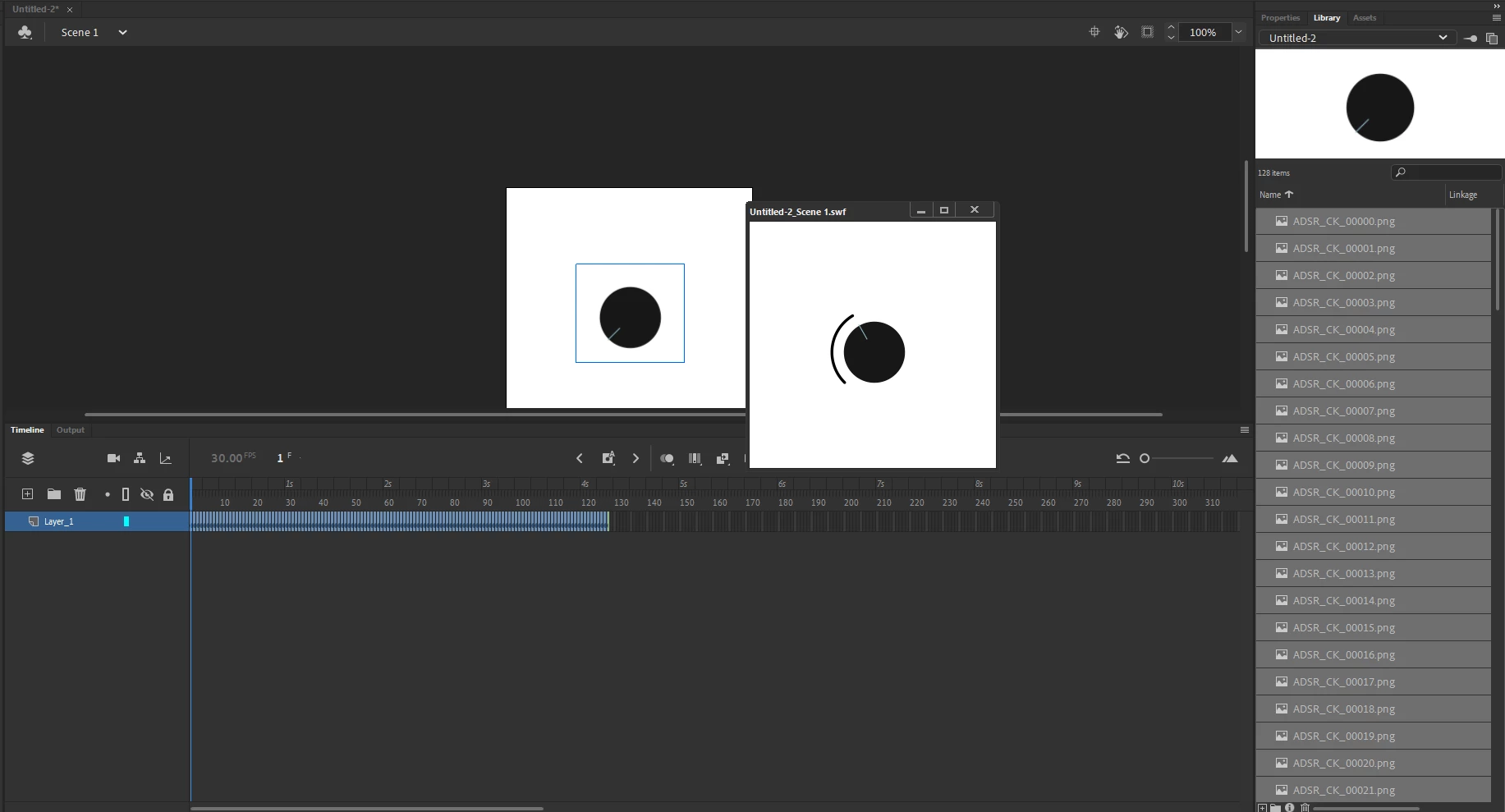


And is it possible for adobe animate to  export large vertical sprite sheets, for example: 150 frames, and the PNG sequence is 1000pix X 1000 pix?  Anyone familiar with Animate can test this please?


This topic has been closed for replies.
Correct answer Mario_CR

Hi, doesn't look like you're selecting a symbol per your screenshot, only the frames on the main stage.

To put these on a symbol you have to select the layer > right-click on the layer name > and choose Convert Layers to Symbol. Then on the library you can select this symbol, right click and choose Generate Sprite Sheet.


Regardless, I would suggest to look for another app for this.

A spritesheet in Animate can only be 8192 x 8192 px maximum, it can't be any larger than that. It definitely won't fit 128 frames at 200px on a single sheet if that's what you need, much less larger ones.

1 reply

Mario_CR
Community Expert
Mario_CRCommunity ExpertCorrect answer
Community Expert
November 22, 2024

Hi, doesn't look like you're selecting a symbol per your screenshot, only the frames on the main stage.

To put these on a symbol you have to select the layer > right-click on the layer name > and choose Convert Layers to Symbol. Then on the library you can select this symbol, right click and choose Generate Sprite Sheet.


Regardless, I would suggest to look for another app for this.

A spritesheet in Animate can only be 8192 x 8192 px maximum, it can't be any larger than that. It definitely won't fit 128 frames at 200px on a single sheet if that's what you need, much less larger ones.

Inspiring
November 22, 2024

Thank you Marlo.

Kind regards.