

Gaming Input on Ship Console not working properly
Hi i just bought the Ship Console and plugged it in my Windows USB.
In Animate i use the GamingInput API
public var gameInput:GameInput = new GameInput();

myDevice = GameInput.getDeviceAt(0);
myDevice.enabled = true;
The Ship console is detected and i can also check how much controls it has supported
so i trace through all controls in an ENTER_FRAME to see if it is working
for (var i:int = 0; i < myDevice.numControls-1 ; i++) {
var cont = myDevice.getControlAt(i)
trace(i+":" + cont.value + " Name:" + cont.id )
}
And it works, every button, also the Steering Wheel works
But, and what is frustrating me is:
The Ship Consiole has two throttles for steering boats with two engines.
When i try the trottles the values on my output are not changing at all. The rest of the Ship console, every single Button is working also the steering is working .
Here is a picture of the ship console
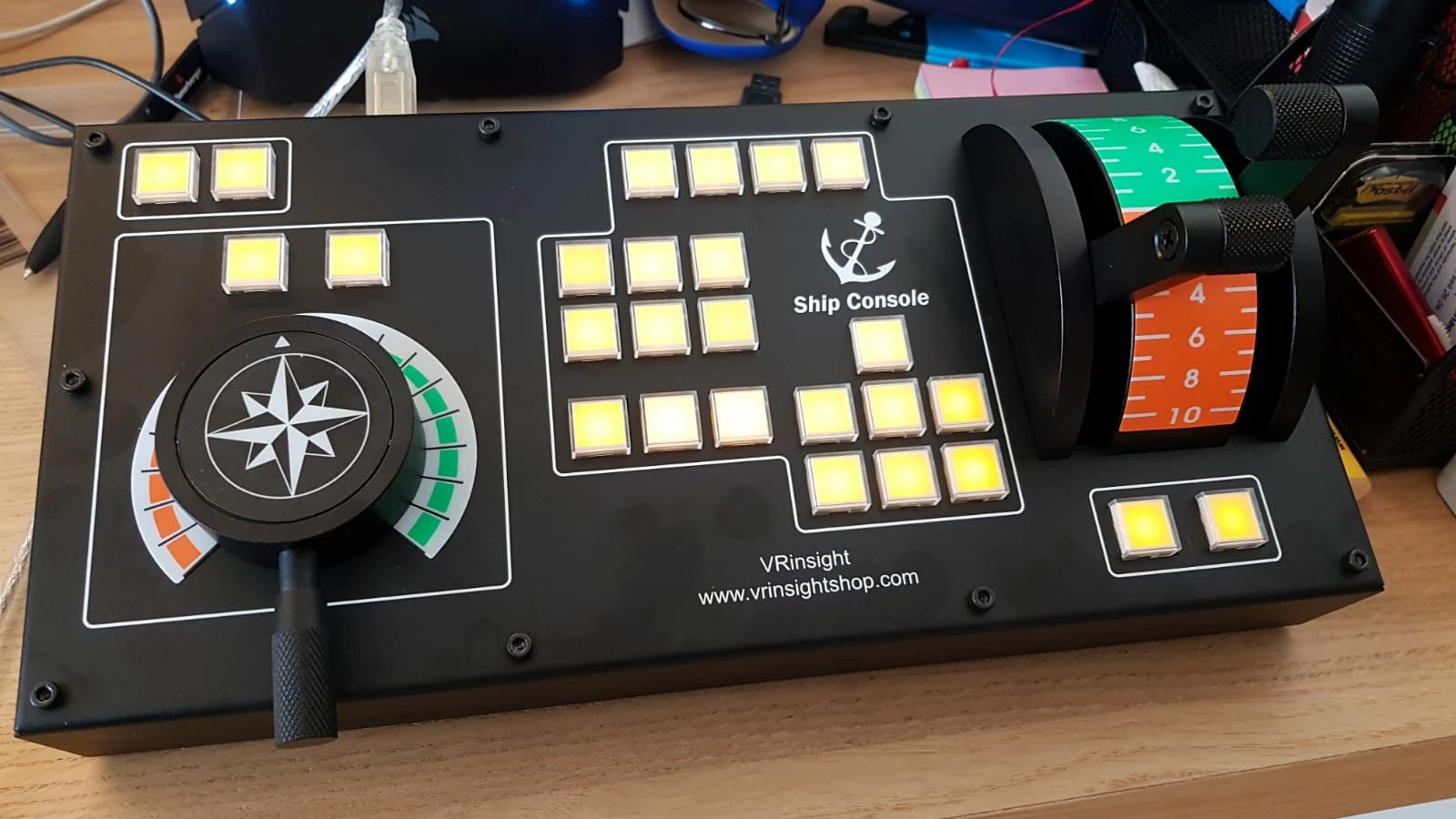
and here is a picture from the trace output. So i am lost as everything works except these 2 throttles.
And in windows the two throttles works. I can see it in the properties of the Throttle where you can test the ship simulator.
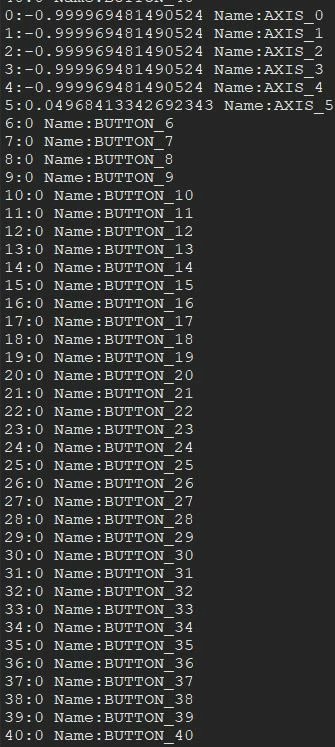
You see that there are 40 controls
Please help.
Michael


 AdChoices